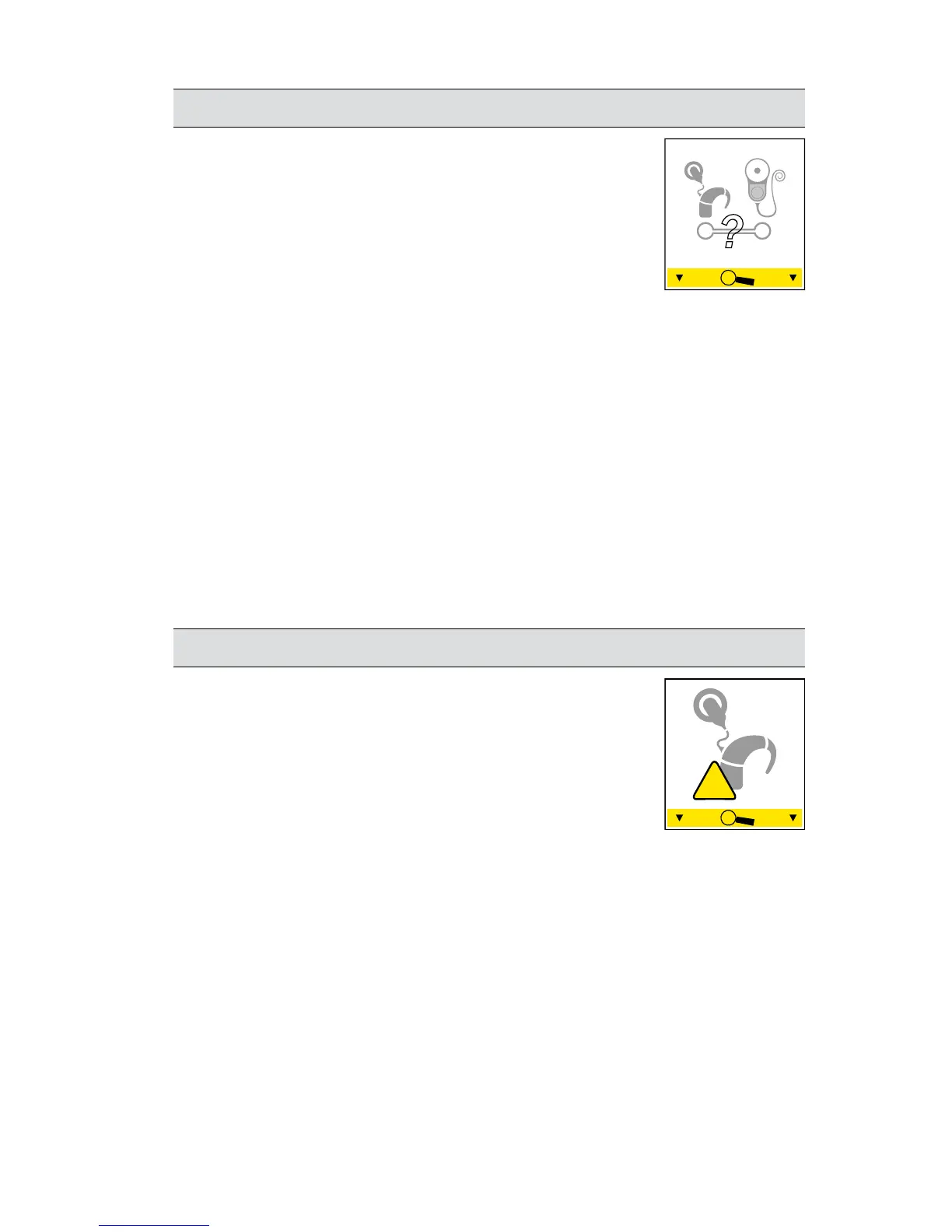
Processor not connected to the correct implant
This alert appears if your processor is not
connected to the correct implant.
Suggested actions:
Step 1: Make sure that your processor is connected to your
implant. Never use another person's processor with your
implant.
If you have two implants, make sure the left processor is
connected to the implant on your left side and the right
processor is connected to the implant on your right side.
If this solved the problem, you’re done. If not, continue.
Step 2: Contact your clinician.
General fault/alert
This alert could mean:
There is a • fault with your processor.
A • program is corrupt.
Suggested actions:
Step 1: Try turning your processor off then on again.
Change to a different program.
If this solved the problem, you’re done. If not, continue.
Step 2: Contact your clinician.
© Cochlear Limited 2010 CP810 and CR110 Troubleshooting Guide - 19
Use your remote assistant to troubleshoot your processor


 To Next Page