Troubleshoot your processor
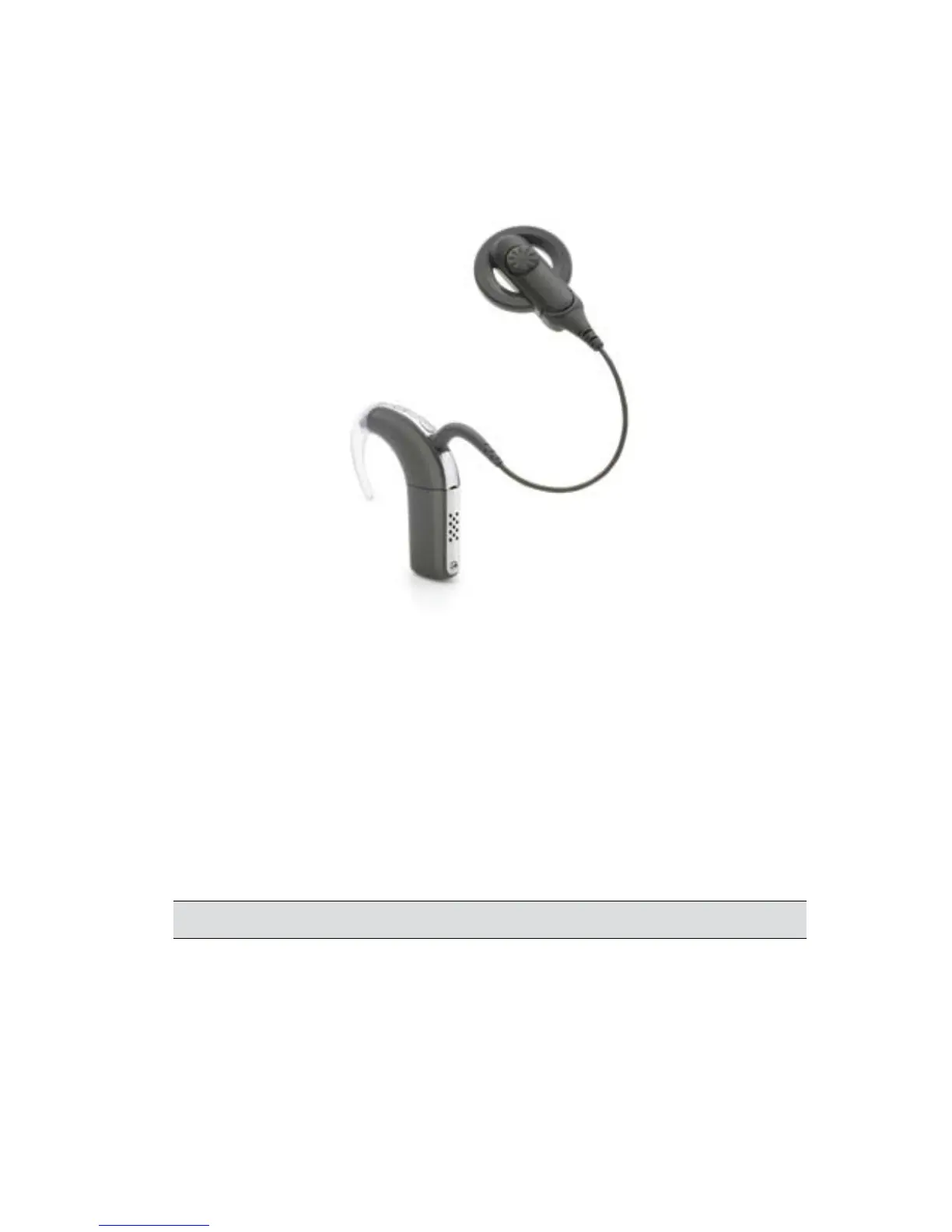
Figure 5: CP810 Sound Processor, coil and coil cable
While troubleshooting your processor, keep the following
guides close at hand:
CP810 Sound Processor User Guide•
CR110 Remote Assistant User Guide•
You have accidentally changed processor settings
Suggested actions:
If you have a remote assistant, reset your processor's settings. This will
return all system settings to the values set by your clinician.
If you don't have a remote assistant, contact your clinician.



 To Next Page