Channel additions
6-6 HF SSB Transceiver 9323/9360/9390/9780 Technical Service Manual
q Rotate Select to highlight the selcall group that you want.
S-
Selcalls not enabled
S1
Selcall group 1
S2
Selcall group 2
S3
Selcall group 3
S4
Selcall group 4
S5
Selcall group 5
If you do not want to change the selcall group setting, proceed to the next
step.
Setting the channel protection
q Rotate Volume to highlight the channel protection status.
q Rotate Select to highlight the option you want.
P
protected
NP
not protected
If you do not want to change the channel protection status, proceed to the
next step.
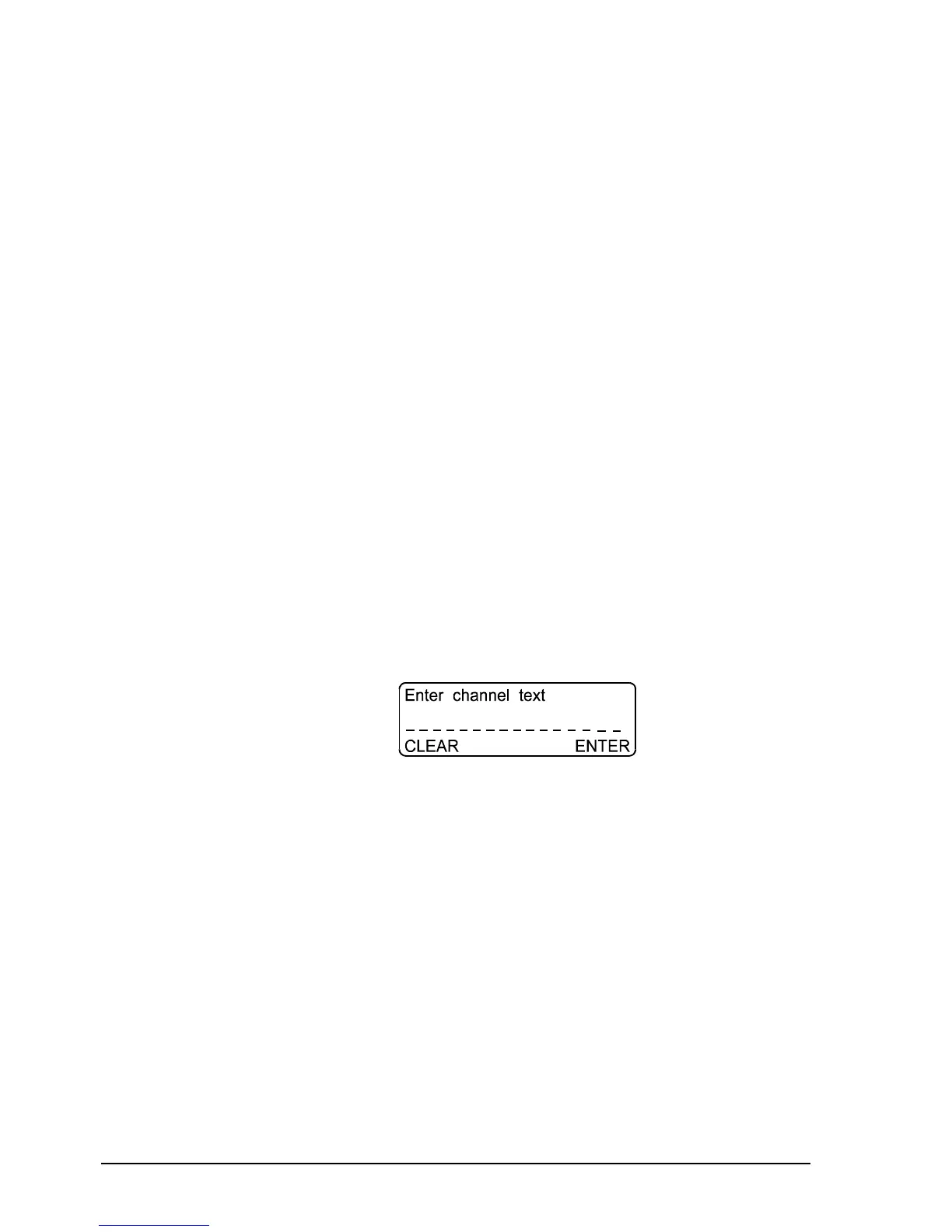
q Press F2(ENTER) to see a display that is similar to the following.
The display tells you to Enter channel text.
Entering a channel comment
q Enter the channel comment using Select and Volume.
If you do not want to change the channel comment, proceed to the next step.
q Press F2(ENTER) to save the channel settings.
The display returns to Channel mode.



 To Next Page