Code Blue
•
259 Hedcor Street
•
Holland, MI 49423 USA
•
800.205.7186
•
www.codeblue.com
GU-137-Hpage 54 of 67
IP1500 and IP2500 Series
Administrator Guide
12 Avaya IP Office Integration Guide
Introduction
ThisAvayaIPOfceIntegrationGuideprovidesgeneralinstructionsforintegrationofthe
IP1500/2500/5000 Series PhoneswithanIPOfceinstallation.Readthisinstructionsetcompletely
before starting any installation. For detailed IP1500/2500/5000setupinstructions,pleaseconsultthe
IP1500/2500/5000 Guides.
Prerequisites
• AvayaIPOfceManagerVersion9pre-installed
• SIPDeviceLicensingfor3rdPartyIPEndpoints
• NetworkaccesstotheIPOfceManager,IP1500/2500/5000 Series Phones and
allnetworkservices(SIP,HTTP,FTP,RTP/SRTP)
IP Office Manager Basic Configuration
Basic instructions for integrating IP1500/2500/5000 Series PhoneswithanAvayaIPOfceR7
Managerareincluded.AdvancedsetupofIPOfceManagerfeaturesisoutsidethescopeofthis
document.
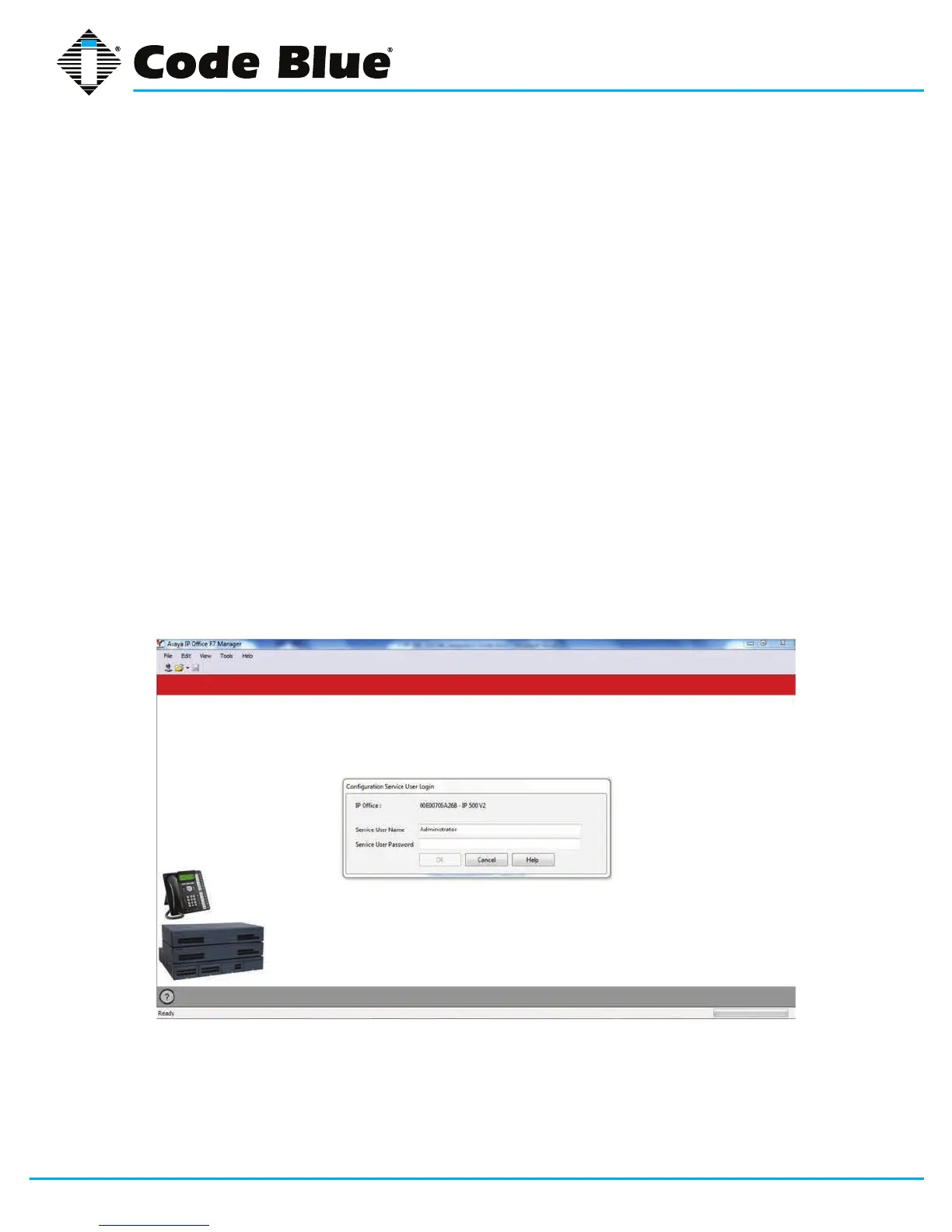
1. UsingIPOfceR7Manager,connecttotheIPOfceControlUnit.



 To Next Page