Code Blue
•
259 Hedcor Street
•
Holland, MI 49423 USA
•
800.205.7186
•
www.codeblue.com
GU-137-Hpage 23 of 67
IP1500 and IP2500 Series
Administrator Guide
6.3 Configuring VoIP Settings
TheIP1500andIP2500SeriesspeakerphonesareanadvancedVoIPdevicescapableofconnectiv-
itytoVoIPsystemsviaSIPandIAX2protocols.Built-incodecsprovidemultipleoptionsforcommu-
nicatingwithyourVoIPsystemorCodeBlue’sToolVoxMediaGateway.STUNservercapabilities
arealsobuiltinforhelpingtraverserewallswhenconnectingtheunitoutsideofthehostingnet-
work.
ConguringVoIPAccounts
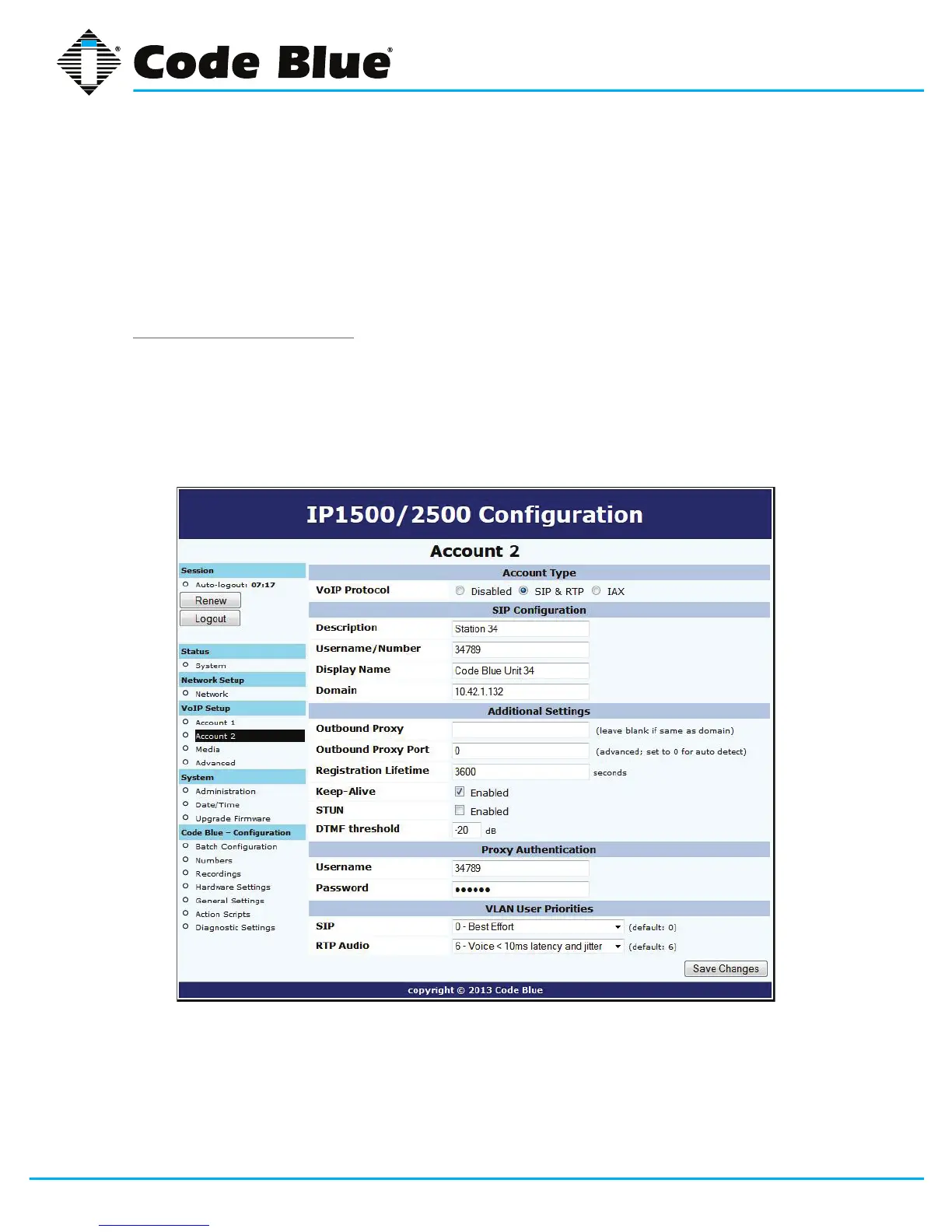
ThespeakerphonecanregistertoVoIPsystemsusingeithertheSIPorIAXprotocols,andhasthe
abilitytoregistertotwoseparateVoIPsystemssimultaneouslytoprovideredundancy.
Eachofthespeakerphone’stwoaccounts,availableunderVoIPSetupasAccount1andAccount
2,canbeconguredaseitherSIPorIAX,subjecttothelimitationthatyoucanonlyhaveoneofthe
twoaccountsconguredasIAX.Ifyouwishtouseonlyoneaccount,setAccount2toDisabled.



 To Next Page