Code Blue
•
259 Hedcor Street
•
Holland, MI 49423 USA
•
800.205.7186
•
www.codeblue.com
GU-137-Hpage 45 of 67
IP1500 and IP2500 Series
Administrator Guide
7 CLI (Command Line Interface)
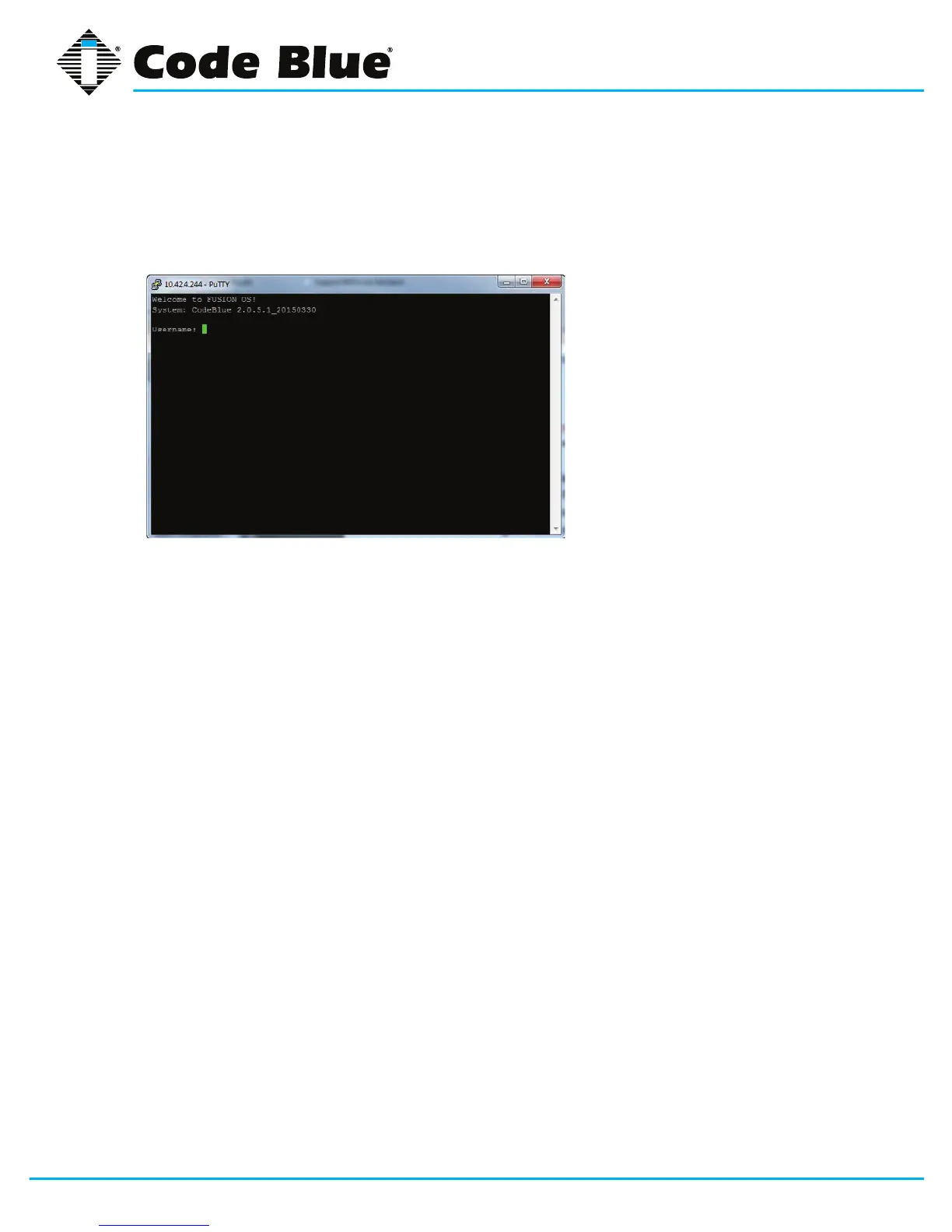
Thespeakerphonehasextensivecommandsthatcanbeusedbytelnettingintothedevice.
Youcanusewindowstelnetordownloadacommonfreetelnetclient,“putty”.
TelnettotheIPAddressofthespeakerphone:useport23ifunsure.
LoginisthesameasthroughtheWebGUI.
admin
admin
Youcantype“help”toseealistofavailablecommands.
The most commonly used:
Format c: codeblue–Usingthiscommand,youformatthephoneandreturnittofactory
default.Thiscommandmustthenbefollowedupwithareboot.
Reboot–Makethephonereboot.
Ping IP Address or Domain Name–PingtheIPPBXtoseeifthephonecanreachits
registrar.
Button 1 –Selectbutton1-4andinitiateabuttonpushremotely.Thisisveryhandyforre-
motetesting.Button1istheredbutton.Button2istheblackbuttonifequipped.



 To Next Page