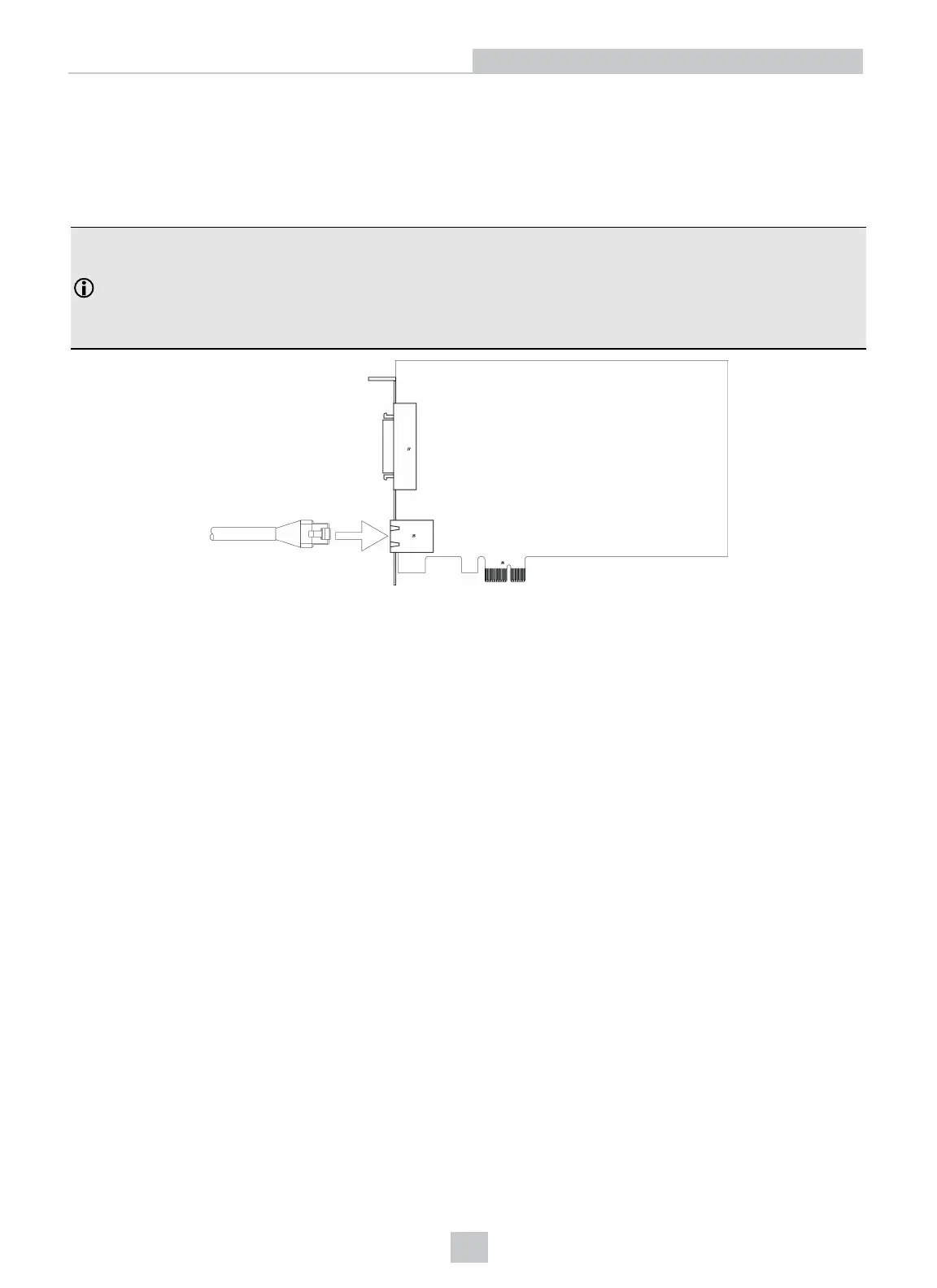
Connect to an Industrial Ethernet Device (Optional)
The Communication card can be connected to a network that is dedicated to industrial Ethernet devices (for example,
PLCs or robots) to communicate with the devices using supported industrial Ethernet protocols. Connect one end of a
10/100 RJ-45 Ethernet cable to the Communication card's I-ENET port and connect the other end of the cable to a
network switch/router.
Note:
l To avoid electromagnetic interference, the Ethernet cable must be shielded. Cognex strongly recommends
Cat5e or Cat6 Ethernet cables with S/STP shielding.
l The I-ENETport is dedicated to industrial Ethernet communications and cannot be used to connect to
Cognex industrial devices or a Gigabit Ethernet network.
12
Installation



 To Next Page