Installation
This section describes the connection of the Communication card to its standard and optional components.For a list of
options and accessories, contact your Cognex sales representative.
Note: Cables are sold separately.
CAUTION: All cable connectors are “keyed” to fit the connectors on the Communication card; do not force the
connections or damage may occur.
Host PCRequirements
To install the Communication card, the host PC should meet the following minimum requirements:
l The PC's motherboard's chip set must be fully compliant with the PCI Express Revision 1.0a, 1,1, or 2.0
specifications.
l One available PCI Express card slot.
l One available CD-ROM or DVD-ROM drive (or access to one over a network) to install the Cognex software.
Additional requirements may be imposed by your Cognex software package. Check the Cognex software's release notes
for the software's requirements, if any, on:
l Minimum recommended CPU speed.
l Host operating system, including the supported service pack level.
l Supported video cards.
l Desktop color depth (the number of colors displayable).
l Desktop size (the number of pixels displayable in width and height on your screen).
l The presence of a mouse or other pointing device.
Select a PCI Express Slot
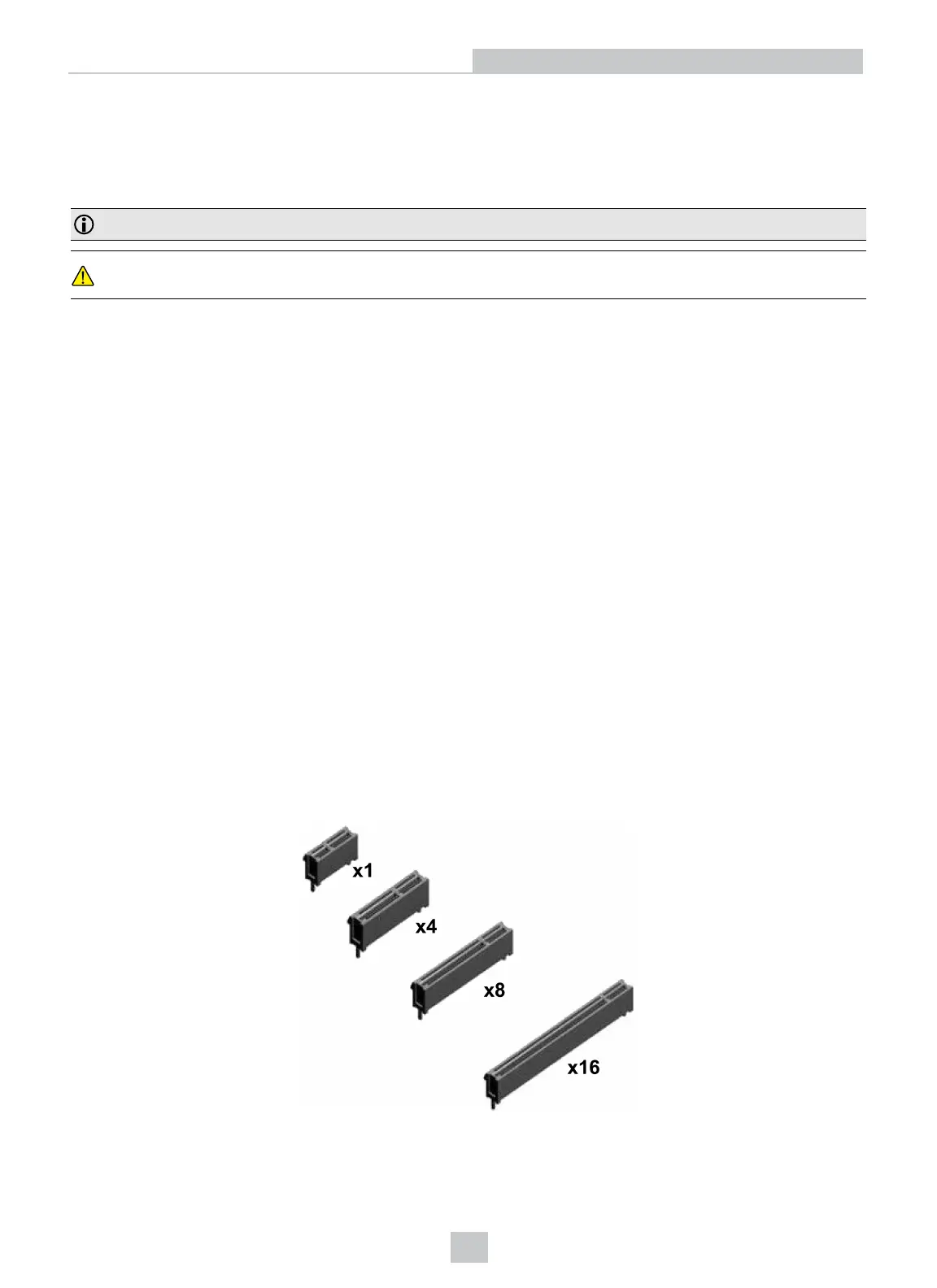
PCI Express card slots come in four sizes: x1, x4, x8 and x16. The Communication card has an x1 bus interface and can
be placed in any x1, x4, x8, or x16 PCI Express slot.
9
Installation



 To Next Page