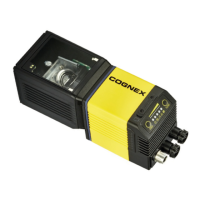
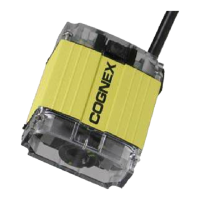
Indicator LEDs
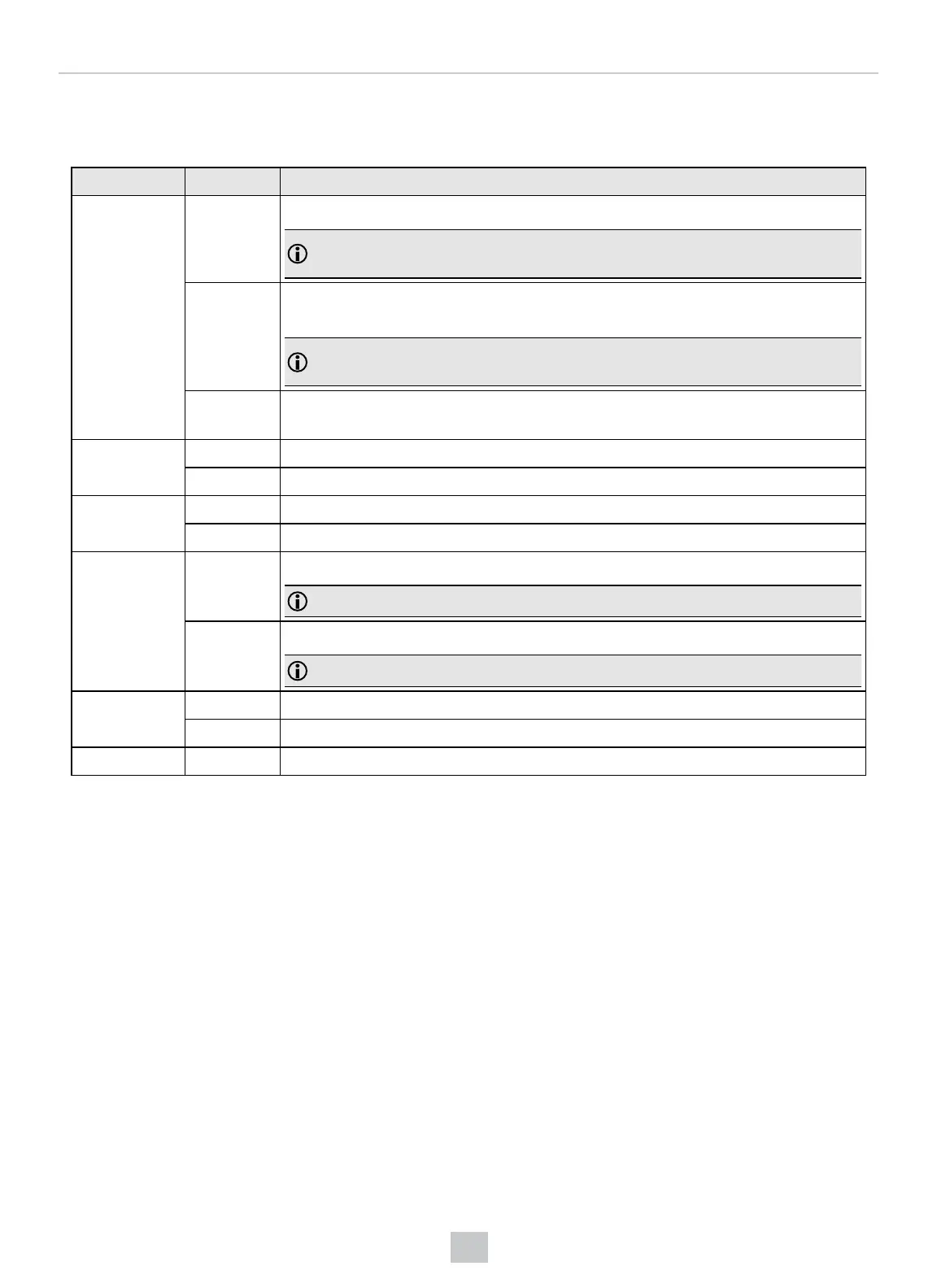
The table summarizes the functions of the DataMan 280's indicator LEDs.
Indicator Color/Status Meaning
Light edges GREEN,
blinking
Light edges blink in green when the device performs a good read.
Note: In case of a good read, the Good/Bad read indicator LED is also blinking in
green.
RED,
blinking
Light edges blink in red when the device performs a bad read when it does not find a
decoding after a timeout.
Note: In case of a bad read, the Good/Bad read indicator LED is also blinking in
red.
WHITE Light edges are white when you trigger the Identify function in Setup Tool. For more
information, see DataMan Setup Tool Reference Manual.
Power ON The device is on.
OFF The device is off.
Train/Trigger ON If the device has a trained code, this LED is green.
OFF If the device has no trained code, this LED is off.
Good/Bad read GREEN,
blinking
The device performs a good read.
Note: In case of a good read, light edges are also blinking in green.
RED,
blinking
The device performs a bad read when it does not find a decoding after a timeout.
Note: In case of a bad read, light edges are also blinking in red.
Communication ON This LED is on when the DataMan 280 established the Ethernet connection.
OFF This LED is off when there is no Ethernet connection.
Error ON This LED is on if the DataMan 280 detects an error.
17
Setting Up Your DataMan Reader



 To Next Page