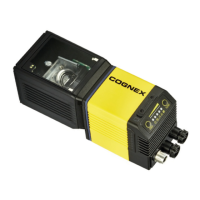
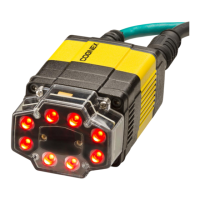
Ethernet Cable
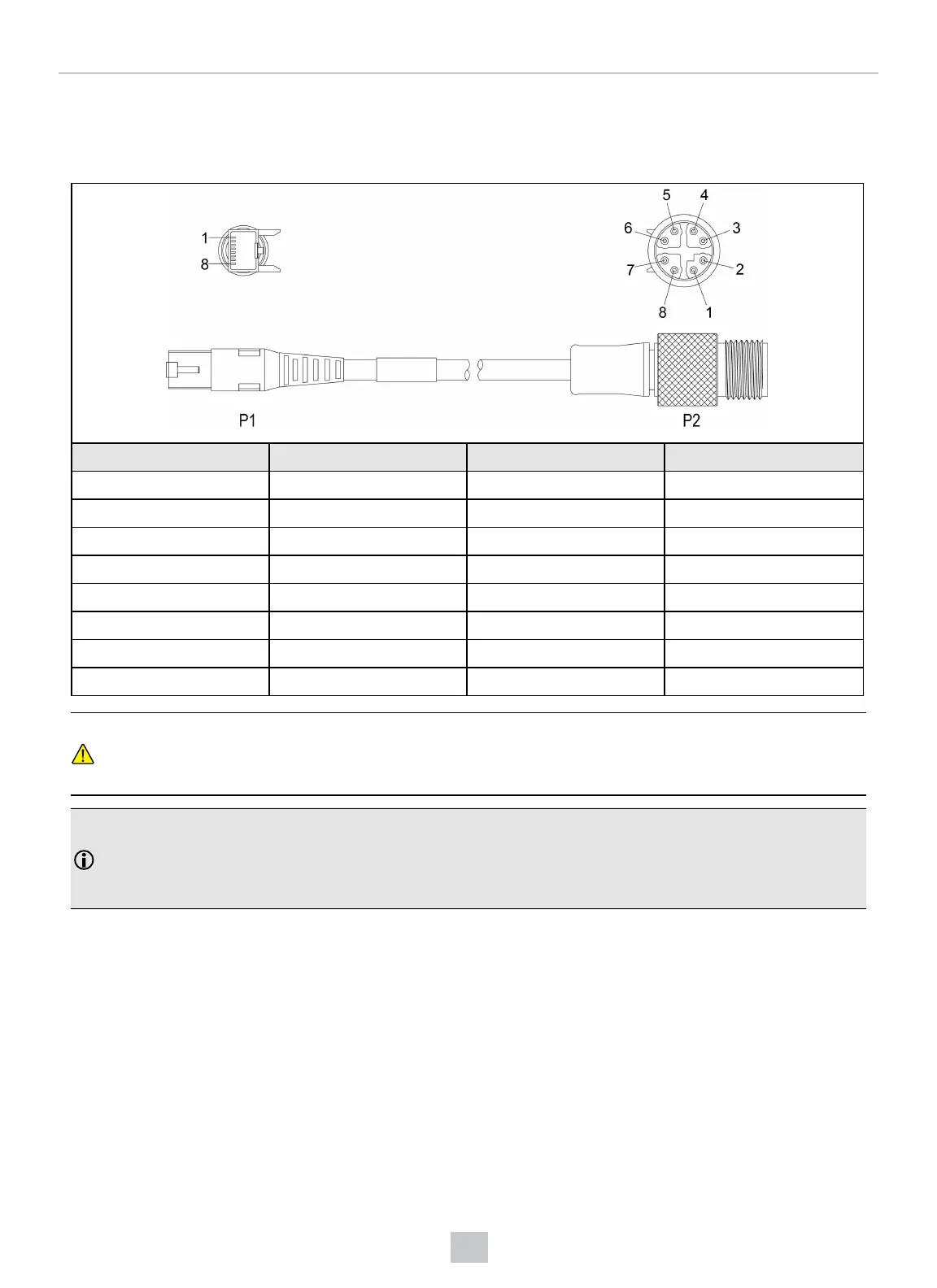
The Ethernet cable provides Ethernet connectivity to the reader. The Ethernet cable is used to connect the reader to
other network devices.
P1 Pin Number Wire Color Signal Name P2 Pin Number
1 White/Orange TxRx A + 1
2 Orange TxRx A - 2
3 White/Green TxRx B + 3
4 Blue TxRx C + 8
5 White/Blue TxRx C - 7
6 Green TxRx B - 4
7 White/Brown TxRx D + 5
8 Brown TxRx D - 6
CAUTION: The Ethernet cable shield has to be grounded at the far end. Whatever this cable is plugged into
(typically a switch or router) should have a grounded Ethernet connector. A digital voltmeter has to be used to
validate the grounding. If the far end device is not grounded, a ground wire should be added in compliance with
local electrical codes.
Note:
l Cables are sold separately.
l The wiring for this cable follows standard industrial Ethernet M12 specifications. It differs from the 568B
standard.
53
Specifications



 To Next Page