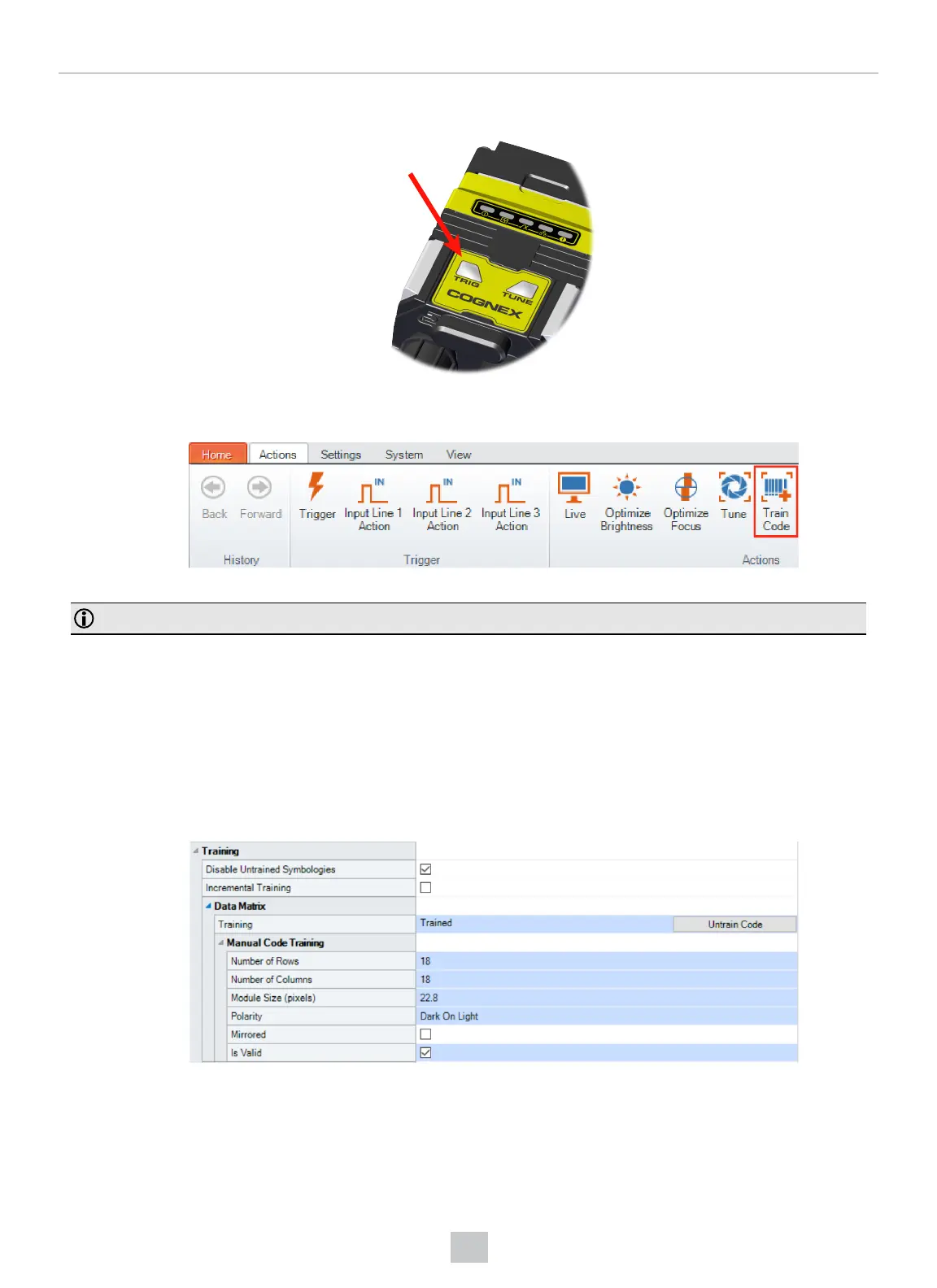
l Press and hold the trigger button for a minimum of 3 seconds.
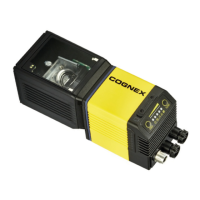
l Click Train Code under Actions on the ribbon bar.
You can use training in Single, Burst, Continuous or Self trigger modes.
Note: Only a single symbol of each symbology kind can be trained.
Manual Training
You can manually train your reader which is helpful if you do not have a barcode nearby or you need to train during a
running production.
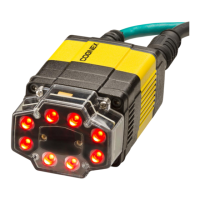
1. Click Advanced under the Code Details.
2. In the Training tab, you can manually train a code by entering the attributes.
3. Check the Is Valid checkbox.
44
Using Your DataMan Reader



 To Next Page