DX-80 HARD DRIVE VOICE MAIL INSTALLATION AND SUPERVISOR GUIDE 09/01
36
2.4.5.7 Customizing Subscriber Mailboxes
Using information the system supervisor provides on the Mailbox Setup Worksheets, you can
now customize the mailboxes you created for each subscriber on the system.
The procedure below identifies the fields you should be sure to customize for each mailbox.
Fields that are not specifically discussed contain default values that should be appropriate in
nearly all setup situations. Therefore, it is unlikely that you need to modify these fields.
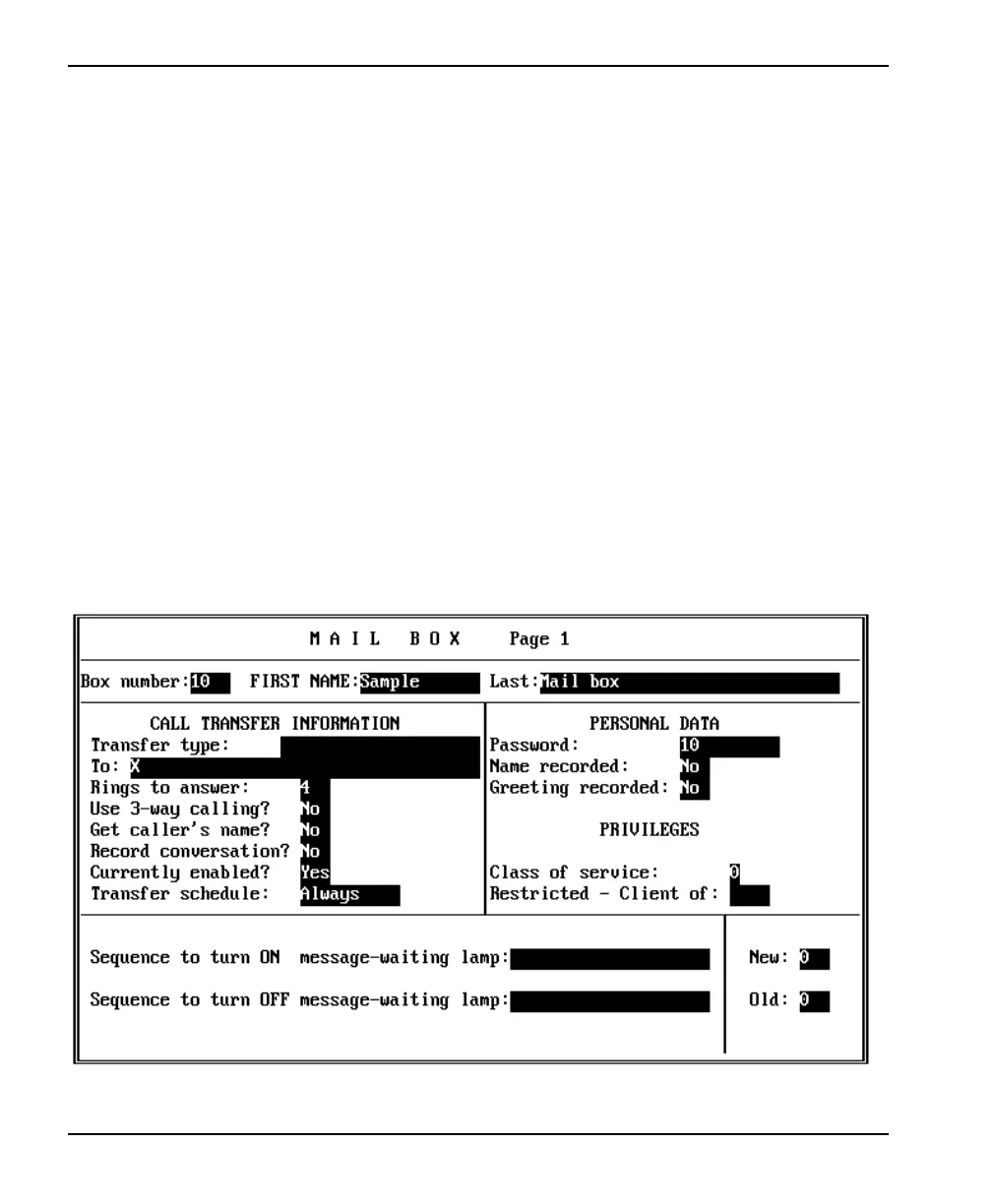
1. To access the mailbox you want to customize, press <F4>. A small window displays
prompting you for the box number. Type the box number then press <Enter>. The Mail
Box Page 1 setup screen displays.
2. Press <Enter> to move the cursor to the FIRST NAME field. Enter the mailbox owner’s
first name. Press <Enter> to move the cursor to the LAST field. Enter the mailbox
owner’s last name.
3. To go to Page 2 of the Mail Box setup screen, press <F9>. The Page 2 screen displays.














 To Next Page