DX-80 HARD DRIVE VOICE MAIL INSTALLATION AND SUPERVISOR GUIDE 09/01
43
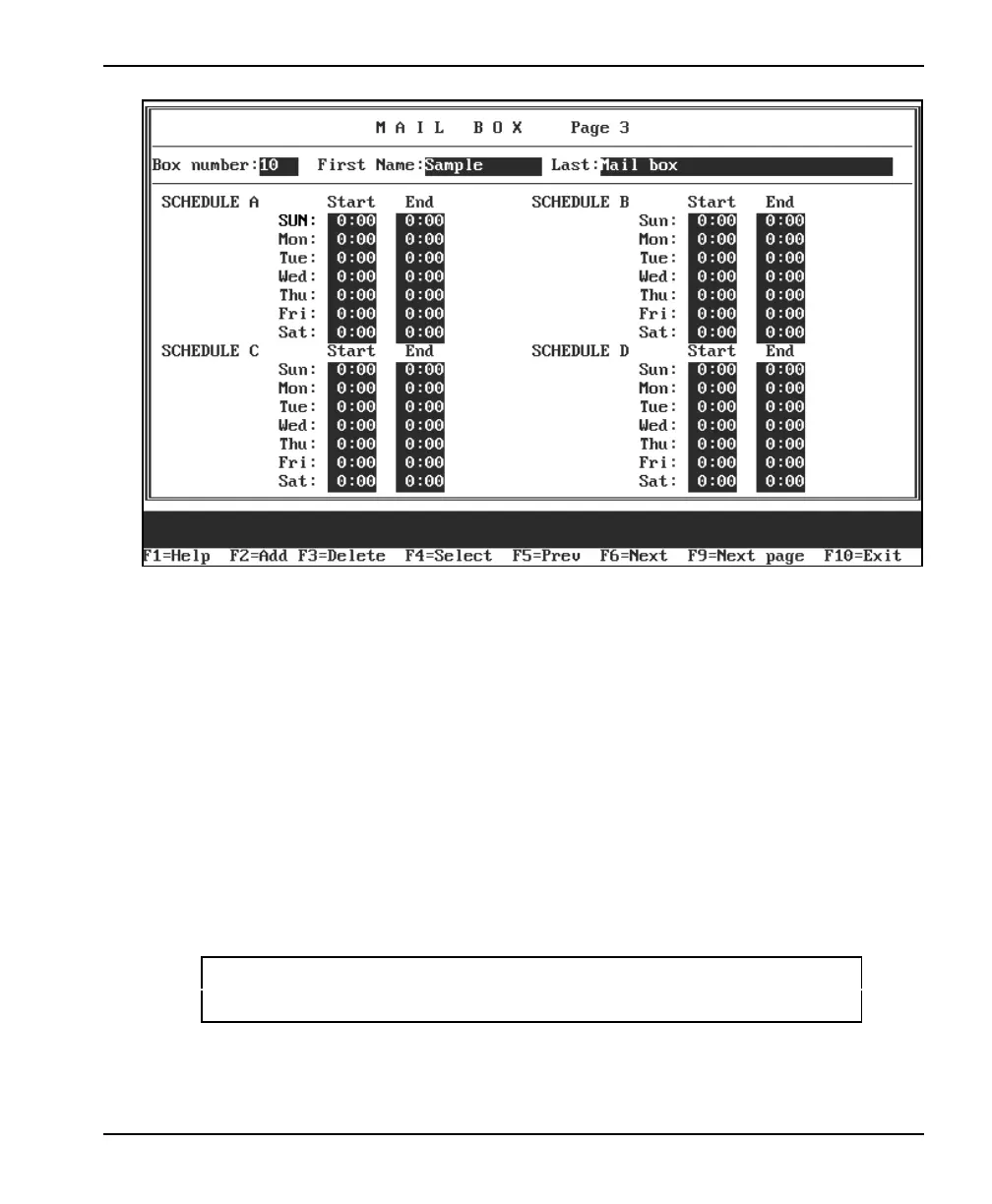
7. Press <Enter> to move the cursor to the first SCHEDULE A field. If the subscriber is to
use the Pager or Message Delivery feature according to a particular schedule, use the
following information to complete the Mail Box Page 3 setup screen.
START
Enter the time at which this schedule should begin on this day. The time should be
entered in 24-hour format (for example, enter 20:00 for 8:00 PM).
END
Enter the time at which this schedule should end on this day. The time should be entered
in 24-hour format (for example, enter 20:00 for 8:00 PM).
Note: If you want the schedule to be active all day, enter 00:00 as the START
time and 24:00 as the END time.
3. To go to Page 4 of the Mail Box setup screen, press <F9>. The Page 4 screen displays.














 To Next Page