10
3.4 View Backup File
To review playback video files under the C:\Program Files\BACKUP directory, double click the file, as shown in
the following figure:
(Note: the front end device should support SD card storage to enable this function)
3.4 View Images in File Management
To view files in file management under the C:\Program Files\FILE directory, double click it.
(Note: the front end device should support SD card storage to enable this function)
4. Parameter Settings
4.1 Device Parameters
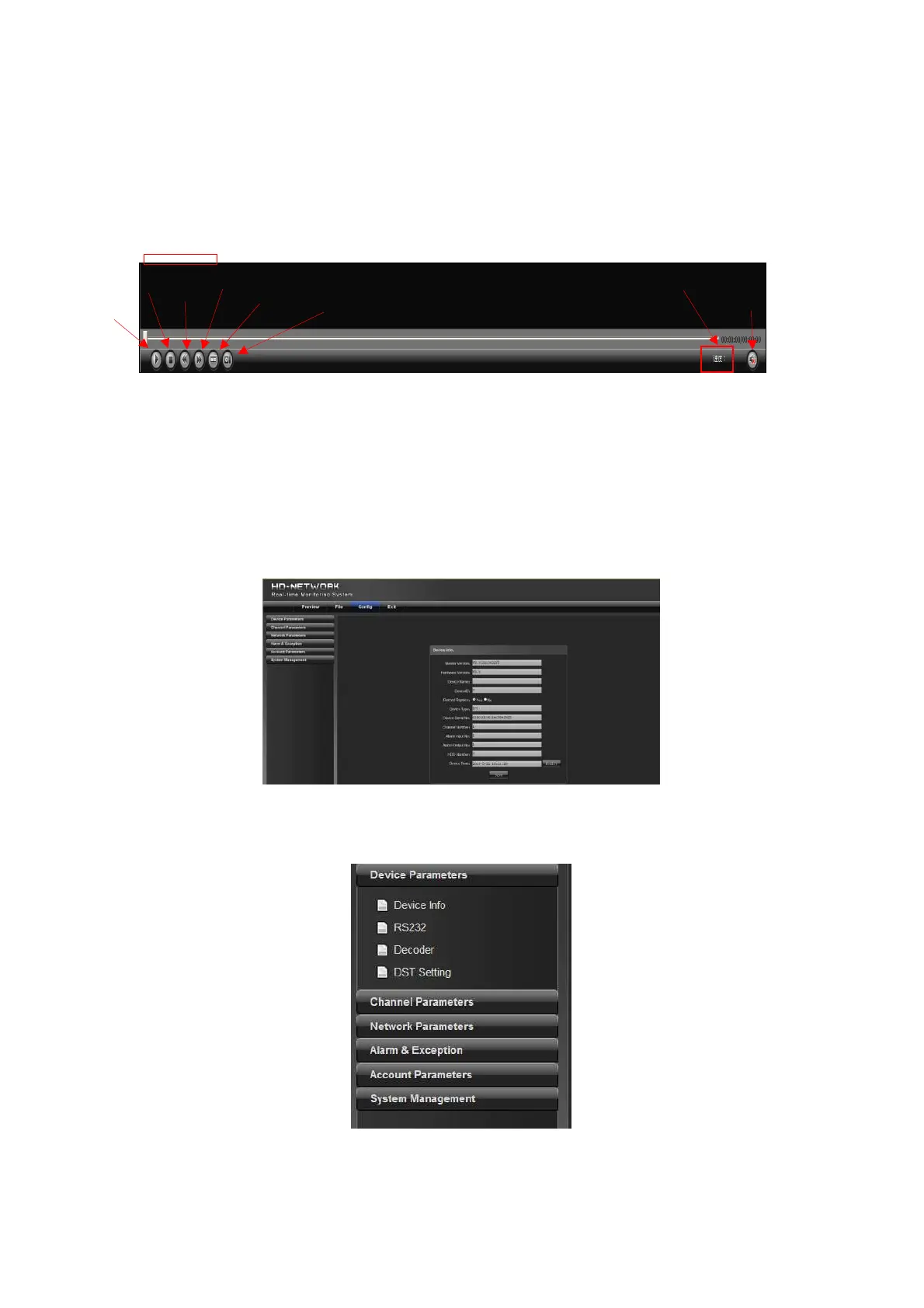
Click parameter to display [Device info], [RS232], [Decoder] and [DST setting] options, as shown in the
following figure:
4.1.1 Device Info
start
slow
fast
frame
capture
voice
playback speed



 To Next Page