15
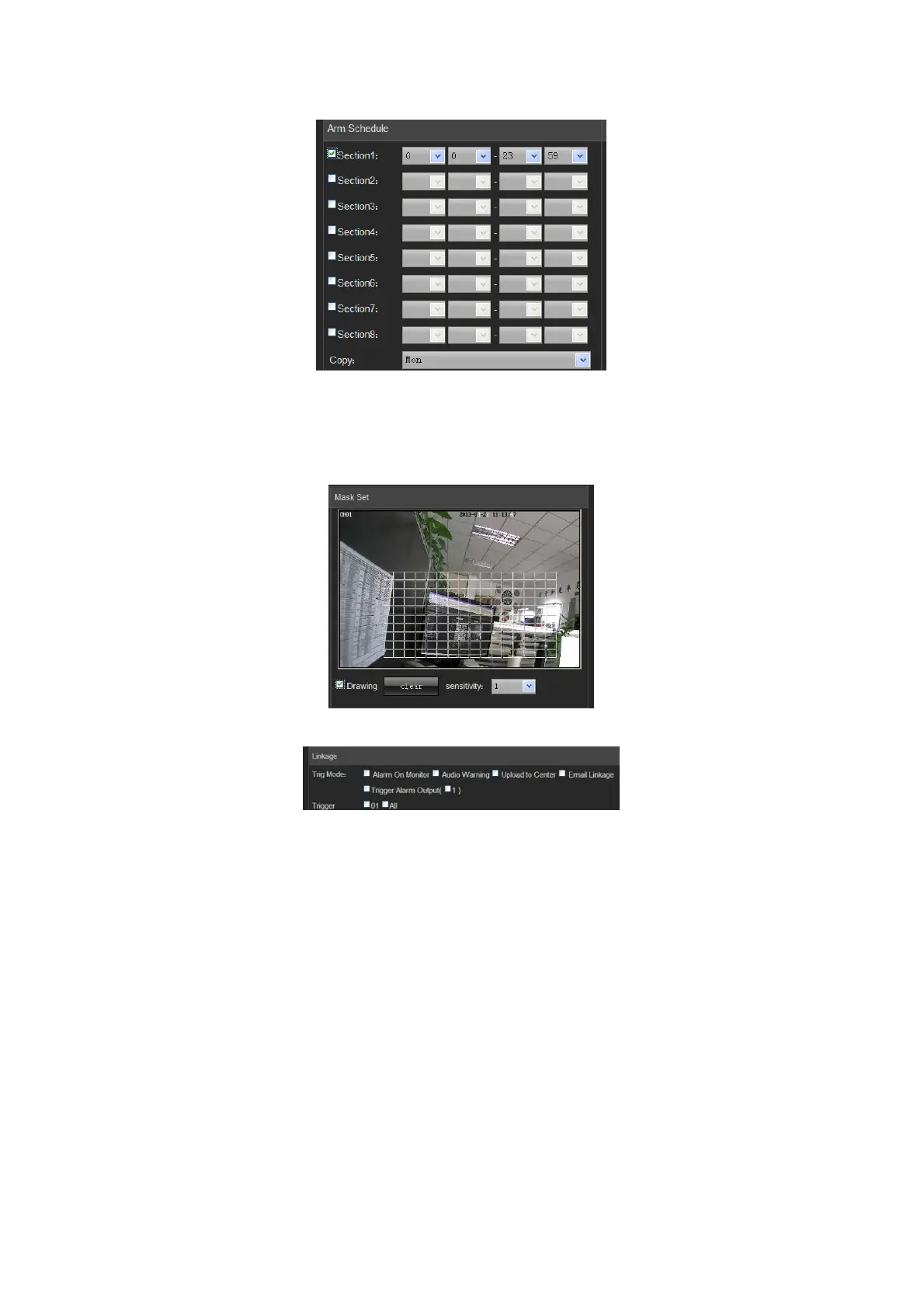
Settings on motion detection area:
Check "Drawing" to select the area to be detected
Click "Clear" to clear the designated area for the current channel
Sensitivity: the higher the sensitivity is, the better the motion detection effect is.
Linkage:
Alarm on monitor: view alarm information on the monitor
Audio warning: the device gives warning sound
Upload to center: view alarm information in the control center
Email linkage: after an alarm is triggered, it will send an email to the designated email address
Trigger alarm output: trigger related alarm device
4.2.6 Video Tampering
On the "Video Tampering" page, select a channel number for which the mask alarm is enabled. Check "Enable",
and then select the week to be armed, as shown in the following figure:



 To Next Page