16
Arm schedule:
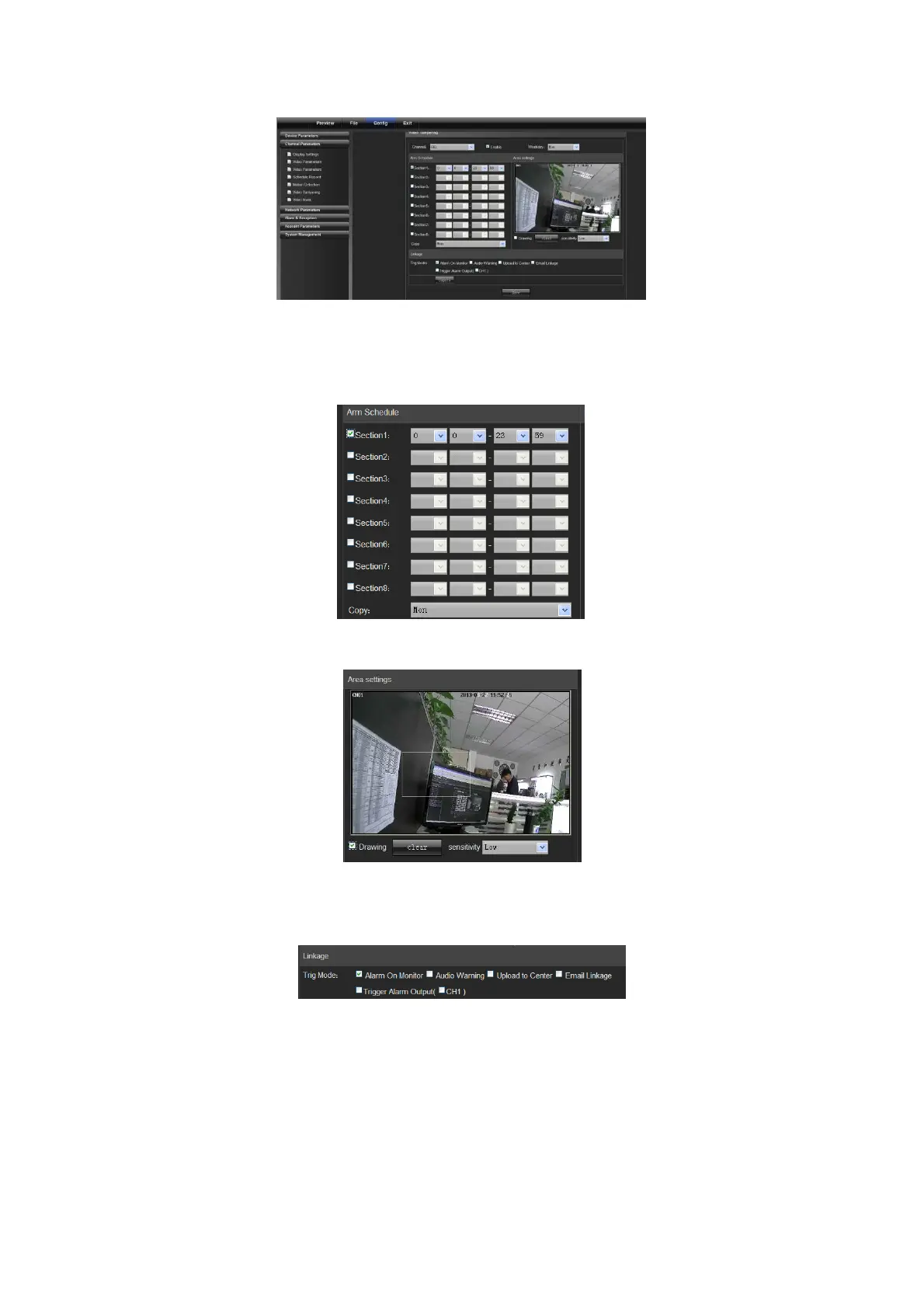
You can set 8 sections of arm schedule, and then copy them to each week, as shown in the following figure:
Mask set:
Check "Drawing" to set the area giving mask alarm, and adjust the sensitivity, as shown in the following figure:
Linkage:
Choose a linkage mode if an alarm is triggered, as shown in the following figure:
4.2.7 Video Mask
On the Video Mask page, select the channel No. to enable mask alarm, and then check "Enable", as shown in the
following figure:



 To Next Page