2.1 Open/Close Preview
2.2 Full-screen Preview
Click the full-screen icon in the lower right corner to preview in full screen. In the preview window,
right click (or Esc key) to exit from full screen display.
2.3 Electronic Zoom-in
Use your mouse to select the preview channel to be zoomed in by scrolling the mouse wheel, as shown in the
following figure:
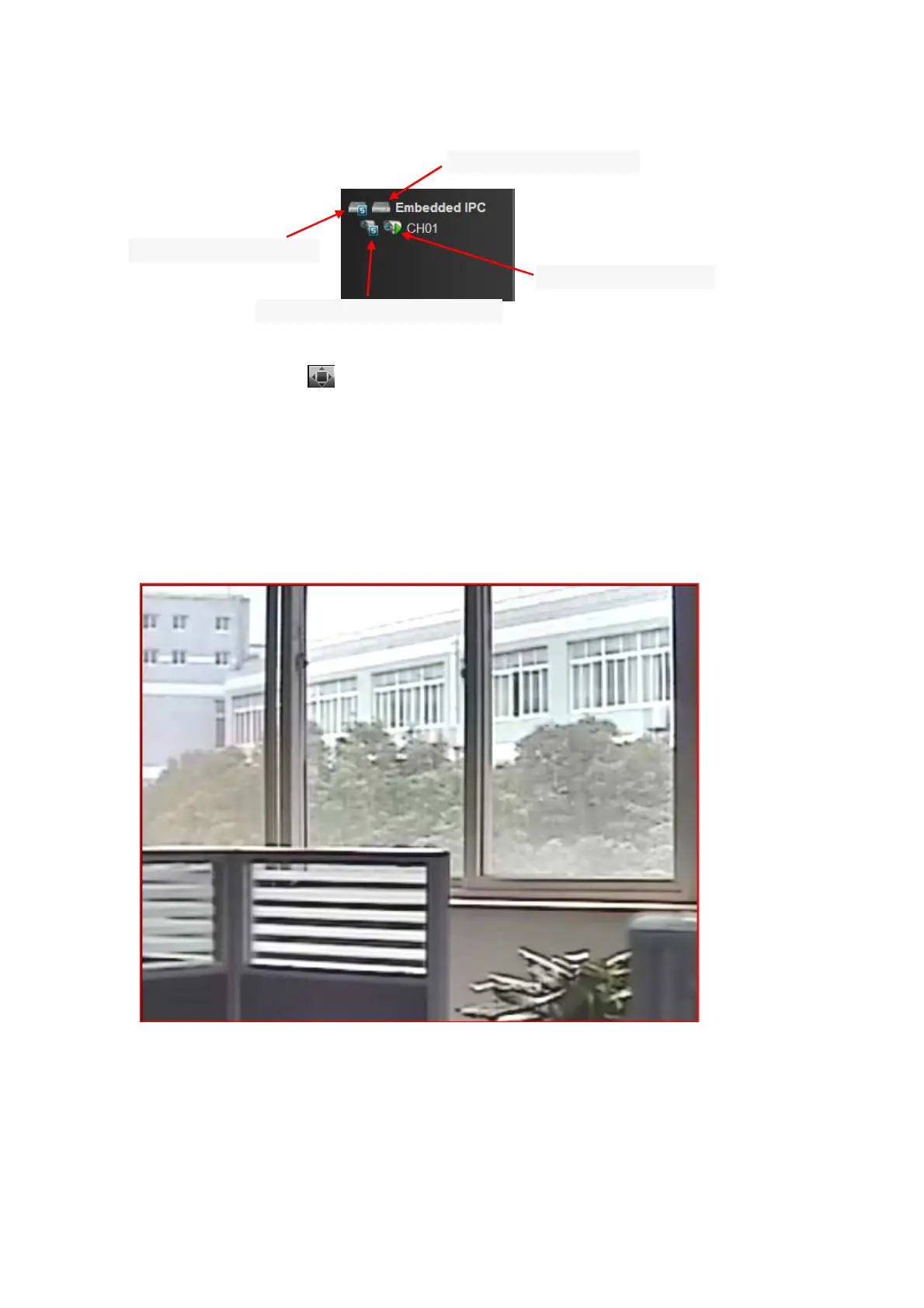
Click to open all the sub stream
Click to open a single device sub stream
Click to open all the equipment
Click to open a single device



 To Next Page