21
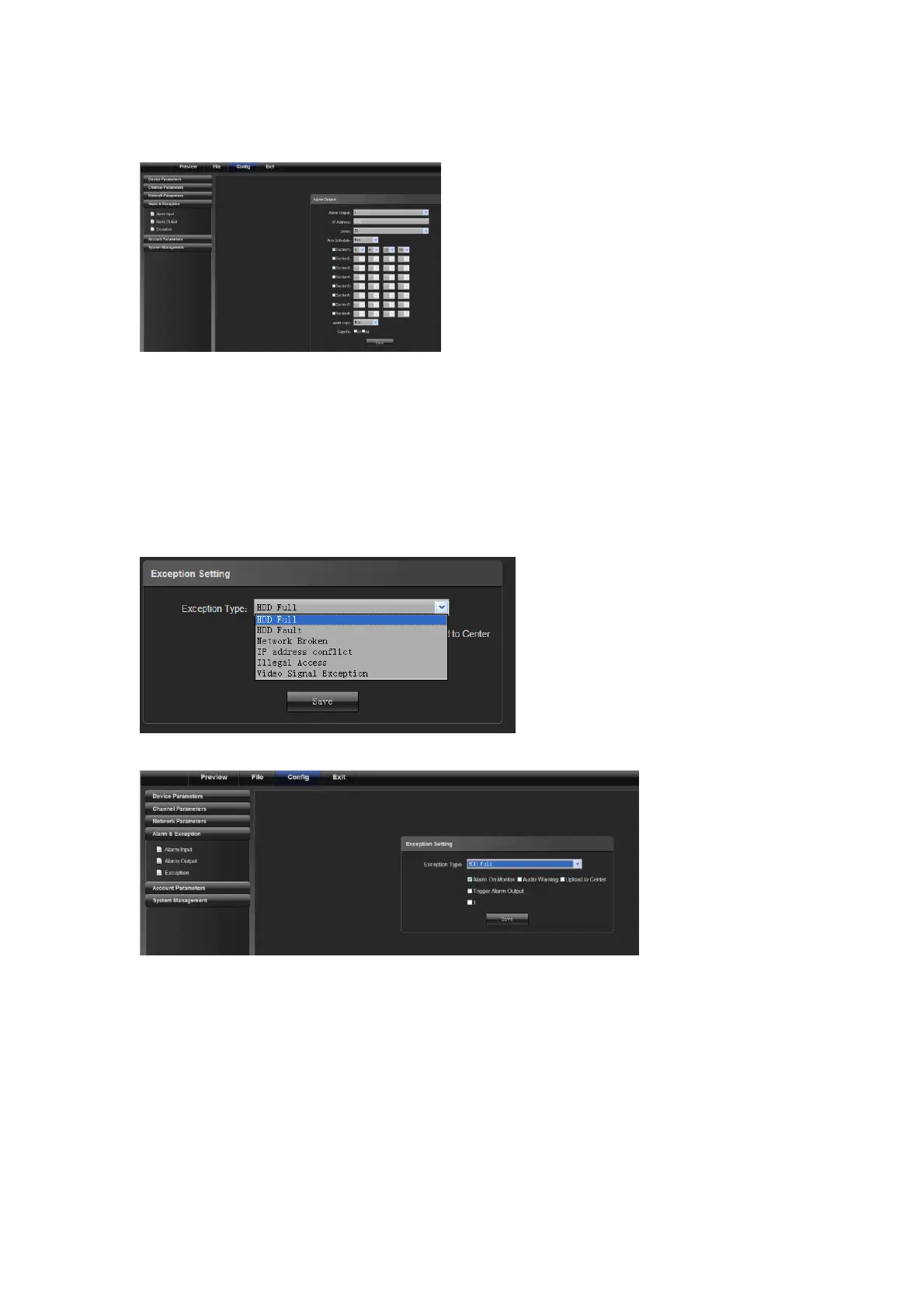
4.4.2 Alarm Output
1) Select the alarm No. for alarm output
2) Select the delay for outputting an alarm (when the alarm finishes, the alarm outputs in the delayed time)
3) Alarm schedule
4) Copy set parameters to the related week day
4.4.3 Exception Setting
Including: HDD full, HDD fault, network broken, IP address conflict, illegal access and video signal exception, as
shown in the following figure.
Their corresponding linkage modes are shown in the following figure:
4.5 User Info
4.5.1 User Management



 To Next Page