12
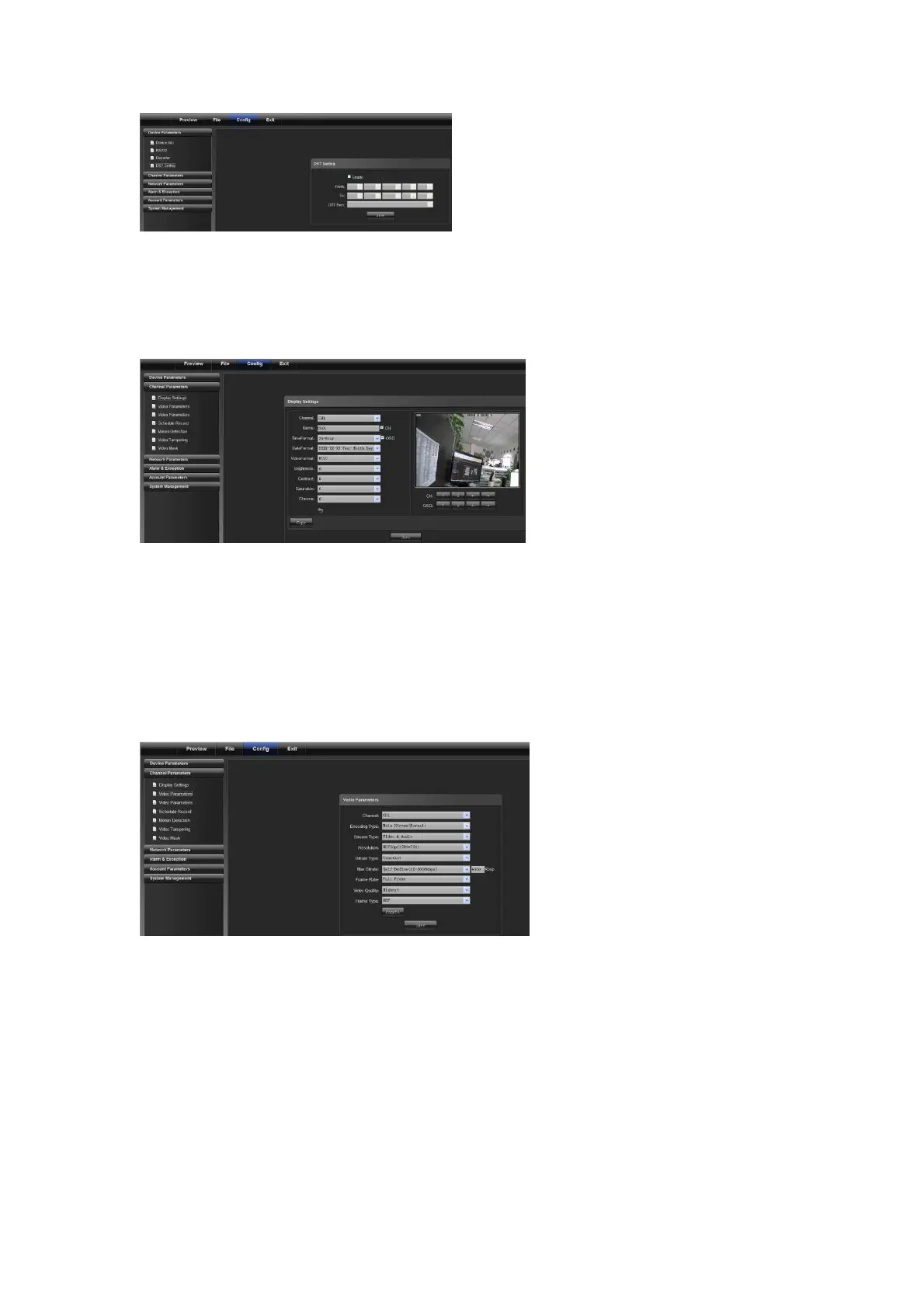
DST setting: to enable and set DST parameter
4.2 Channel Parameters
4.2.1 Display Settings
1) Channel No.: to change a channel No.
2) Channel Name: to modify the name for a specific channel
3) Time Format: to change a time format for a specific channel
4) Date Format: to change a date format for a specific channel
5) OSD location: to set the name and time for a specific channel
6) Parameter adjustment: to adjust brightness, contrast and saturation for a specific channel
7) Copy: to copy set parameters to other channels
4.2.2 Video Settings
1) Channel No.: to change a channel number (the webcam has only one channel)
2) Encoding type: normal record, network record or event record
3) Stream type: complex stream and video stream
4) Resolution: displays resolution types supported by front-end Network camera
5) Bitrate type: Constant bit rate or variable bit rate
6) Max bitrate: set different code rate for different channels
7) Frame rate: select different value from the drop-down list. FULL is used by default.
8) Video quality: select different video qualities as required. "Highest" is used by default.
9) Frame type: select different frame types
10) I frame interval: set I frame interval



 To Next Page