17
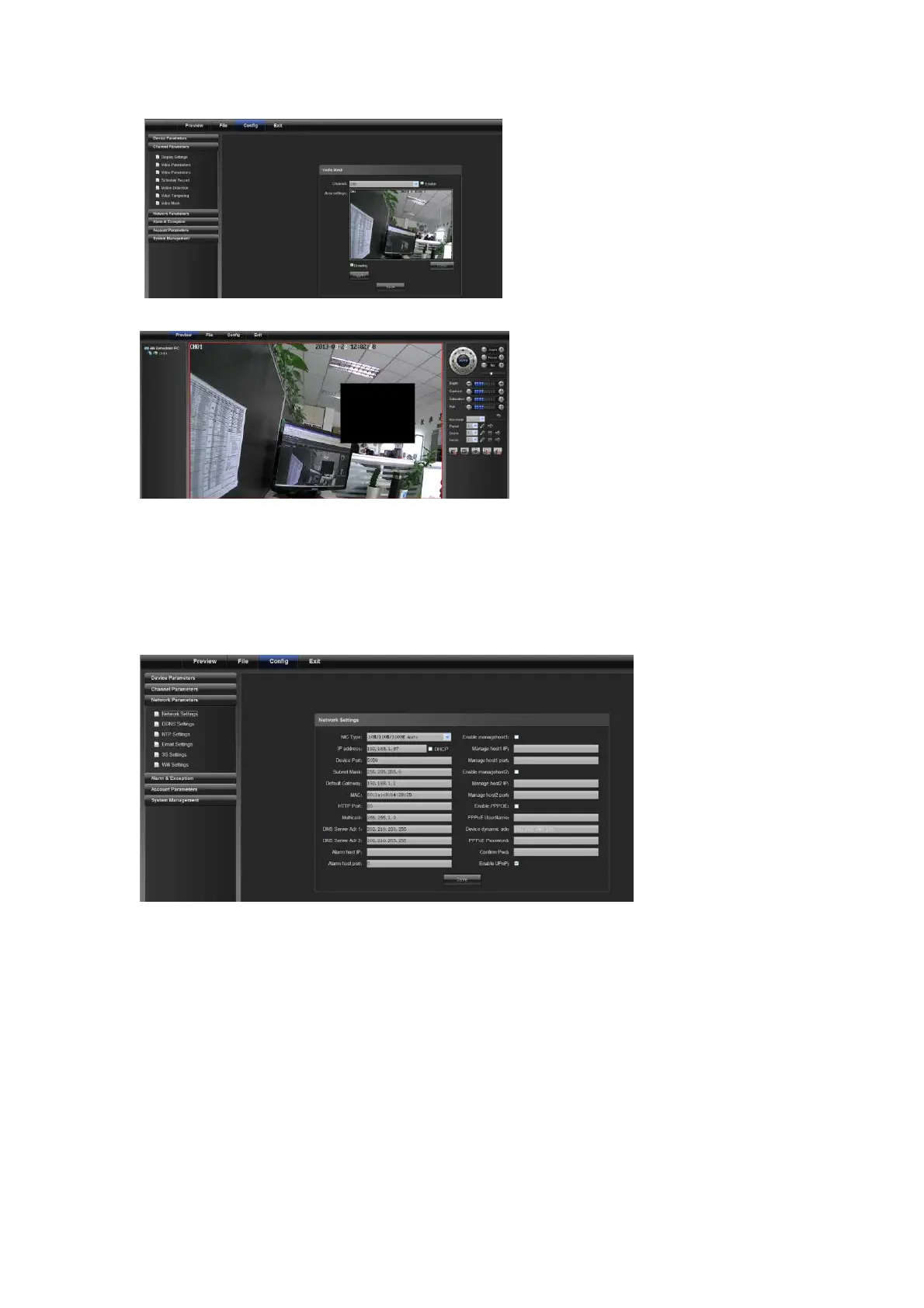
Video Mask Effect
4.3 Network Parameters
4.3.1 Network Settings
1) NIC type: select a NIC type as required.
2) IP address: input IP address.
3) Auto config.: if this is enabled, the device will auto gain a valid IP address according to DHCP of the router.
4) Device port: input the device port number.
5) Subnet mask: input the subnet mask corresponding to this IP address.
6) Default gateway: input the related gateway address.
7) MAC: display the physical address of the current network interface.
8) HTTP port No.: input the related port No. (80 by default)
9) Multicast: input the related multicast address.
10) "DNS server adr 1": IP address of DNS server.
11) DNS server Adr 2: IP address of DNS server.



 To Next Page