14
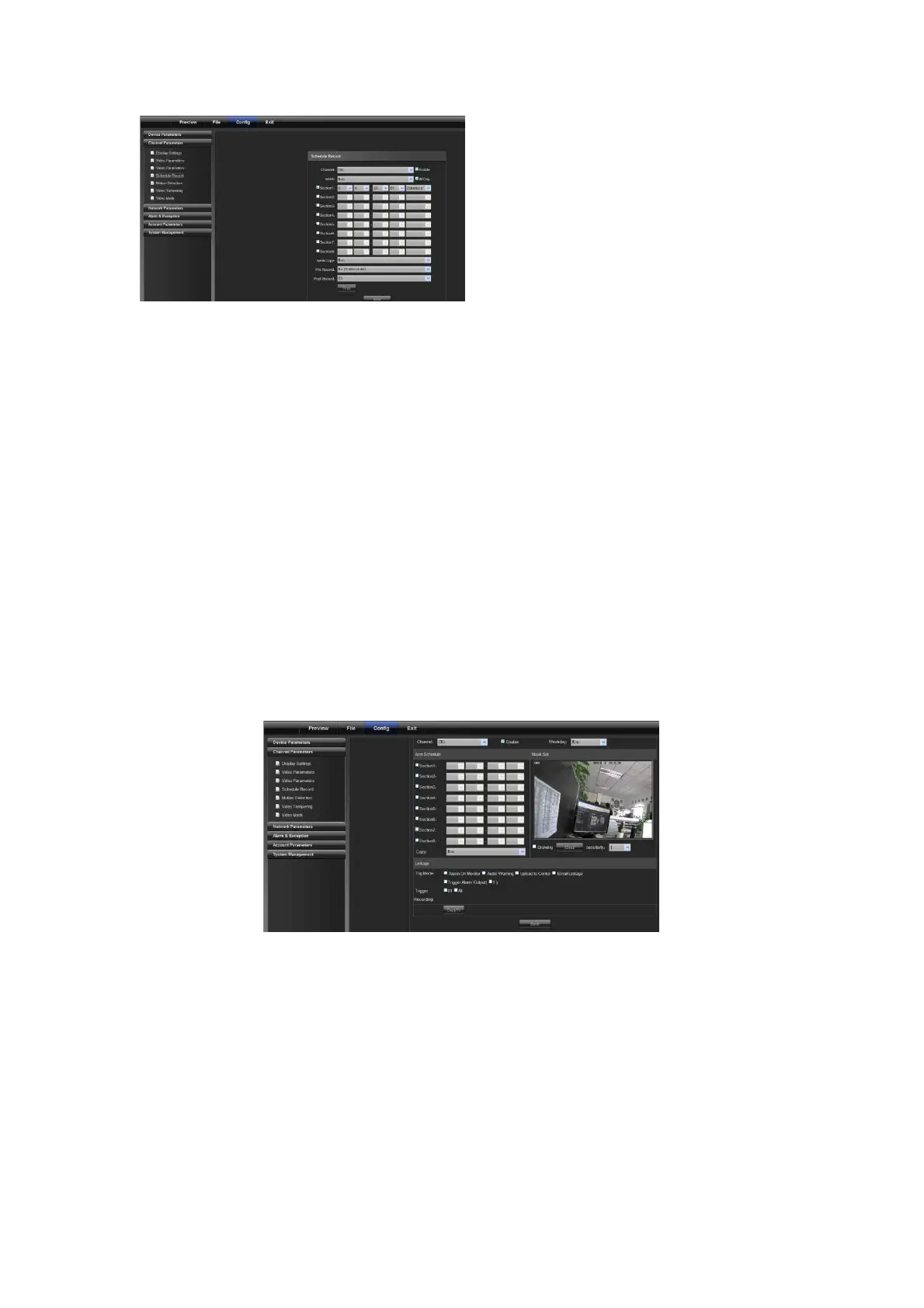
1) Channel No.: to change a channel No.
2) Enable: check Enable/Disable
3) All day: if it is checked, it is recorded all day
4) Week: select a different week day
5) Time section: you can set different types of records in 8 sections for a day
6) Week copy: you can copy set parameters to other weeks
7) Pre-record: set the pre-record time to trigger event record
8) Post-record: set the post-record time to trigger event record
9) Copy: to copy set parameters to other channels
(Note: the front end device should support SD card storage to enable this function)
4.2.5 Motion Detection
On the "Video Tampering" page, select a channel number for which the mask alarm is enabled. Check "Enable",
and then select the week to be armed, as shown in the following figure:
Arm schedule:
You can set 8 sections of arm schedule, and then copy them to each week, as shown in the following figure:



 To Next Page