22
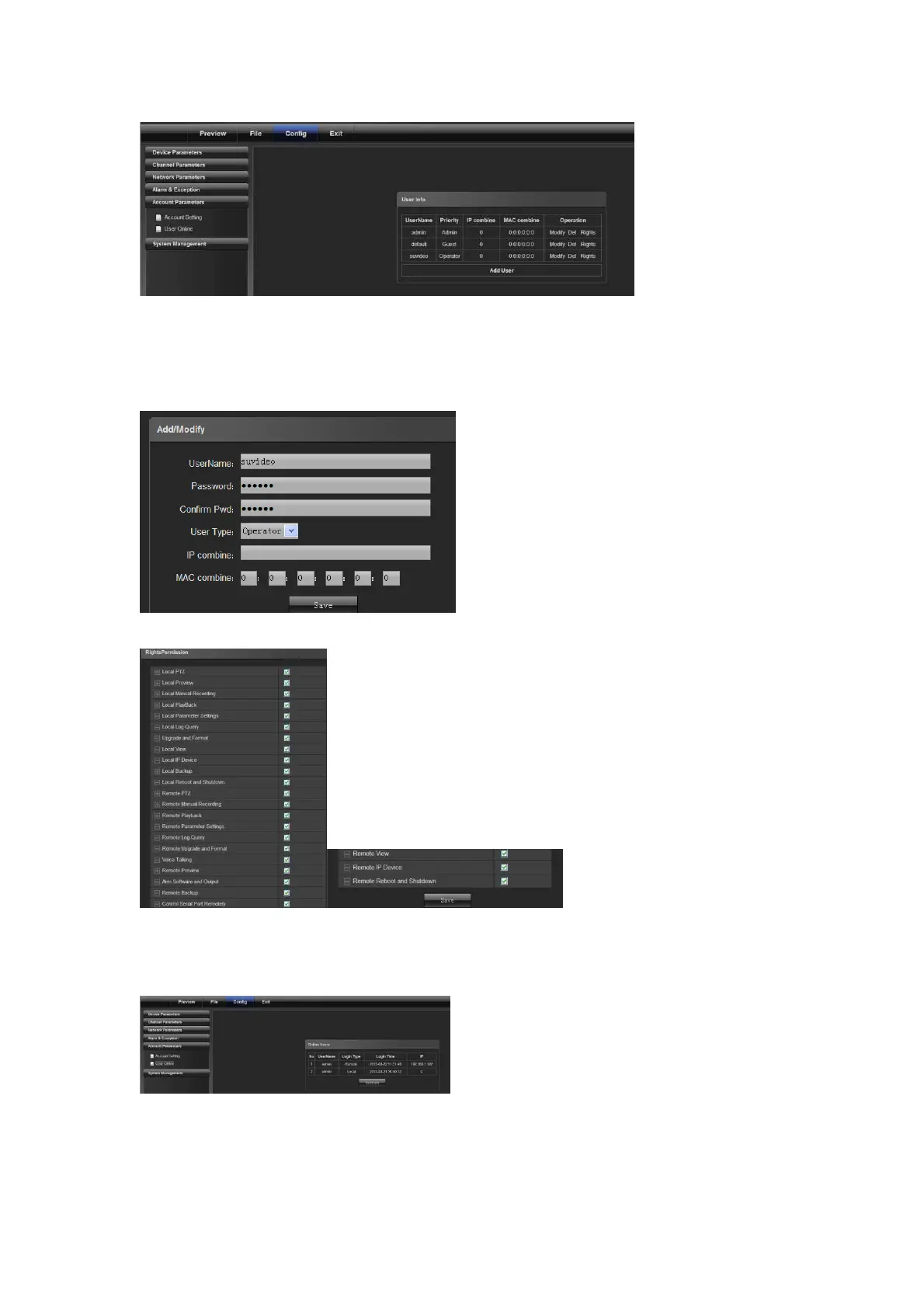
Admin is the administrator (default)
Default indicates general users with permissions authorized to default users.(default)
Click [Add] to add a user, as shown in the following figure:
Click [RightsPermission] to assign permission to the new user, as shown in the following figure:
Click [Delete] to delete the new user
4.5.2 Online User display current online user information
4.6 System Management



 To Next Page