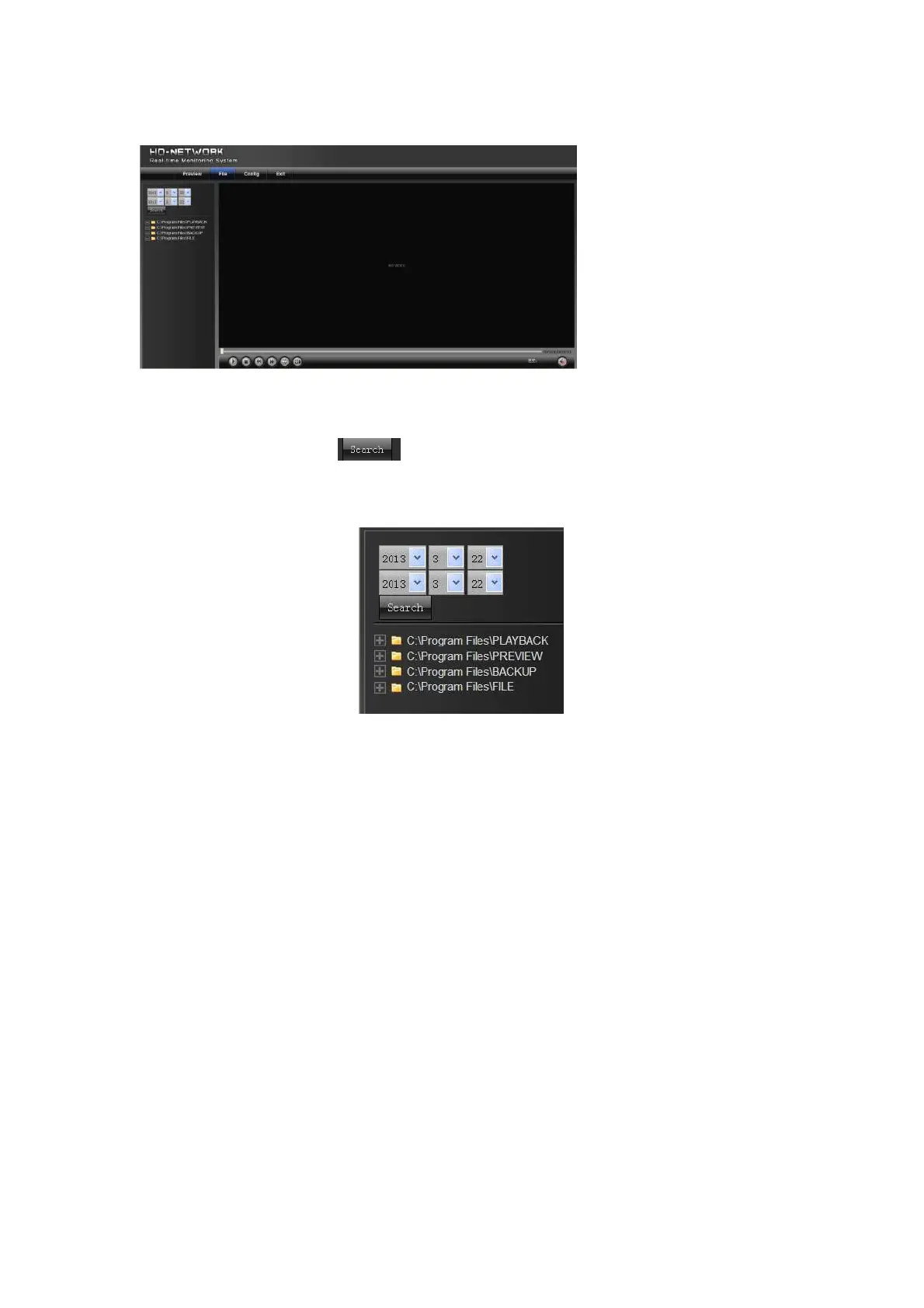
3. File Management
3.1 Search
Select the start time, and click the button, the lower part displays searched images and videos (double
click to display files)
Note: You can change video or image storage path, which will be detailed later.
3.2 Review Playback Image
To review playback images under the C:\Program Files\PLAYBACK directory, double click the file, as shown in
the following figure:



 To Next Page