13
(Note: change of "video settings" will directly change front-end Network camera parameters.)
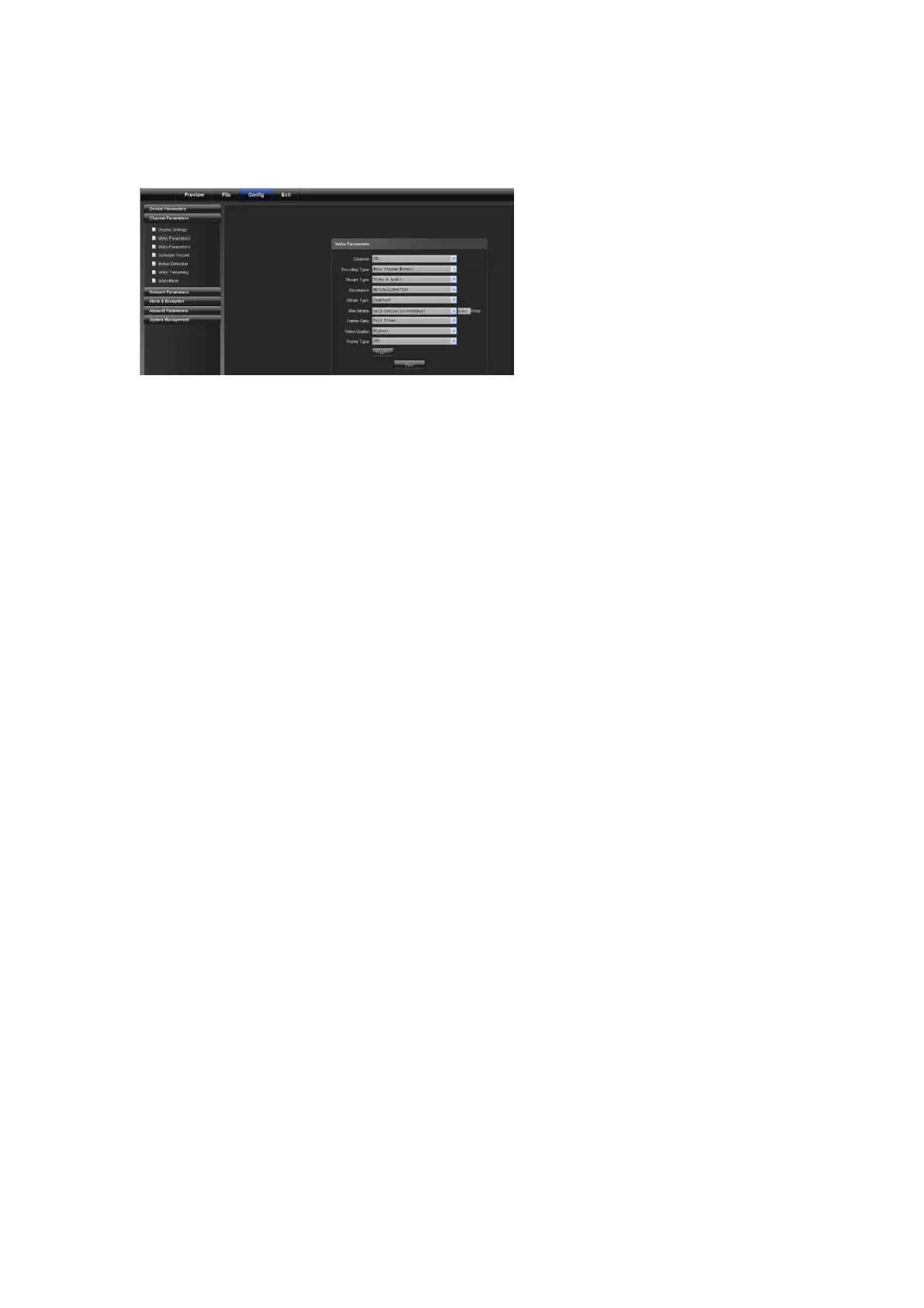
4.2.3 Video Parameters
Set "Video Parameter" for front end devices
1) Current channel: select a different channel number (the webcam has only one channel)
2) Day/night auto switch: externally triggered, auto, color, black/white, day/night switching (0-30) is completed in
3 seconds by default.
For non-IR web models, auto is used by default; for IR web models, “externally triggered” is used by default. A
user can select a day/night switch mode according to models and operating environment.
3)Image mode: standard, bright, natural
Standard is used by default
4)Auto gain: low, medium and high
Medium is used by default
The higher the auto gain is, the higher the sensitivity in low illumination level is, but noise is more significant.
5)White balance: auto, indoor, outdoor
Auto is used by default. A user can switch modes according to its working scenario.
6)Image: normal, level, vertical, 180°
Normal is used by default
7)Backlight compensation: off, BLC, HBLC
OFF is used by default. For BLC, Black Light Compensation is enabled, while for HBLC, strong light inhibition is
enabled
8)Shutter mode: auto, flicker, 1/30(25)-1/5000, X2-X30
Auto is used by default
9) Lens aperture: auto and manual
10) Sharpness: on and off, 0-100 adjustable
On is used by default with its value being 80
11) 3D noise reduction: on and off, 0-100 adjustable
ON is used by default with its value being 25
(Note: this function should be support by front end devices)
4.2.4 Schedule Record



 To Next Page