20
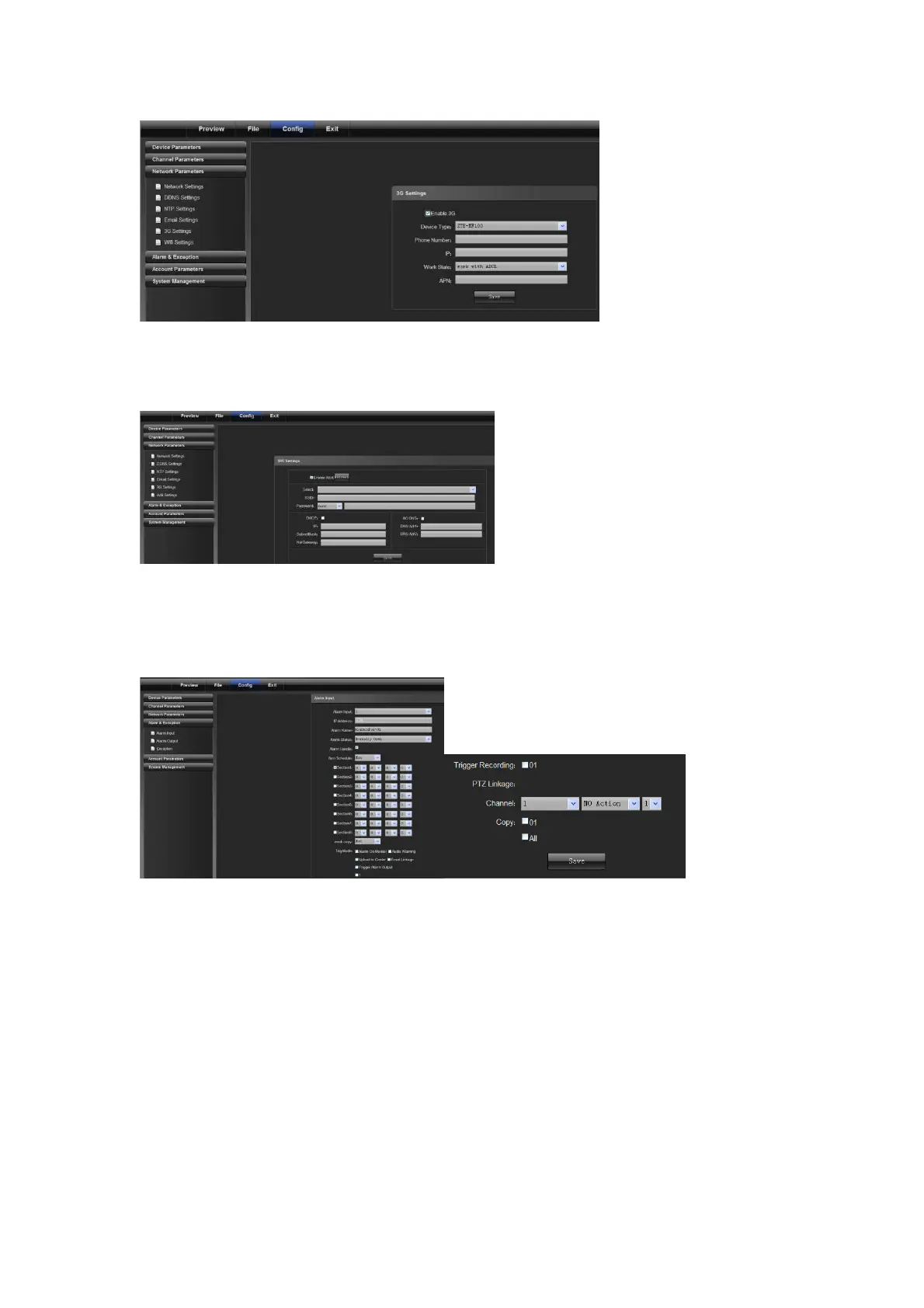
4.3.6 WiFi Settings
WiFi: connect to an external WiFi device, enable WiFi features and click refresh, and the device will automatically
search the wireless network. Input related parameters and click "Save", as shown in the following figure:
4.4 Alarm & Exception
4.4.1 Alarm Input
1) Select the alarm No. for alarm input
2) Select alarm status "Normally open/normally closed"
3) Alarm schedule
4) Select linkage mode
5) Set linkage PTZ (such as preset point, cruise and locus)



 To Next Page