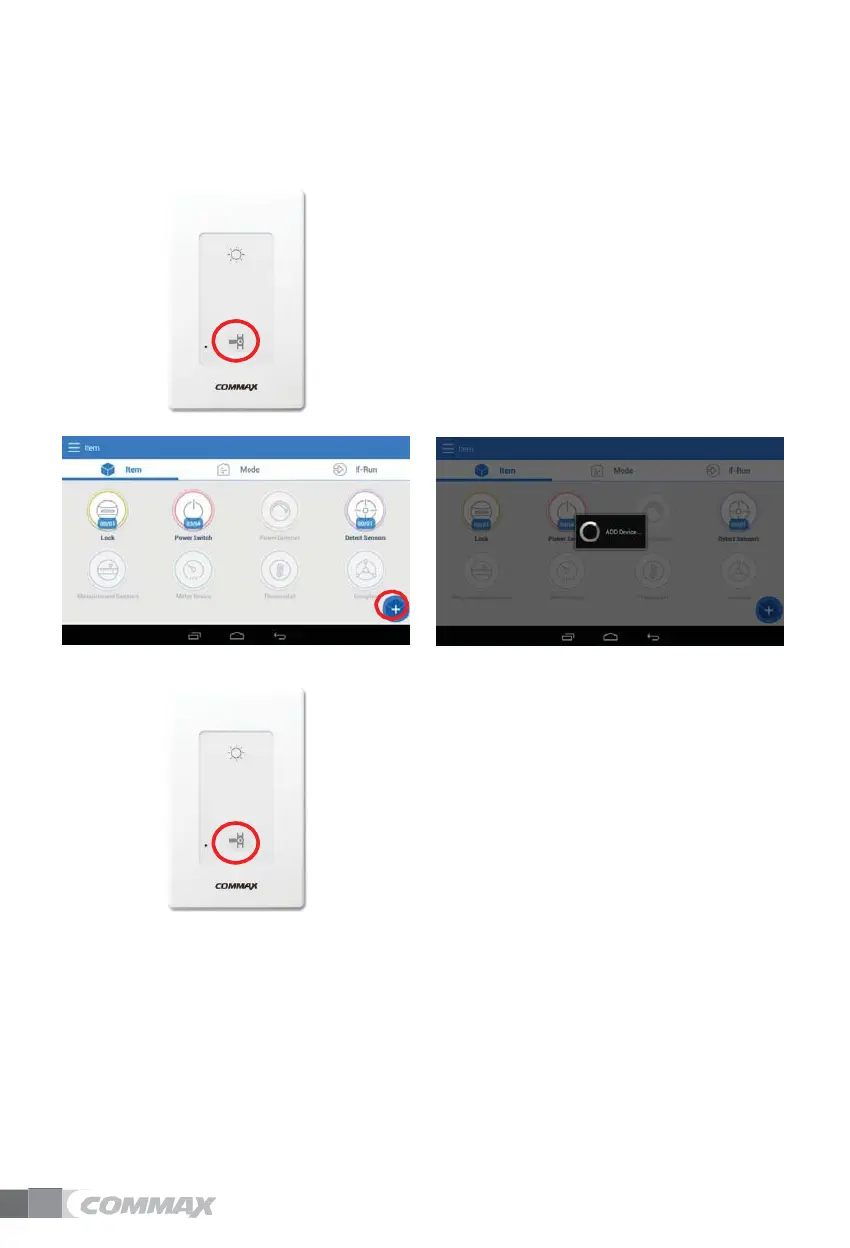
Batch off switch
Delete Batch off switch
1)
Press the red circle button on the batch off switch
for about 10-13 seconds and release the beep
sound. Press the red circle button once more.
2)
When the releasing is completed normally, the
LED flashes for 4 seconds and a ”beep beep” sound
is heard.
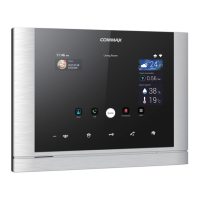
Add Batch off switch
1)
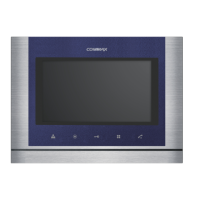
Press '+'
2)
Shown ”ADD Device..”
3)
Press the red circle button on the batch off switch.
4)
If the connection is normal, LED will be on for 4
seconds and ”beep” sound will be heard.
5)
If the connection fails, the LED blinks for 4
seconds and ”beep” sounds.
6)
When the registration is completed, the message
”Device has been registered” is displayed.


 To Next Page