M300 Pro GNSS Receiver User Guide
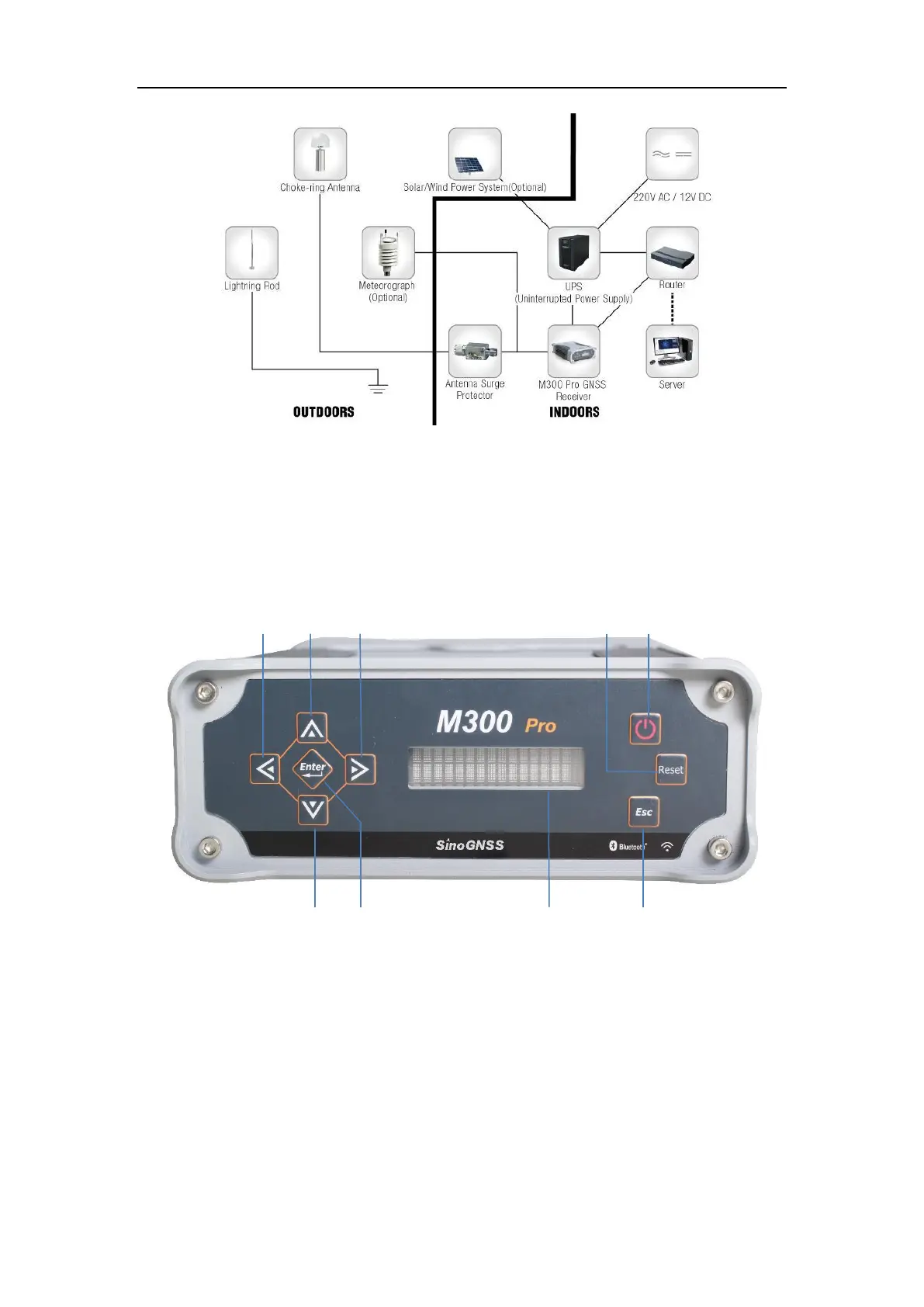
3.2 Front Panel
You can do some basic settings for receivers including IP, port, storage mode and
check the receiver status, such as the version, SN number, current position, residual
memory and power etc.
3.2.1 Button functions
①~④Direction button
Switch the page of display screen and modify settings
⑤Enter button
Press it to confirm your configuration
⑥Display Screen
Display the basic configuration information
⑦Reset button(Reserved)
Make the receiver to recover to factory default settings.



 To Next Page