M300 Pro GNSS Receiver User Guide
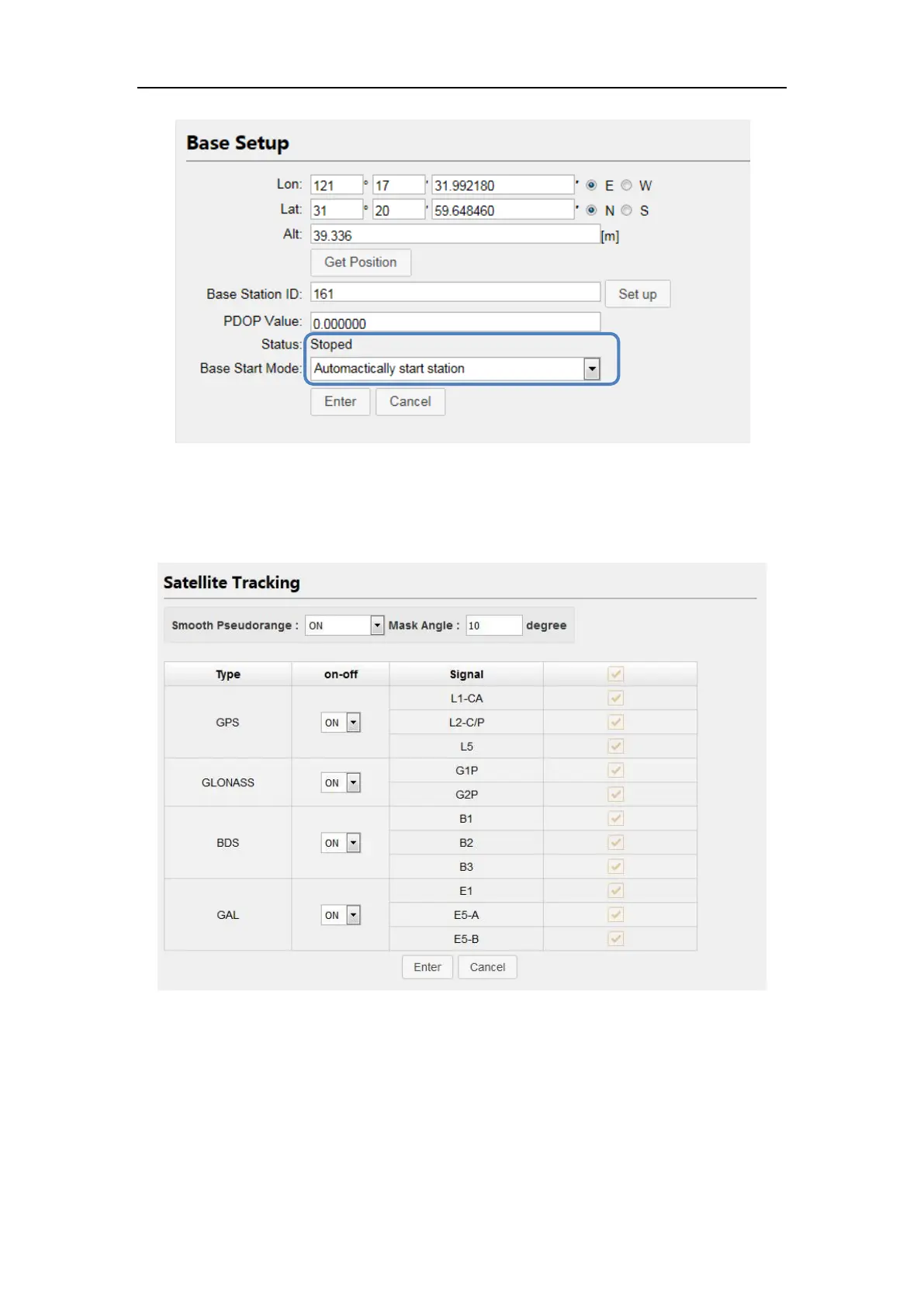
4.3.4 Satellite Tracking
Select smooth pseudorange, setup the mask angle and select the types of the
tracking signal based on surveying requirements.
4.3.5 Receiver Utility
In this section, you can control M300Pro remotely, including:
Clean EPH: delete ephemeris information saved in the receiver
Reboot: Restart the receiver
Power Off: Turn off the receiver
Factory Default: recover the receiver to factory default setting



 To Next Page