M300 Pro GNSS Receiver User Guide
port number. As example showed above: http://192.168.1.148:8000
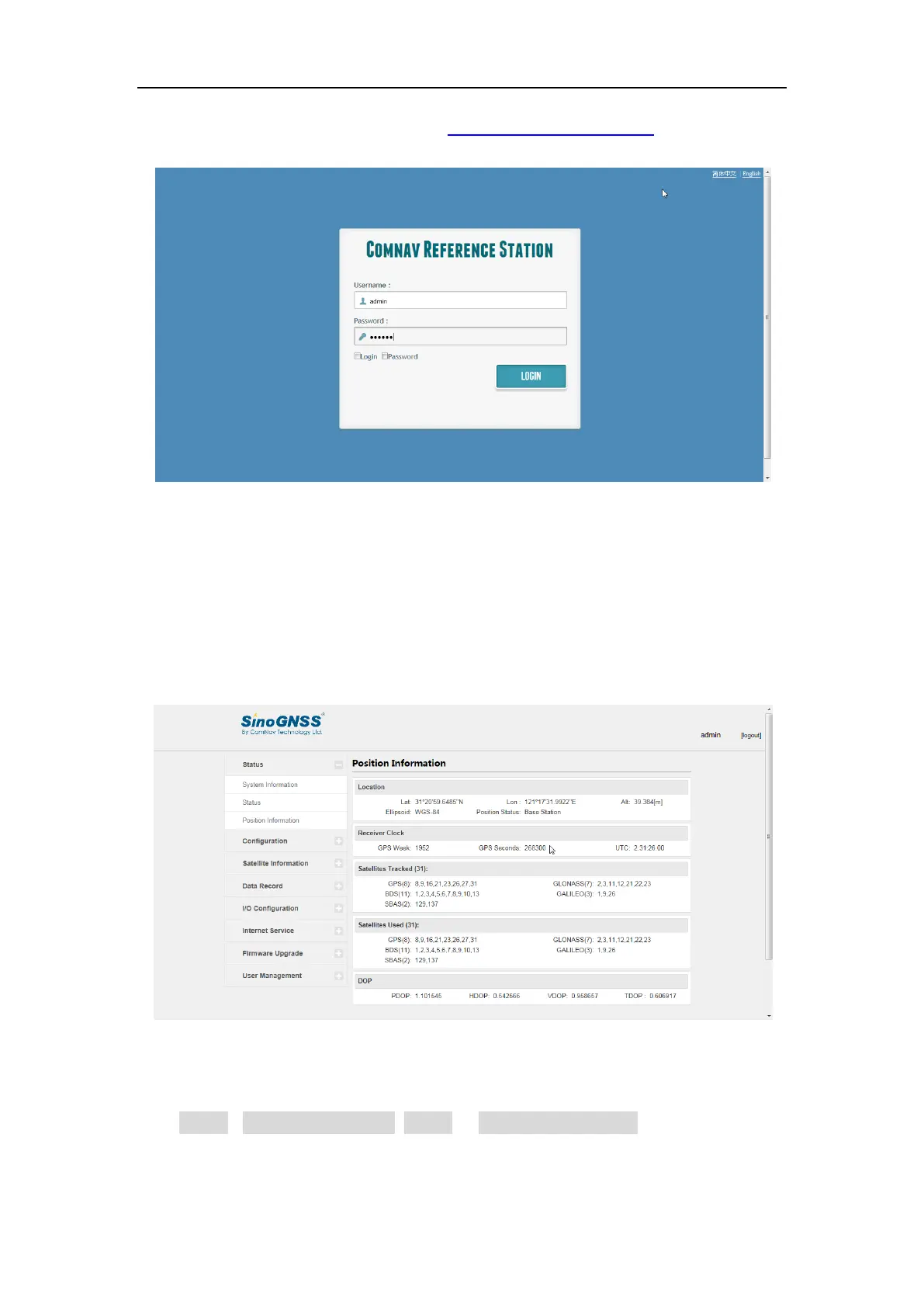
3. Enter the default login settings to access the main page:
Username: admin
Password: admin
After accessing the main page, configuration menus are listed on the left, and
receiver’s settings on the right. Each configuration menu will be demonstrated in the
following sections.
4.2 Checking the receiver status
Click Status->System Information, Status or Position information, you can check the
corresponding receiver status, including:
System information: IP address, SN, Firmware Version, Web Version etc.



 To Next Page