M300 Pro GNSS Receiver User Guide
4.7.2 Email Client
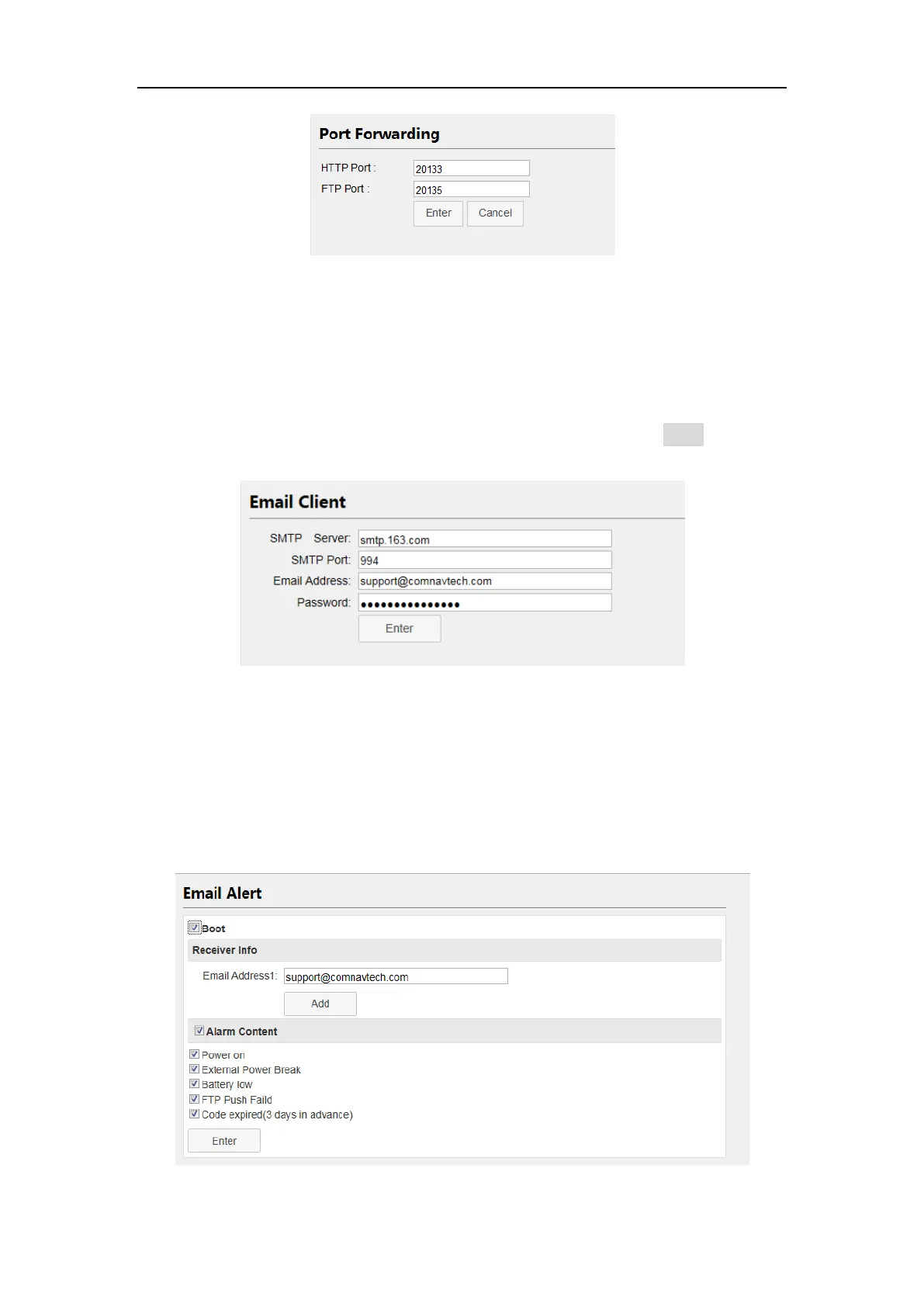
Before setting a Email Client, open your mail client SMTP authorization firstly, then
set SMTP Server, SMTP Port, Email Address and password. Enable Enter button to
save configuration.
4.7.3 Email Alert
After set the Email Client, you can add no more than 3 email addresses to receive
M300Pro’s alarm, including Power on/External Power Break/Battery low/FTP Push
Failed/Code expired.



 To Next Page