7
transmitted upstream or downstream.
When LED is OFF, this indicates that the unit is not powered or there is no
Ethernet connection.
Press and hold the RESET button for five seconds or longer to restore
CH6643E to factory default settings. After factory default settings are
restored, the gateway will restart and may take 5 to 30 minutes to find and
lock on the appropriate communication channels.
USB host port for print server or network storage function
Connect the CH6643E to a cable wall outlet.
Switch gear for power on/off the CH6643E.
Provide power to the CH6643E.
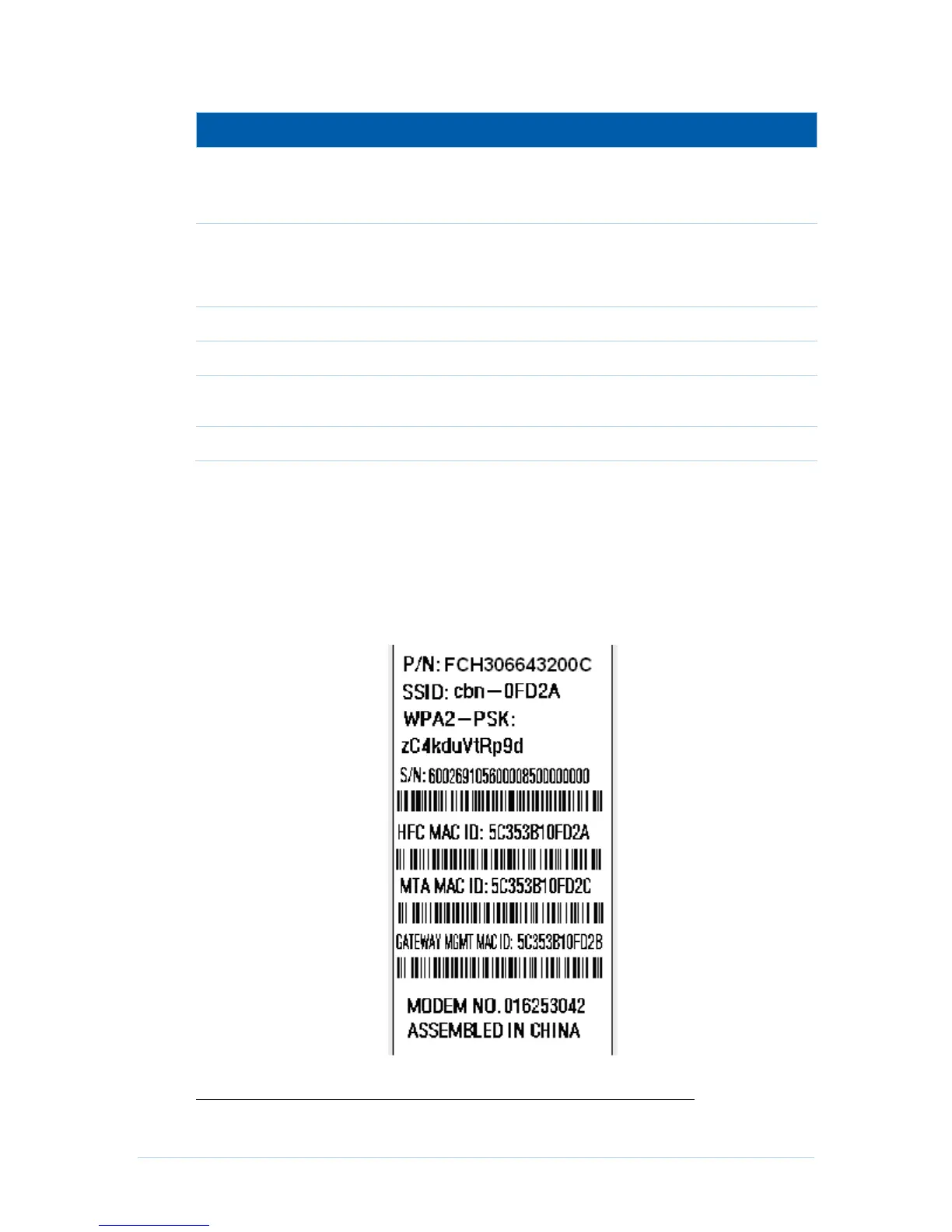
MAC Label
The CH6643E Media Access Control (MAC) label is located on the bottom of the
CH6643E. The label contains the MAC address which is a unique, 48-bit value that
identifies each Ethernet network device. To receive data service, you will need to provide
the MAC address marked HFC MAC ID to your Internet Service provider.”
Note: Label may differ according to local settings or requirements.


 To Next Page