47
1. Click or press the WPS button on the CH6643E’s front panel or select Push
Button Configuration (PBC) option radio then click “Connect” button in the
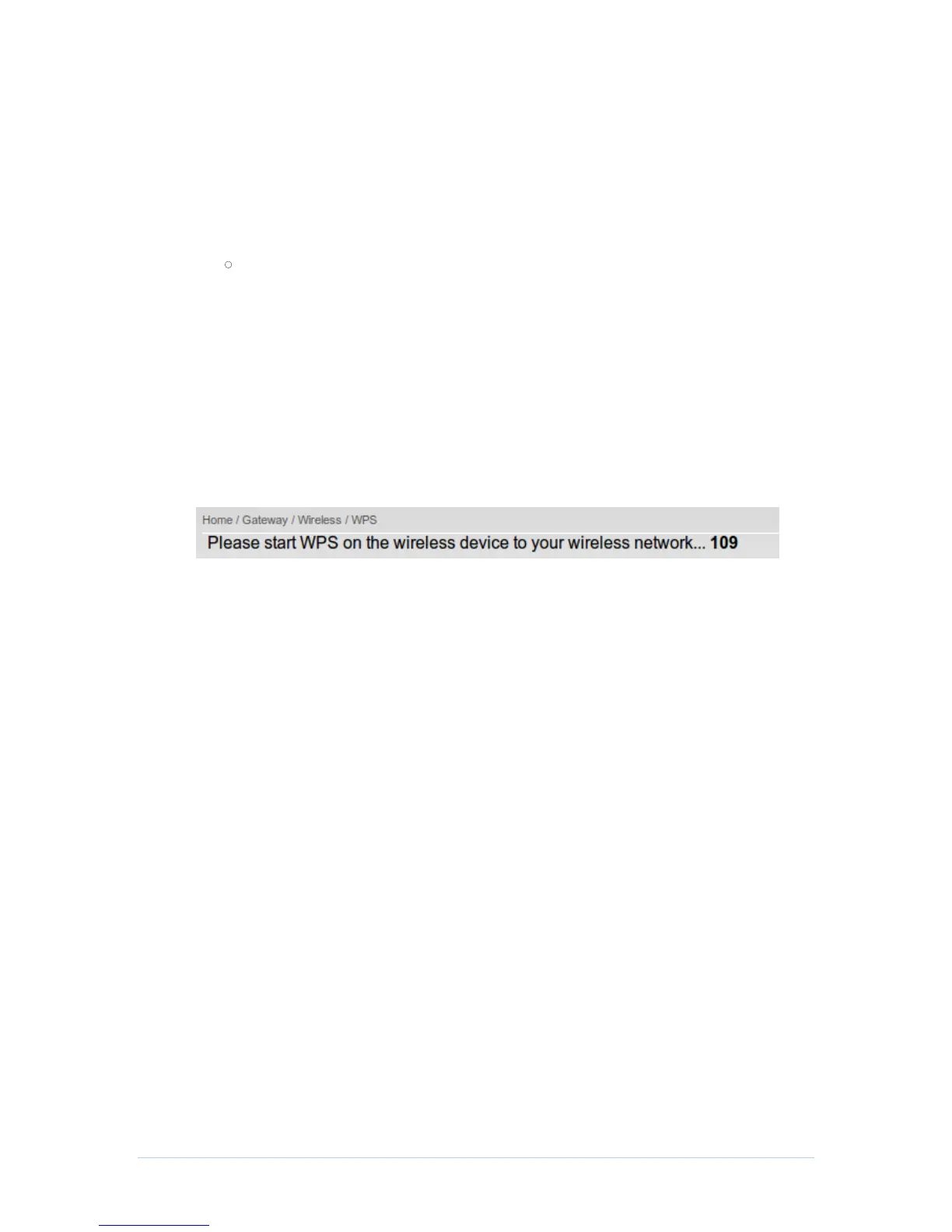
web page “Home / Gateway / Wireless / WPS”, the wireless LED will flash
with orange color.
2. Click or press the WPS button on the wireless device within 120 seconds.
3. If WPS connection successfully established, the wireless LED will turn
green.
PIN
1. In web page “Home / Gateway / Wireless / WPS”, select Personal
Identification Number (PIN) option radio then a “PIN” column will appear.
2. Enter the wireless device’s PIN code that is normally printed on the device's
sticker or generated by connection manager of that device.
3. Click “Connect”, then the wireless LED will flash with orange color.
4. Start PIN registration process by connection manager of that device within
120 seconds.
5. If WPS connection successfully established, the wireless LED will turn
green.
The countdown timer will start after you click “Connect” button
Wireless Access Control Page
This page allows you to configure the Access Control to the AP on the connected clients.


 To Next Page