16
For normal operation, you do not need to change most default settings. Carefully
consider the following caution statements:
Starting the CH6643E Configuration Manager (CMGR)
The CH6643E Configuration Manager (CMGR) allows you to change and view the
settings on your CH6643E.
1. Open the web browser on a computer connected to the CH6643E over an Ethernet
connection.
Note: Do not attempt to configure the CH6643E over a wireless
connection.
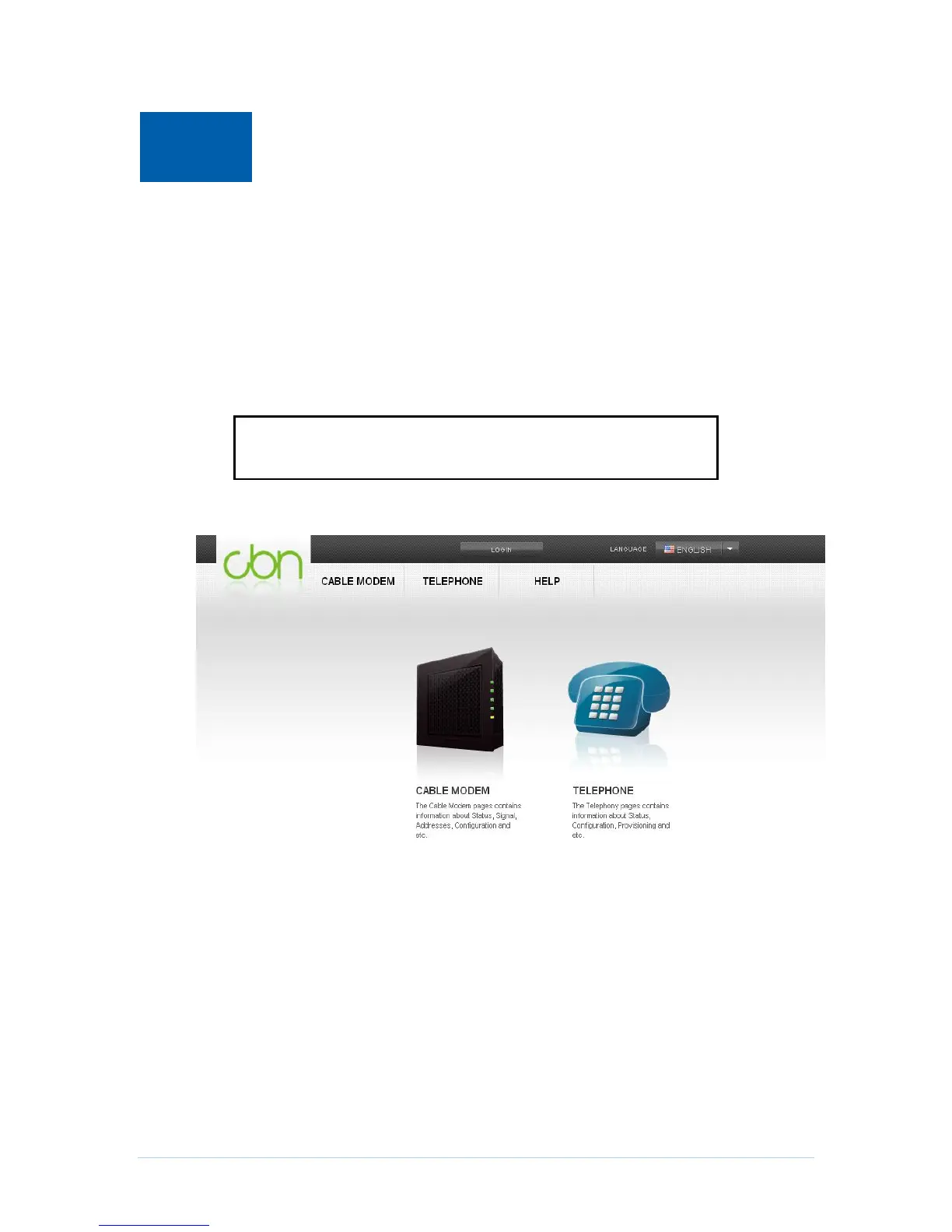
2. In the Address or Location field of your browser, type http://192.168.0.1 and press
ENTER, and then you will get into homepage.
CMGR provide more information and gateway functions for experienced users in
privileged mode, you can login by click the “LOGIN” button on the top of window then
input Username and Password.


 To Next Page