Chapter 4 Hardware Installation
10
Chapter 4 Hardware Installation
Compex SXP2224WM can be installed as a desktop unit or mounted on a 19-inch rack. There
are two types of installation for Compex SXP2224WM, one is to connect your PC directly to
the management port. Alternatively, you can configure by linking the management port to one
of the LAN ports and configure the switch through one of the ports. Detailed installation
process will be listed as shown below.
4.1 Desktop installation
1. Unpack Compex SXP2224WM.
2. Place it near to a power outlet. Ensure that there is sufficient space for heat
ventilation.
3. The surface to place Compex SXP2224WM should be clean, smooth, level and
sturdy.
4. Ensure there is enough spacing around the unit to allow attachment of network
cables.
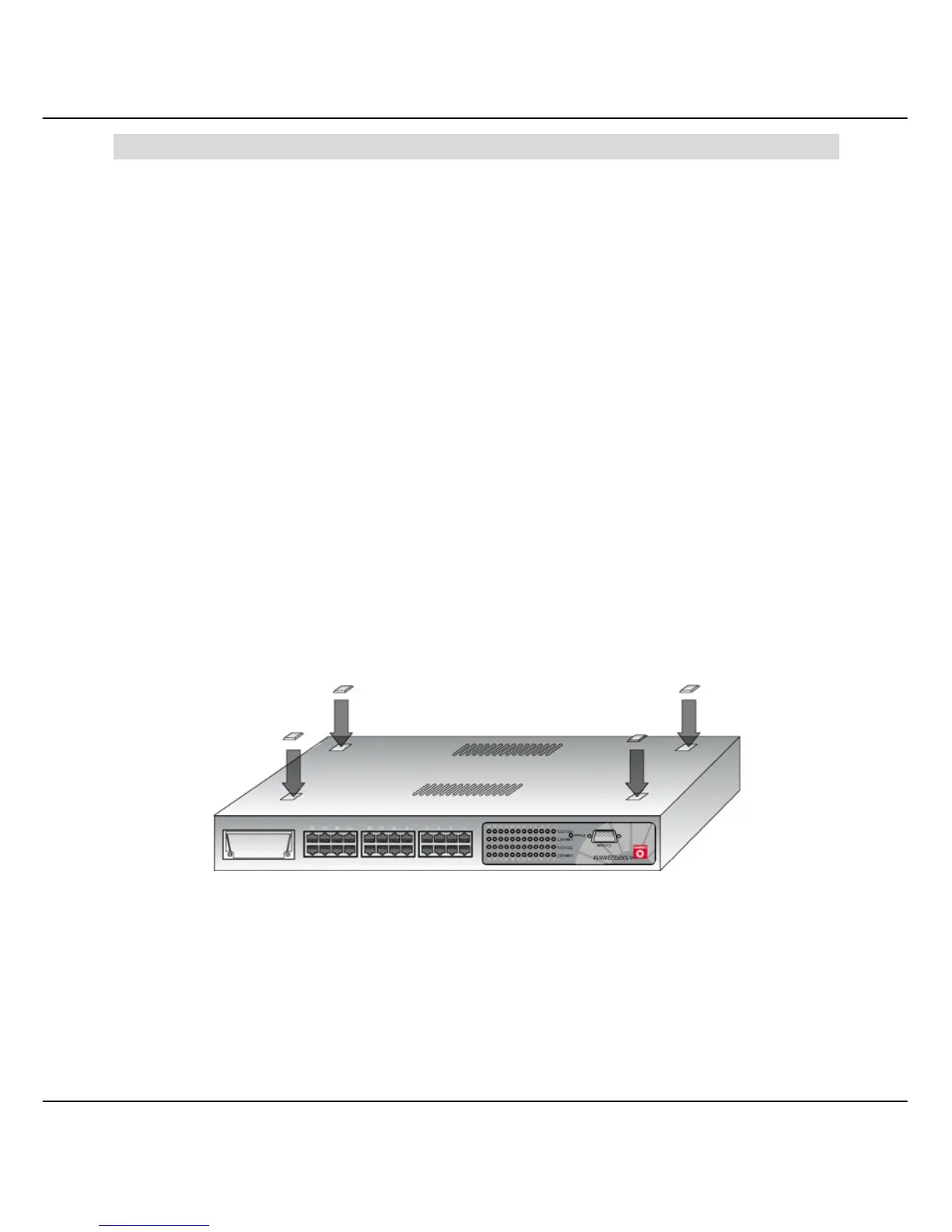
5. Attach the rubber foot at the bottom of the metal chassis.
Figure 4.1a Attach rubber foot
6. Insert the power cord into the socket located at the back of Compex
SXP2224WM.
7. Use a RJ45 network cable and insert to any of the port and power on the switch.



 To Next Page