Chapter 6 Configure Compex SXP2224WM using Web Interface
28
6.5 Port Monitoring Configuration
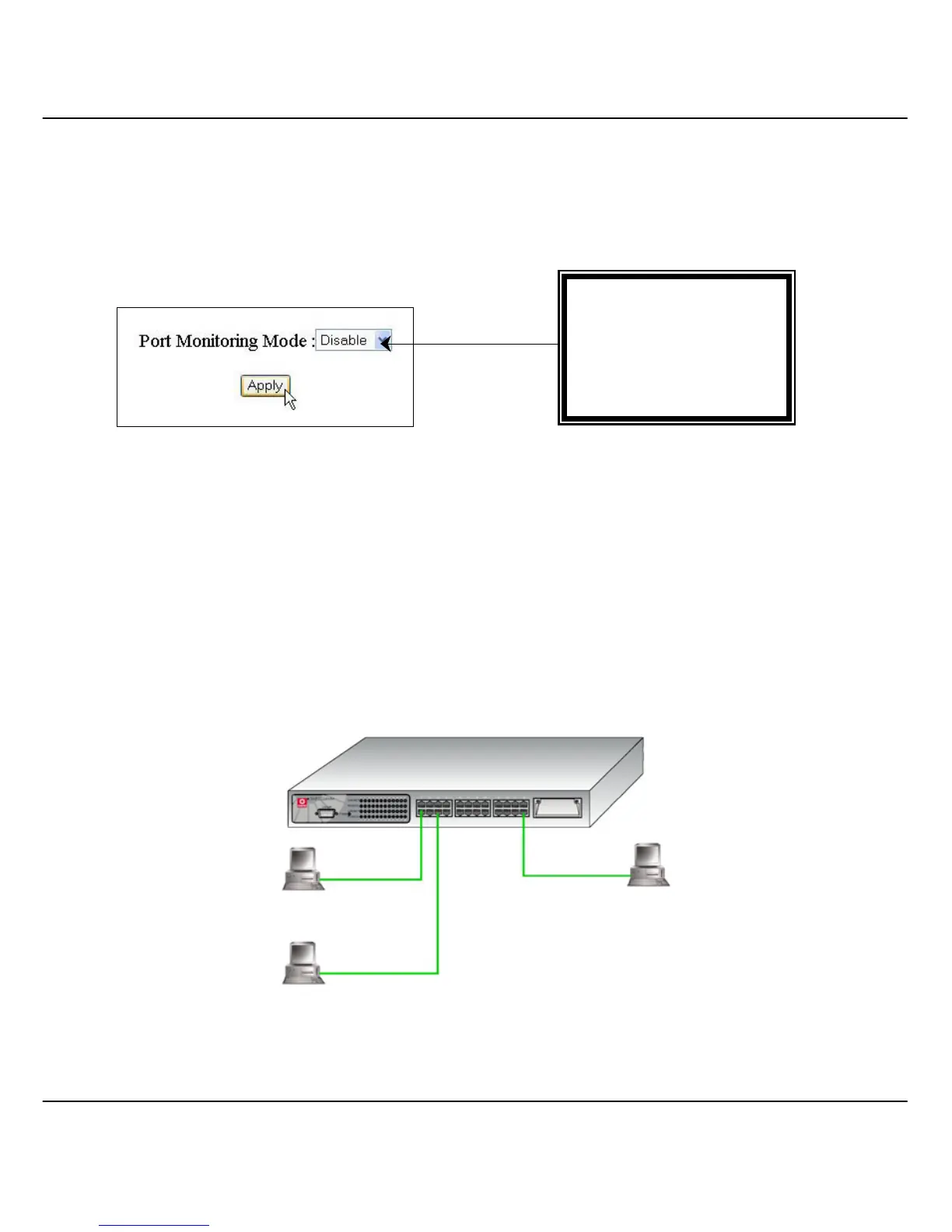
This function allows you to set up a ‘mirror’ port of any specified port/s from 1 to 26,
such that you can monitor the transmitted or received traffics of the monitored port/s
without intervening them. You can then use a protocol analyzer to analyze the traffic
for that port for any specific problem.
Figure 6.5a Port Monitoring
6.5.1 Examples on Port Monitoring
The example shown in Figure 6.5b illustrated that port 26 which is
connected to a control station, is assigned to be a monitoring port; and port
24 is configured as a monitored port. This means that when a packet is
being sent/received to/from PC 24, the control station will also get a
duplicate copies.
Figure 6.5b Illustration on Port monitoring setting
SXP2224WM
Control Station
Port 1
PC 1
Port Monitoring Mode:
• Disable
• RX
• TX
• RX & TX
Port 5
PC 5
Port 24
PC 24



 To Next Page