Chapter 7 Miscellaneous Operation
34
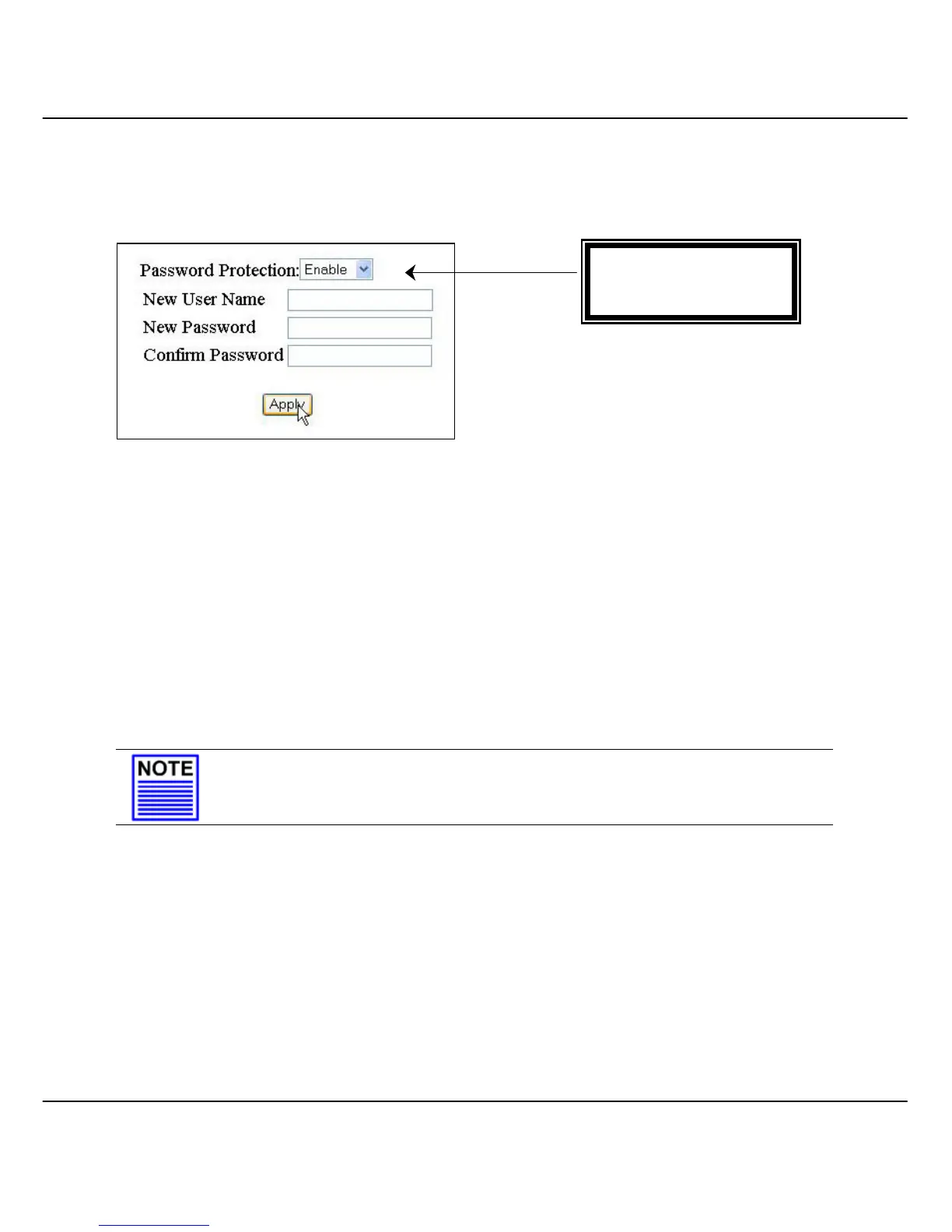
7.2 Password Setting
This option allows the system administrator to amend the current password or user
name.
Figure 7.2a Password setting
Click on the “Apply” button to activate the changes.
7.2.1 Retrieval of password
If you have forgotten your password, not to worry! Simply use the supplied
RS232 console cable and connect Compex SXP2224WM to the console
interface. Enter the username as root and password as pds, hit on the
“Enter” key from the keyboard. From there, you can change your password.
NOTE
Please note that you are not allowed to use the above-mentioned username and
password in the web interface. It is only applicable in the console interface.
Password Protection:
• Disable, Enable



 To Next Page