Chapter 6 Configure Compex SXP2224WM using Web Interface
18
Chapter 6 Configure Compex SXP2224WM using Web Interface
Compex SXP2224WM eases the
configuration process with a user-
friendly web-based interface. You can
now simply complete the configuration
process in just a few minutes.
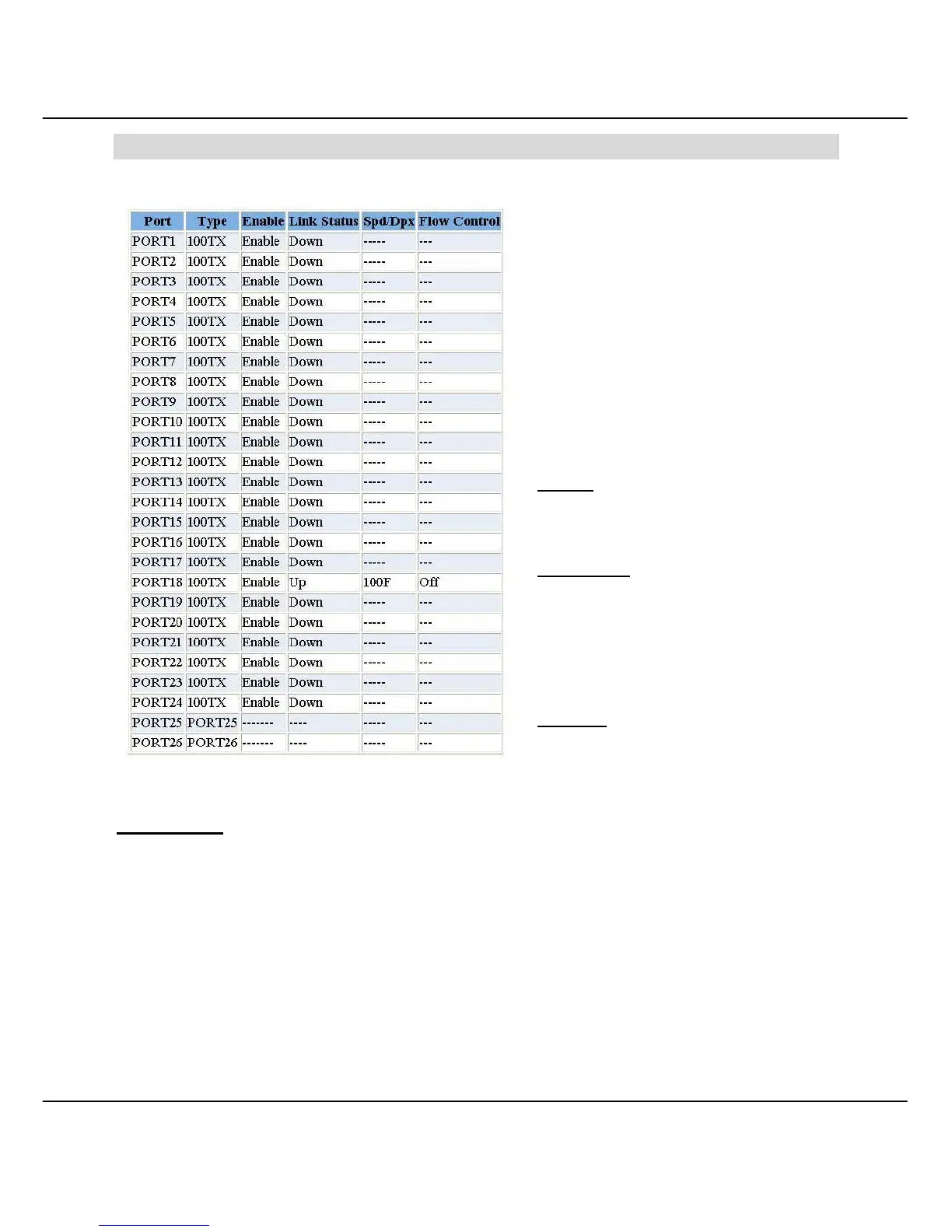
6.1 Port Status
This function allows you to view every
status of individual ports.
Enable
Displays the current port availability.
Link Status
Displays the current port status. When
the port is connected to the network and
is working in normal condition, the
screen will appear “Up”.
Spd/Dpx
Displays the connection speed and
types of duplex of individual port.
Flow Control
Displays the Flow Control status of the port. Enabling the Flow Control function allows Half
and Full Duplex mode.
Figure 6.1a Port status



 To Next Page