Chapter 6 Configure Compex SXP2224WM using Web Interface
23
6.4 Virtual LAN Configuration
Virtual LAN is actually equated to a broadcast domain. In a VLAN, all end-stations
communicate with each other as in a local LAN although they may be not on the same
physical segment. However, all data packets in a VLAN are constrained, so different
end stations in different VLANs cannot communicate with each other directly.
Compex SXP2224WM not only supports port-based VLAN, i.e. the VLAN is
specified by selecting a group of ports VLAN, but also tagged VLAN.
In a tagged VLAN application, you still can assign specific ports within a switch to be
a VLAN group. In addition, the data transferred within the VLAN group is tagged
with an ID as specified with the 802.1Q Tagged VLAN standard. It allows the VLAN
information to be carried along as the data flow from switch to switch. It also allows a
port to carry multiple VLANs data stream. It is more flexible and scalable than the
untagged VLAN application. However, all networking devices have to support the
802.1Q Tagged VLAN standard for VLAN Tagging system to work.
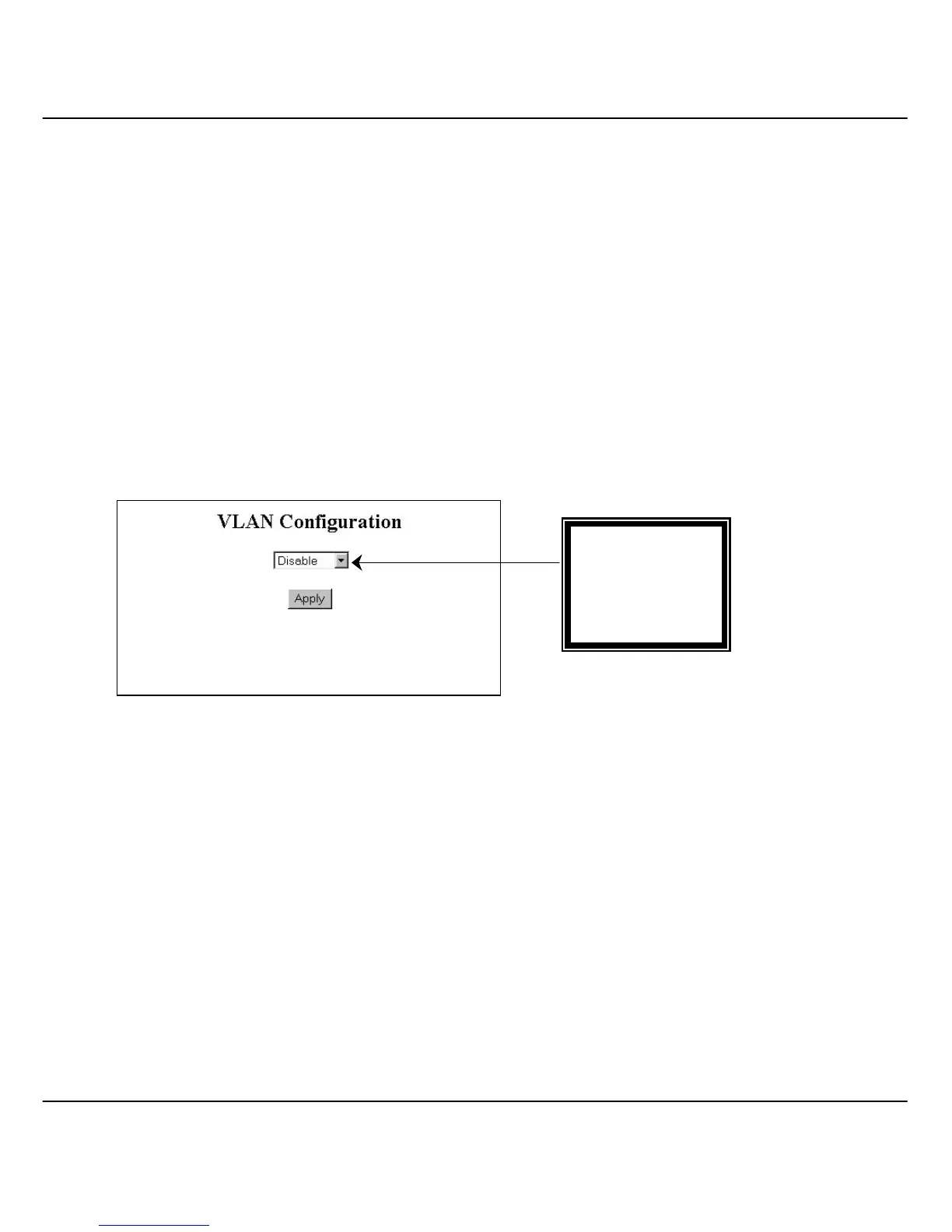
Figure 6.4a VLAN Configuration
6.4.1 Example on PortBased VLAN
In an untagged VLAN application, you can assign a group of ports within a
switch as members of a specific VLAN. Data traffic would be confined
within the member ports. In this way, devices connected with the switch can
be partitioned into distinct groups each corresponds to a different VLAN.
The partition (VLAN) can be expanded when two untagged VLANs are
connected together through their member ports. No two VLANs can be
overlapped. Each VLAN is separate from the rest. It provides a simple
means to implement a secure and managed network.
VLAN Mode:
• Disable
• PortBased
• 802.1Q



 To Next Page