Chapter 5 Access to Web Interface
16
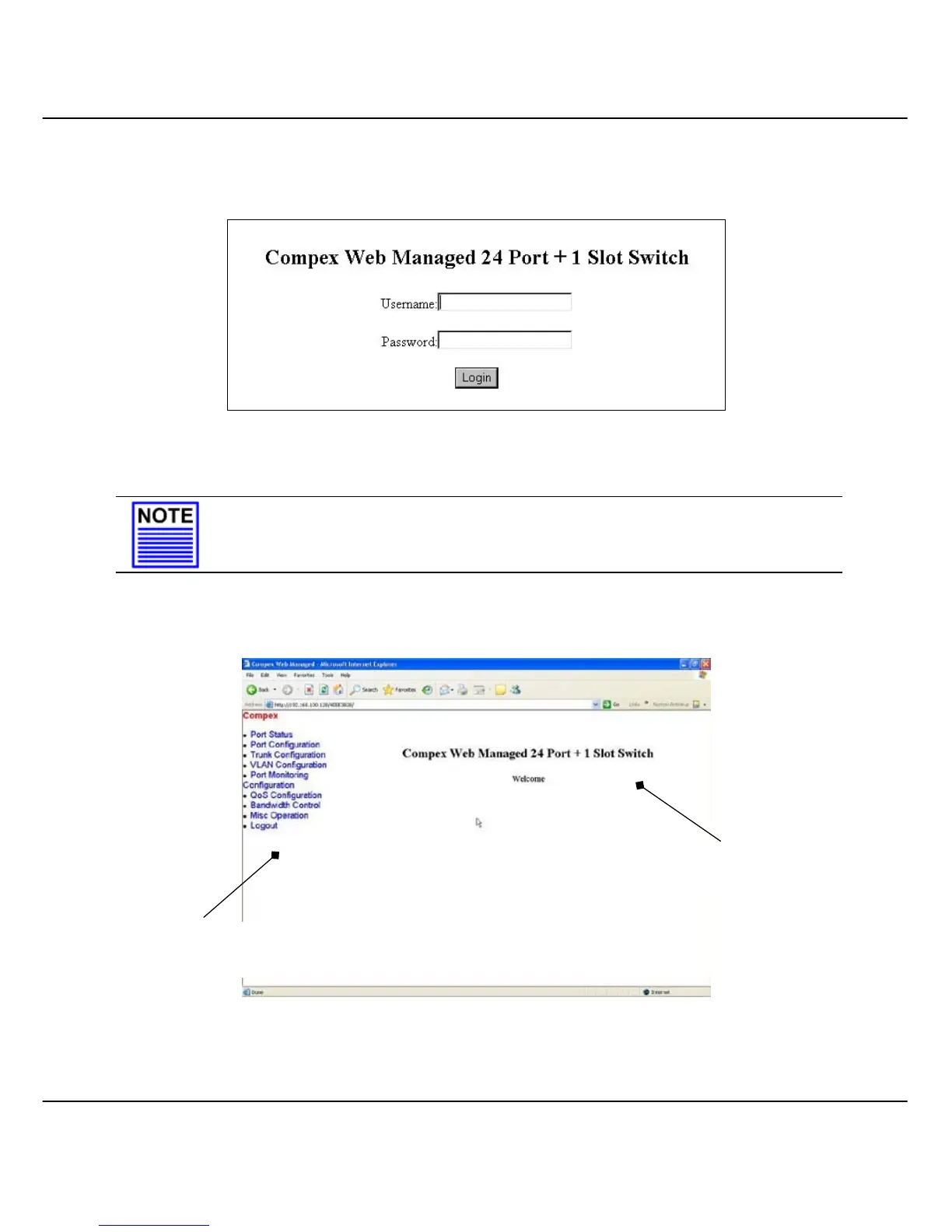
Next, the authentication page will appear as shown in Figure 5.2a. Type in the
Username and password and click on the “Login” button. The default Username and
password are admin.
Figure 5.2a Login to Remote Access Switch Manager
NOTE
Please note that the username and password are case-sensitive.
The Main Page will display as shown in Figure 5.2b.
Figure 5.2b Main Page of Compex SXP2224WM
Command Menu
Window
Configuration
Window



 To Next Page