Compool Cp3000
22
POOL CLEANER PROTECTION
If your system incorporates a pool cleaner, it may have been plumbed in conjunction with the filter pump so that it
must have water circulation in order to operate. The Cp3000 incorporates the following protection features against
accidental pump damage, which can occur if there is no water circulation:
1. The filter pump will automatically switch to pool circulation whenever the pool cleaner is running.
2. Whenever the pool cleaner is turned on, a built-in electronic delay circuit will prevent it from running until 5
minutes of filtration have passed. This protects the cleaner pump from possible damage caused by air which may
have entered the plumbing since the system was last used.
3. Your pool cleaner will automatically be switched off whenever water is being circulated to the spa.
4. If your system incorporates solar, the pool cleaner will automatically be disabled for a period of 5 minutes
whenever the solar system turns on. This protects the pool cleaner from possible damage caused by residual air
within the solar panels.
Note: If your system incorporates a pool cleaner, your Pool Builder will have labeled Equipment Key #1 (Aux1
circuit) at the Cp3000 Controller for switching this equipment.
OVERRIDING THE SAFETY DELAY CIRCUITS
For testing and servicing purposes only, it is possible to override any of the safety delay circuits by pushing the
CANCEL Key, which is located behind the right-side door of the Cp3000 Controller.
BATTERY BACK-UP
In case of a power failure, a long-life battery automatically maintains the program and clock functions of your Control
System. This safeguards against the equipment operating erratically once power has been restored, and also eliminates
the need to reprogram whenever there is a power failure.
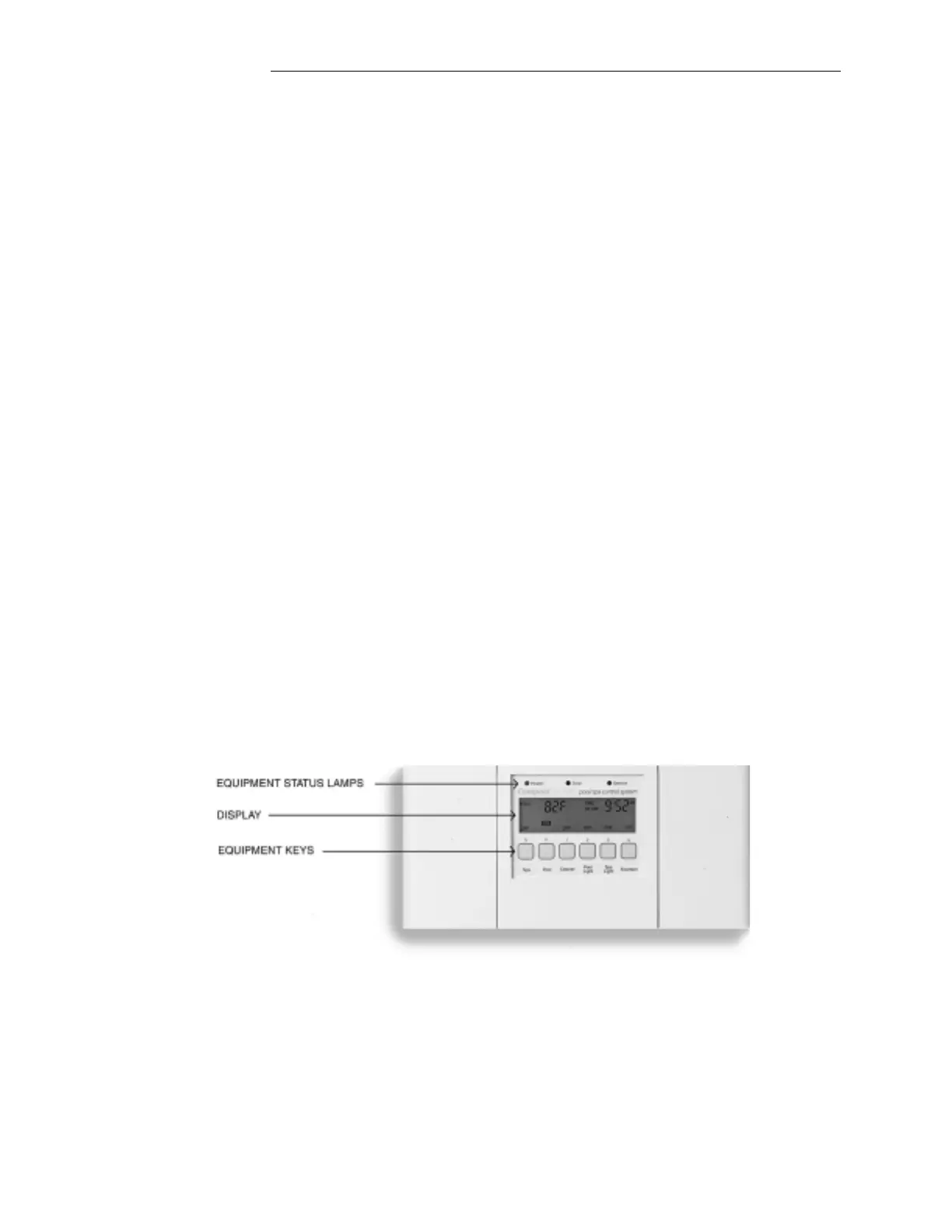
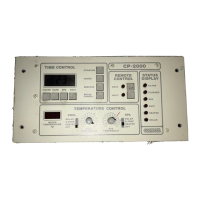
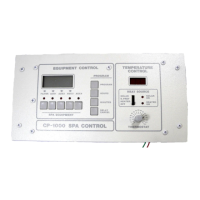
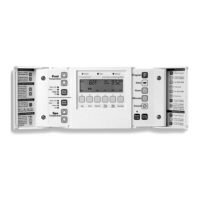
Cp3000 CONTROLLER
Installed in a convenient location inside your house, the Cp3000 Controller gives you fingertip control of all the
equipment associated with your swimming pool and spa.
EQUIPMENT STATUS LAMPS
There are three Equipment Status Lamps located above the Display:
Operating Instructions


 To Next Page