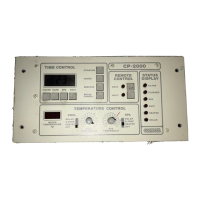
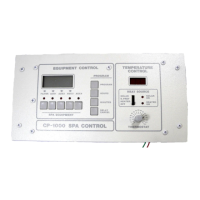
Compool Cp3000
27
PROGRAMMING
DAILY EQUIPMENT OPERATING CYCLES
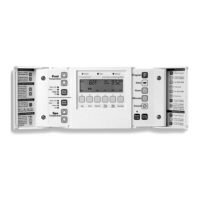
Behind the right-side door are Keys for programming the daily operating cycles of the equipment. Programming is a
“set and forget” procedure, which is normally implemented by your Pool Builder at the completion of the installation.
Most systems only require that you program the pool filtration cycles (Key #P) and, in some cases, pool cleaning cycles
(Key #1). However, it is possible to program equipment connected to any of the six Equipment Keys at the Cp3000
Controller.
Before commencing programming, you will need to determine at what time you would like the equipment to turn on
(START TIME), and for how long you would like each piece of equipment to run (RUN TIME). Your Pool Builder
will be able to recommend the appropriate filtration and cleaning cycles for your pool and spa.
BASIC PROGRAM
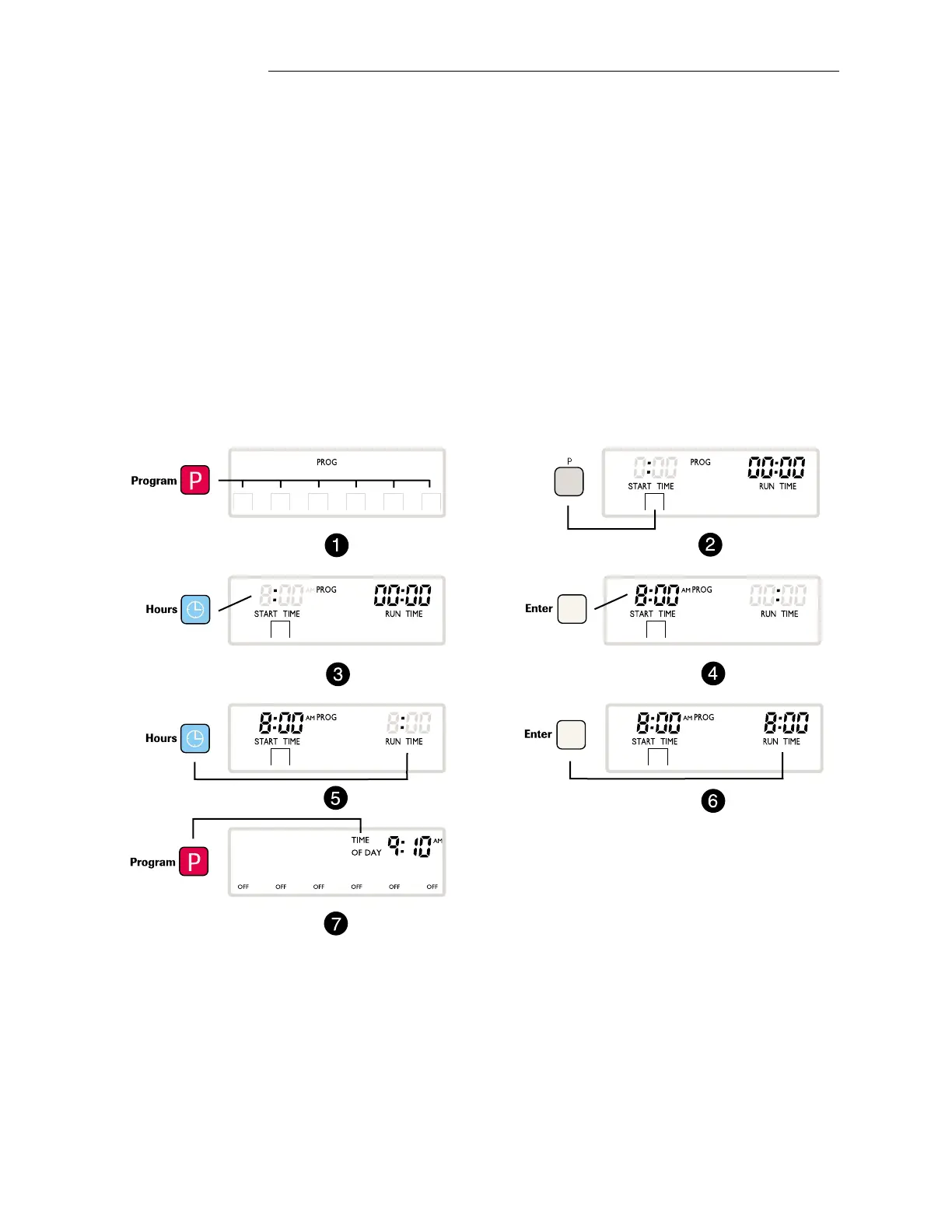
The following example programs the Pool Filter Pump to run eight hours every day:
1. Press the Program Key to start the program.
2. Press the Equipment Key “P” to program the pool.
3. Press the Hours Key to set the START TIME (example 8:00 A.M.)
4. Press the Enter Key to save the START TIME.
5. Press the Hours Key to set the RUN TIME (example 8 Hours).
6. Press the Enter Key to save the RUN TIME.
7. Press the Program Key to return to the normal operating mode.
➥
➥
Operating Instructions


 To Next Page