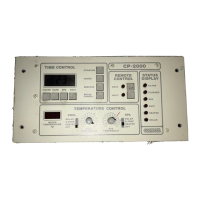
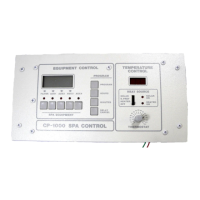
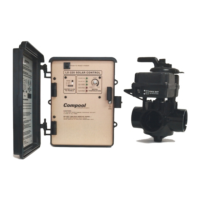
Compool Cp3000
25
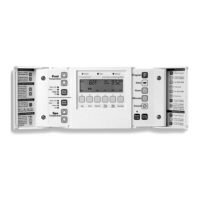
• Heater: Allows heating with gas or electric heater only.
• Solar Priority: Allows heating with solar, but automatically switches to conventional heating when solar energy
is unavailable. If your system does not incorporate solar, the Solar Priority and Solar Only options will not be
available.
• Solar Only: Allows heating with solar only when solar heat is available. If your system does not incorporate
solar, the Solar Priority and Solar Only options will not be available.
Note1: Pressing the Heat Source Keys(s) does not activate the heater and solar system. Heating can only occur when
the pool or spa is being circulated and desired temperature settings have not yet been satisfied.
Note2: For added convenience, whenever the spa is manually activated (from either the Cp3000 Controller or the Spa-
Side Remote), the Spa Heat Source Lamp will automatically switch to “Heater” and heating will begin. Turning the
spa off will return Spa Heat Source Lamp to its previous position.
TEMPERATURE KEYS
The UP and DOWN Temperature Keys are used to preset your desired water temperature. As long as the Heat Source
Key(s) are not in the OFF position, the pool and spa will heat up to the preset temperature(s) whenever pool or spa is
being circulated.
CHECKING DESIRED WATER TEMPERATURE SETTING
To check the pool and spa temperature settings, press the appropriate (Pool or Spa) Temperature Key once. The preset
temperature will blink on the Display for 5 seconds.
SETTING DESIRED WATER TEMPERATURE
To adjust the pool and spa temperature settings, press the appropriate (Pool or Spa) Temperature Key until the Display
indicates your desired water temperature. After 5 seconds, the Display will automatically return to its original
condition. Temperature settings can be adjusted in the normal operating mode only.
FAHRENHEIT/CELSIUS TEMPERATURE DISPLAY
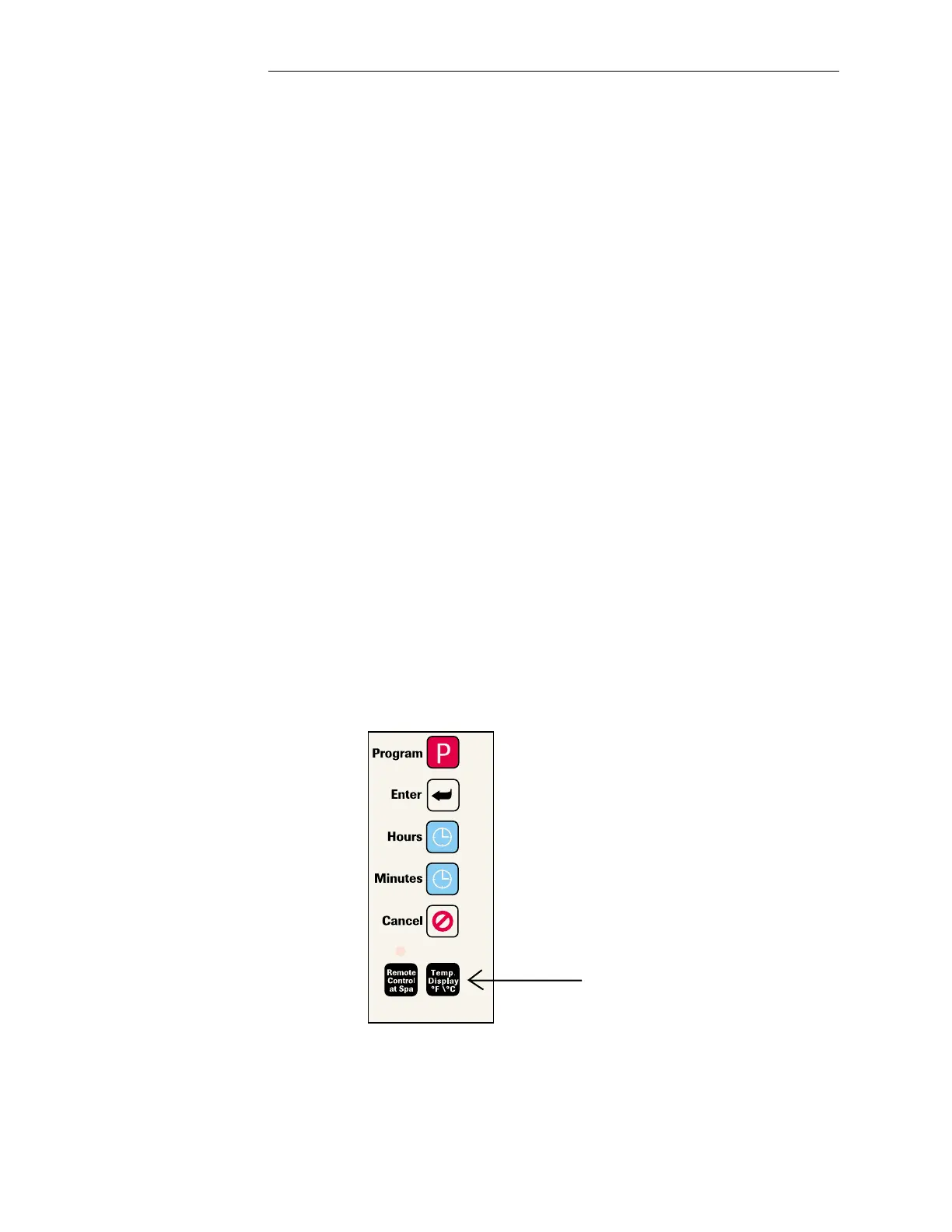
The “Temp. Display” Key (located behind right-side door) will enable you to display temperatures in either Fahrenheit
or Celsius.
Operating Instructions


 To Next Page