4-3
Chapter 4: Accessing Camera
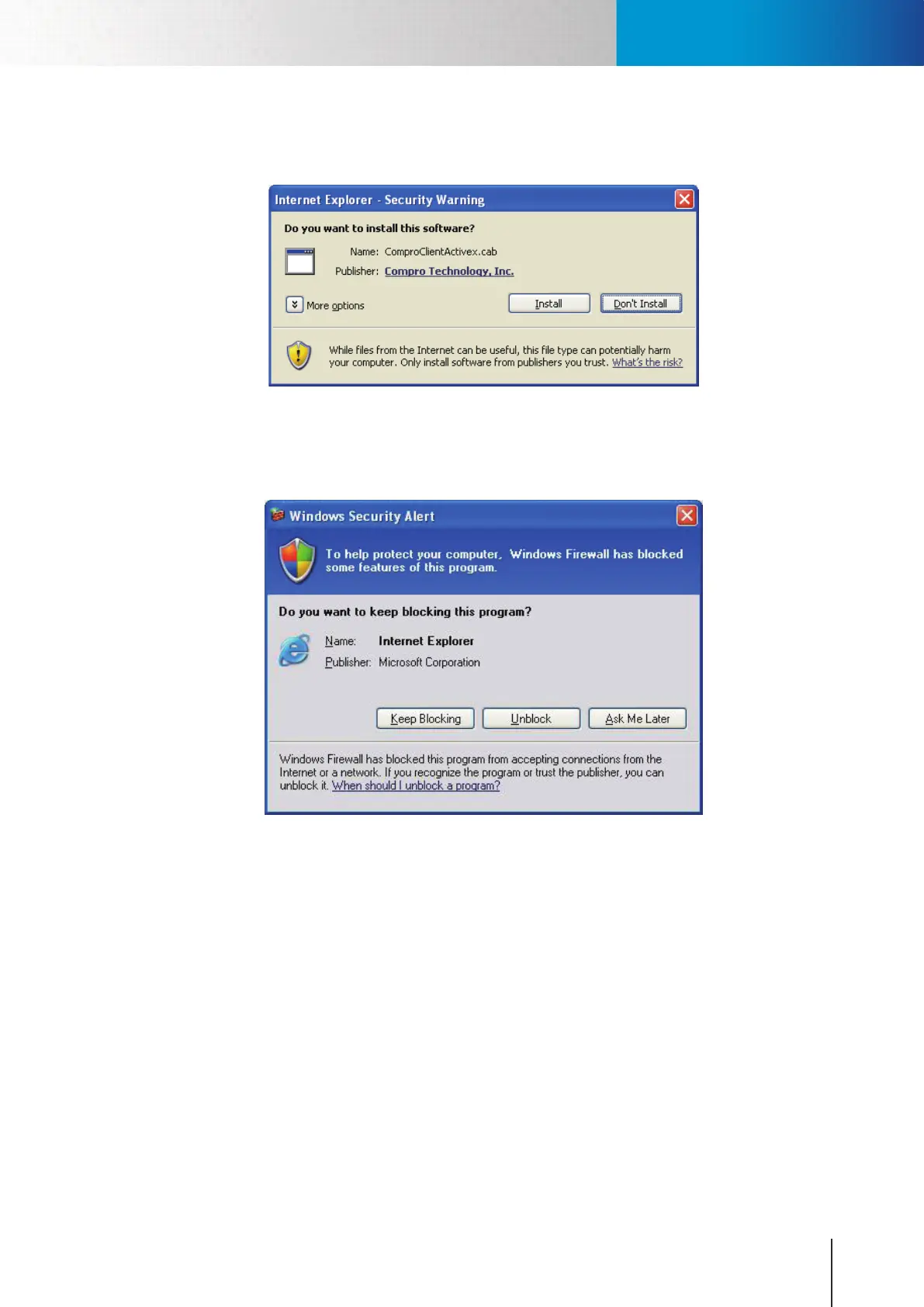
5. And then the reconfirmation dialog box appears. Please click [Install] twice to install both the
“USActiveX.cab”and“ComproClientActivex.cab”onyoursystem.
Figure 4-4. Security Warning
6. After ActiveX installation completes, the Windows Security Alert dialog appears. Please click [Unblock]
to unblock it from rewall.
Figure 4-5. Unblocking application
Accessing via PC Web Browser



 To Next Page