4-4
Compro IP55 / 60 / 70 Network Camera
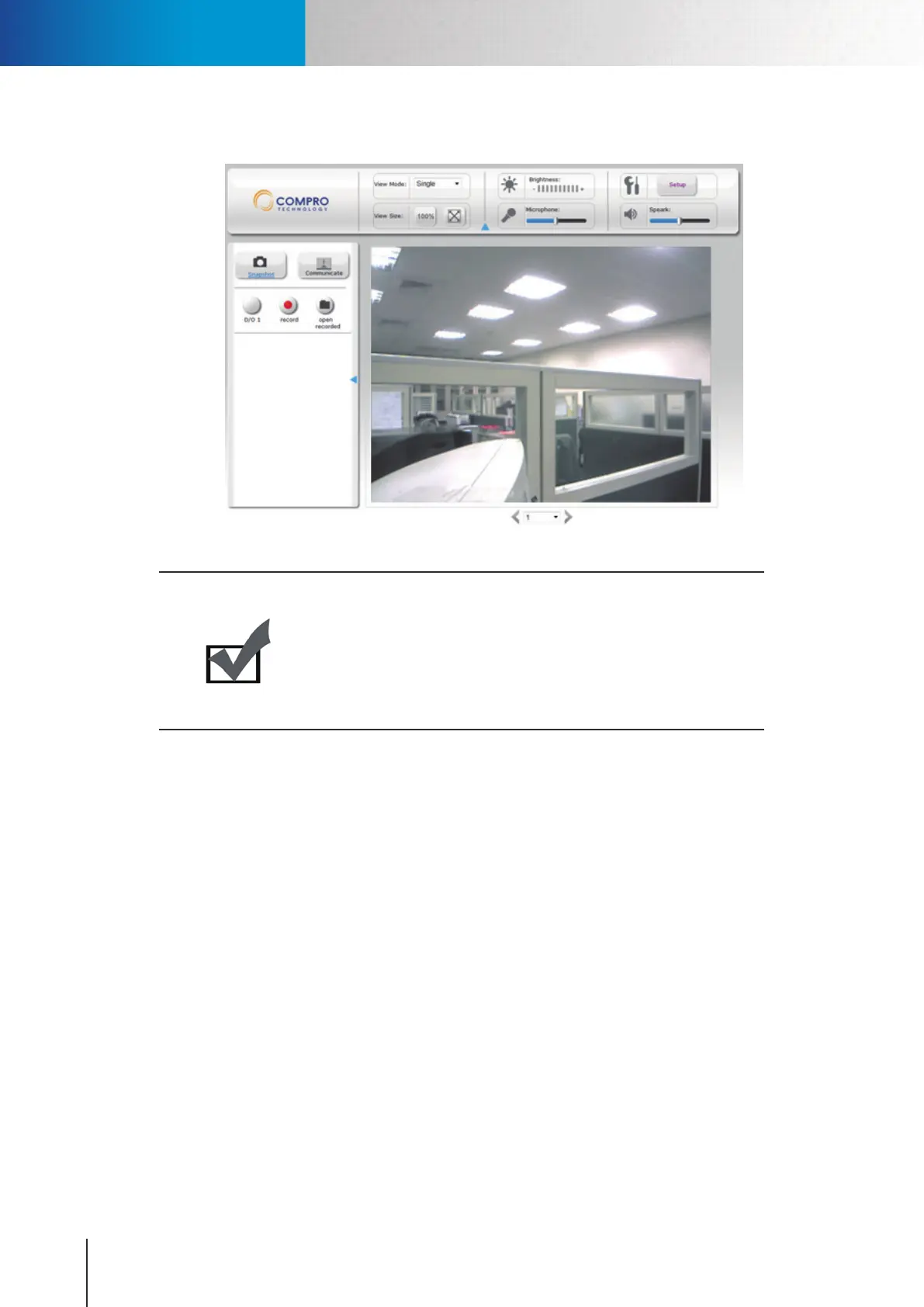
7. Now you can start using web browser for watching live video and controlling IP camera.
Figure 4-6. Live view
Note:
If your IP camera falls behind a rewall, you will need to enable ports 80
and 554 (default ports used by camera) in your rewall and link them to
the internal IP address of the camera. Should you have more than one
IP cameras, please increase the value of the above ports by 1, e.g. the
second camera will have ports 81 and 555. Please refer to the manual of
your router or rewall.
Accessing via PC Web Browser



 To Next Page