36
Saving the recorded data to the personal computer
Pressing the [Video] or [Still image] button in the viewer software enables
saving the recorded data as a video or still image.
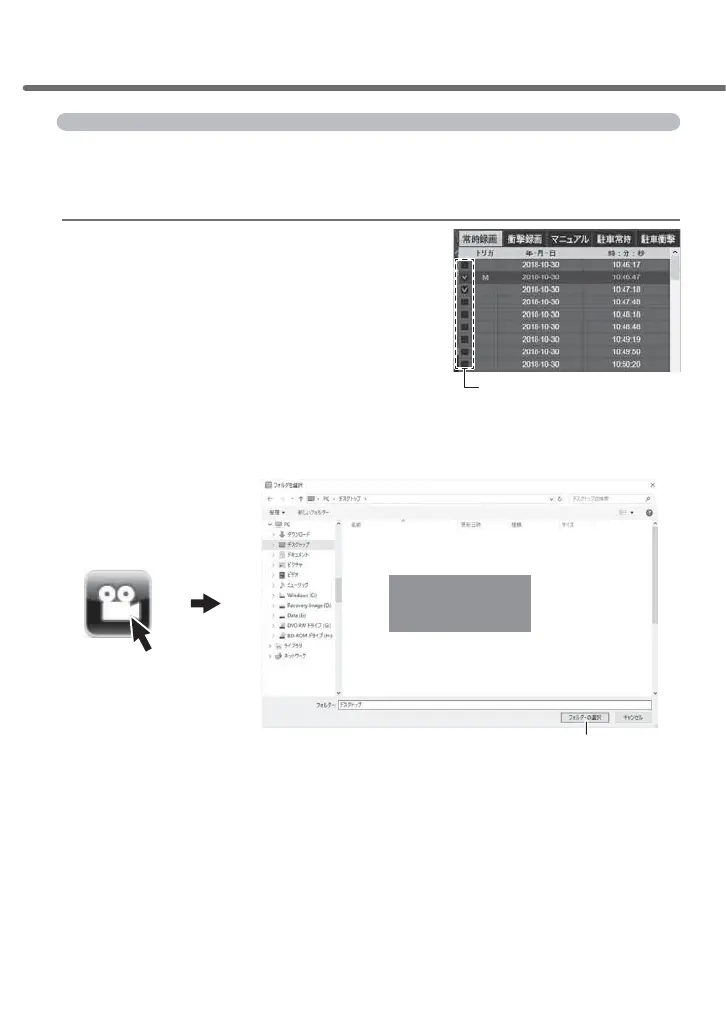
Saving the recorded data as a video
&KHFNWKHFKHFNER[RIWKHGHVLUHG¿OHWRVDYH
2) Press the [Video] button in the viewer software. Select the save destina-
tion for the video, and then
press [Select a folder].
(1) After selecting the
saving destination,
(2) Press [Select the folder]
Check box
Watching video footage



 To Next Page