50
Event recording area settings
**By changing the settings, the microSDHC card will be reformatted
• As for event recording (impact recording, manual recording and parking surveillance impact
recording), you can select the ratio of data storage from [10% / 20% / 30%] (=> P 22)
• By changing event recording area settings, the ratio of data storage for continuous recording
will be changed accordingly.
• By default, it is set to [20%].
Advice
By default, the recording areas of a microSDHC card have been set as follows: 80% for continuous recording,
and 20% for event recording (impact recording, manual recording, and parking surveillance impact recording).
Ŷ$UHIHUHQFHIRUWKHQXPEHURIHYHQWUHFRUGLQJ¿OHVDFFRUGLQJWRWKHFDSDFLW\RIDPLFUR6'+&FDUG
Settings
micro SDHC card capacity
4GB 8GB 16GB 32GB
10% $ERXW¿OHV $ERXW¿OHV $ERXW¿OHV $ERXW¿OHV
20% $ERXW¿OHV $ERXW¿OHV $ERXW¿OHV
$ERXW¿OHV
30% $ERXW¿OHV $ERXW¿OHV
$ERXW¿OHV $ERXW¿OHV
• 7KHHYHQWUHFRUGLQJ¿OHQXPEHUVVKRZQDERYHDUHIRUUHIHUHQFHDQGPD\GLႇHU
Overwrite prevention settings
• When recorded data reaches the upper limit of a microSDHC card, you can select the next
action from [OFF / Event recording / All recording].
• By default, it is set to [OFF].
Settings
When reaching upper limit
Continuous recording
Event recording
OFF
Overwrites all recorded data.
Continues recording
by overwriting
Continues recording
by overwriting
Event
recording
Event recording data only
Does not overwrite.
Continues recording
by overwriting
Stops recording
All recording
Does not overwrite any recorded data.
Stops recording Stops recording
Advice
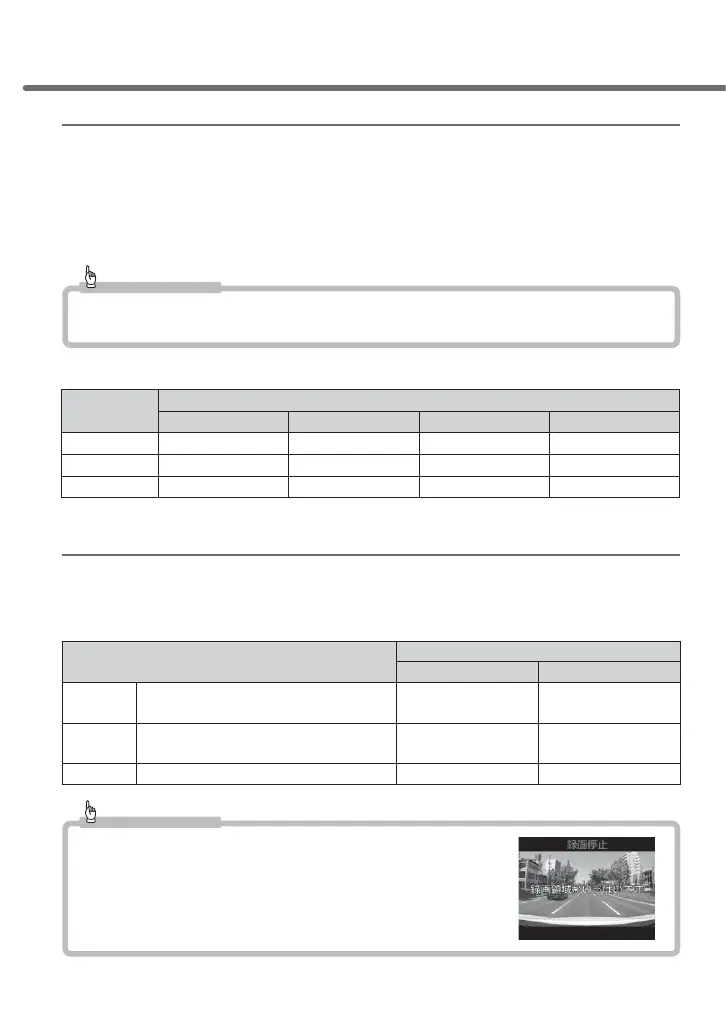
An image as shown on the right will be displayed to call your
attention, when recorded data reaches the upper limit of the
microSDHC card while the overwriting prevention setting is
set as [Event Recording] or [All recording].
Setting



 To Next Page