EasyManua.ls Logo

Comtech EF Data UT-4505 - SPA (Set Physical Address); SBR (Set Baud Rate); CON (Set LCD Contrast)

Default Icon
208 pages
Print Icon
To Next Page IconTo Next Page
To Previous Page IconTo Previous Page
Loading...
UT-4500 Series C- and Ku-Band Up Converters MN/UT4500.IOM
Serial Interface Operation Revision 3
8–14
8.7.2.9 SPA (Set Physical Address)
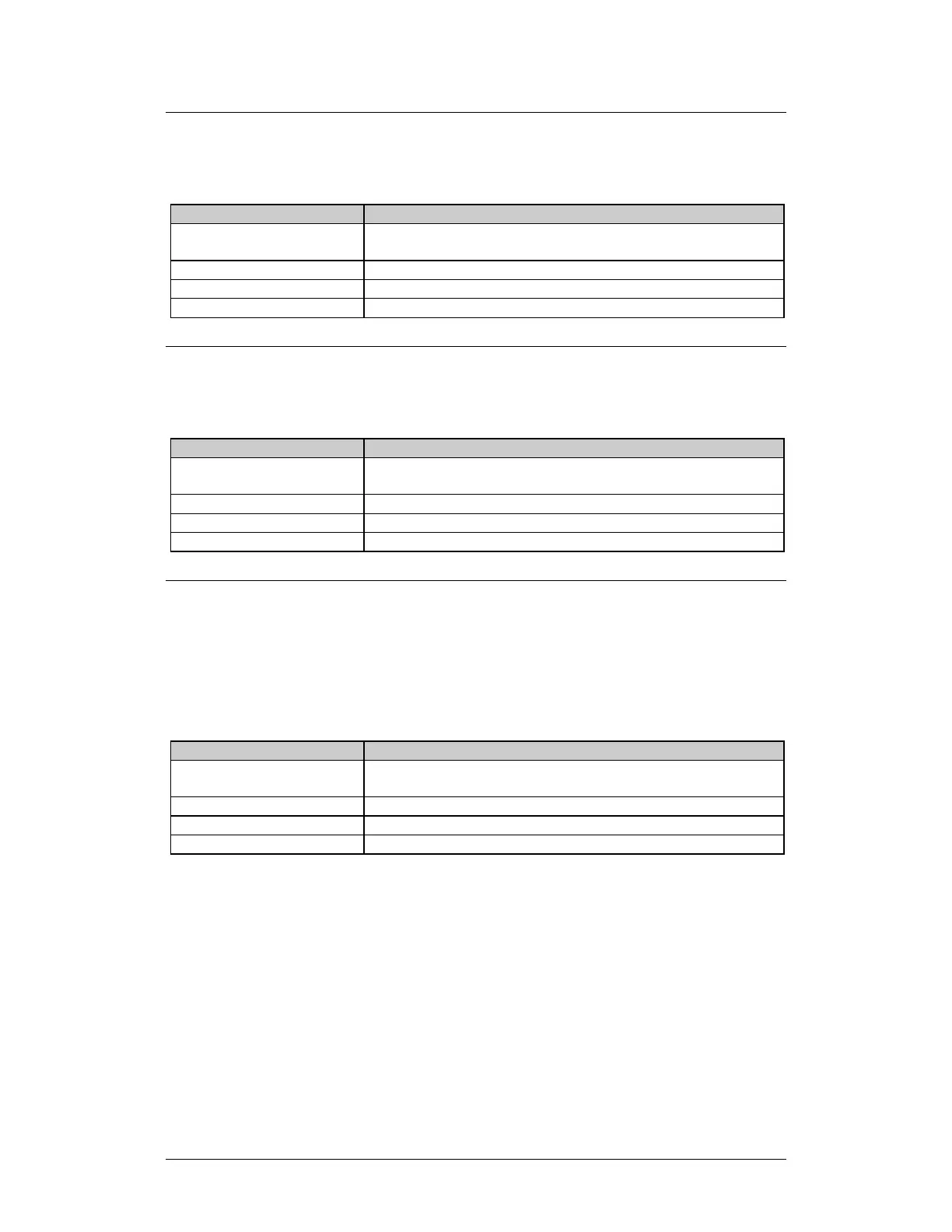
Use SPA to set the physical address of the unit. The default address is 001.
Description
Details
Set Physical Address:
<DEV/SPA_xxx{cr} where:
xxx = 1 to 255
Confirmation:
>DEV/SPA_xxx{cr}{lf}]
Return Physical Address:
<DEV/SPA_{cr}
Confirmation:
>DEV/SPA_xxx{cr}{lf}]
8.7.2.10 SBR (Set Baud Rate)
Use SBR to set the serial interface baud rate. The default baud rate is 9600.
Description
Details
Set Baud Rate:
<DEV/SBR_xxxx{cr} where:
xxxx = 1200, 2400, 4800, 9600, 19K2, or 38K4
Confirmation:
>DEV/SBR_xxxx{cr}{lf}]
Return Baud Rate:
<DEV/SBR_xxxx{cr}
Confirmation:
>DEV/SBR_xxxx{cr}{lf}]
8.7.2.11 CON (Set LCD Contrast)
The CON legacy command does not control any current production unit
hardware. Its syntax is still supported to allow backwards compatibility with
initially released chassis monitor and control applications. The default LCD
contrast is 15.
Description
Details
Set Contrast:
<DEV/CON_xx{cr} where:
xx = 0 to 30
Confirmation:
>DEV/CON_xx{cr}{lf}]
Return Contrast:
<DEV/CON_{cr}
Confirmation:
>DEV/CON_xx{cr}{lf}]

Table of Contents

Related product manuals