G-14 l Appendix
To Stop Conveying
1 Set the load time to zero. Once the load time is set to zero, conveying will
stop. See page 4-6, Screen 9
Transporting the MDC
The MDC can be moved to another processing machine, to a pre-drying area, or to
an area away from the processing machine for cleaning and maintenance. To trans-
port safely:
1 Disconnect the power and water sources.
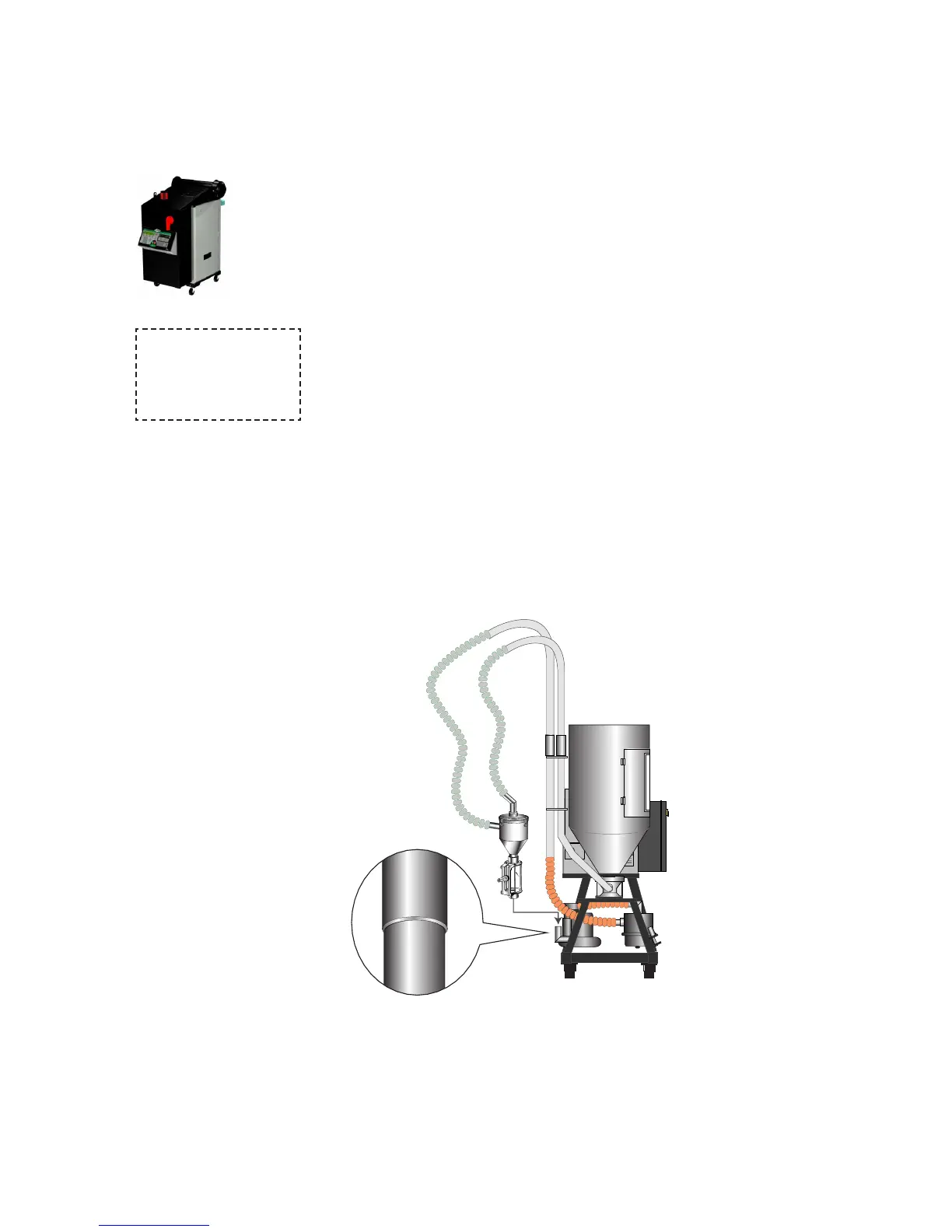
2 Place the vacuum receiver on its transport bracket on the MDC cart.
Tighten the thumbscrew to secure the vacuum receiver to the bracket.
3 Unlock the wheels and move the MDC by pushing or pulling with the
handles on the cart.








 To Next Page