Screen
Access code 756 required.
SCREEN 44 (Alarm Screen)
Function
Control Function Descriptions
(continued)
1
P3
A
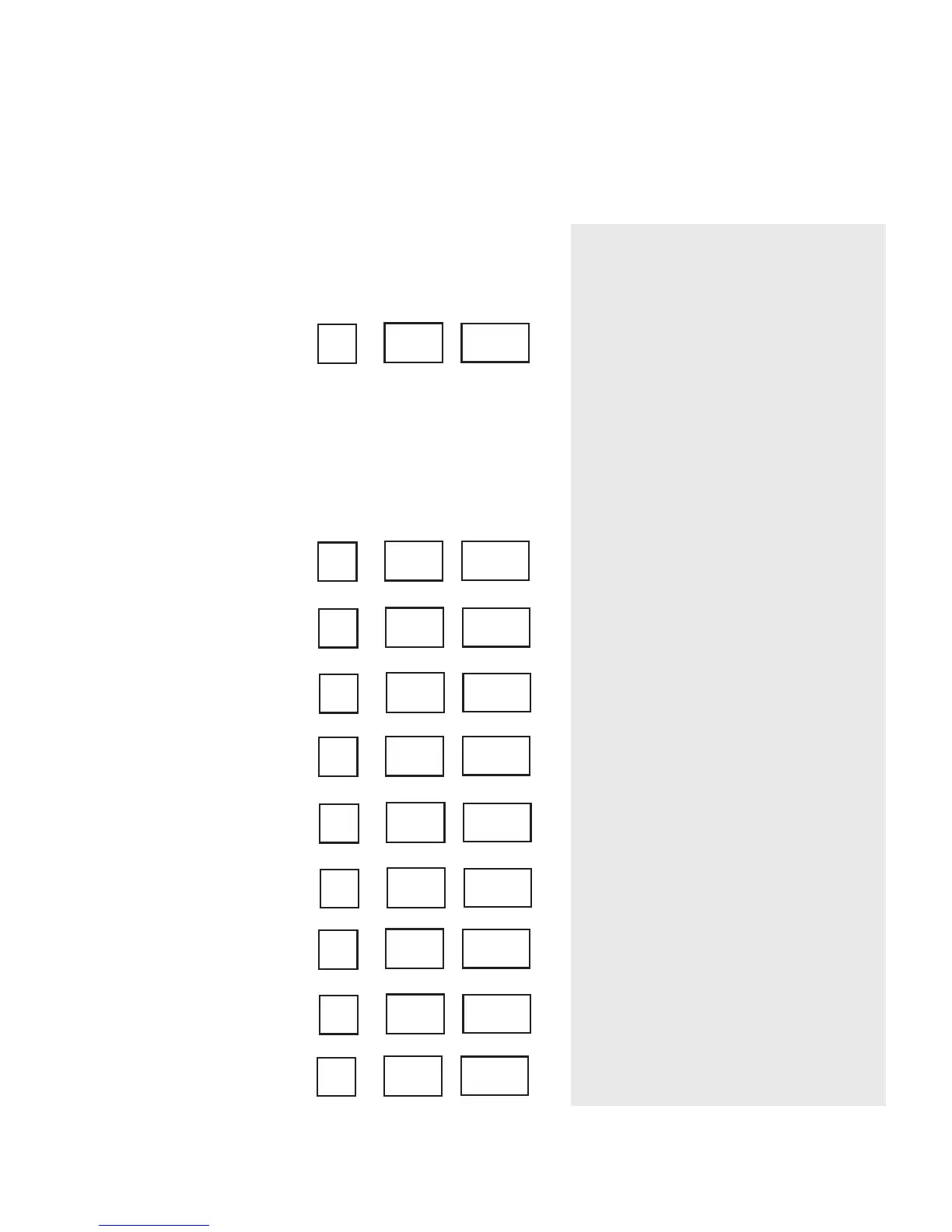
This is the first Alarm History screen. In
this section, the last 10 alarms that have
occurred are saved, starting with the
most recent alarm. The number in the
setpoint screen shows the list of alarms
1-10. The alarm code shows up in the
actual screen. Some of the alarm codes
are shown on the display label. Please
refer to the alarm section of this manual
for all alarm code definitions.
These are the additional alarm screens.
See the explanation above.
4-16 l Operation
2
A1
A
3
A5
A
4
A4
A
5
P1
A
6
P5
A
7
A7
A
8
A2
A
9
A6
A
10
P2
A








 To Next Page