EasyManua.ls Logo

ConMed E9000 - User Manual

Default Icon
166 pages
Print Icon
To Next Page IconTo Next Page
Loading...
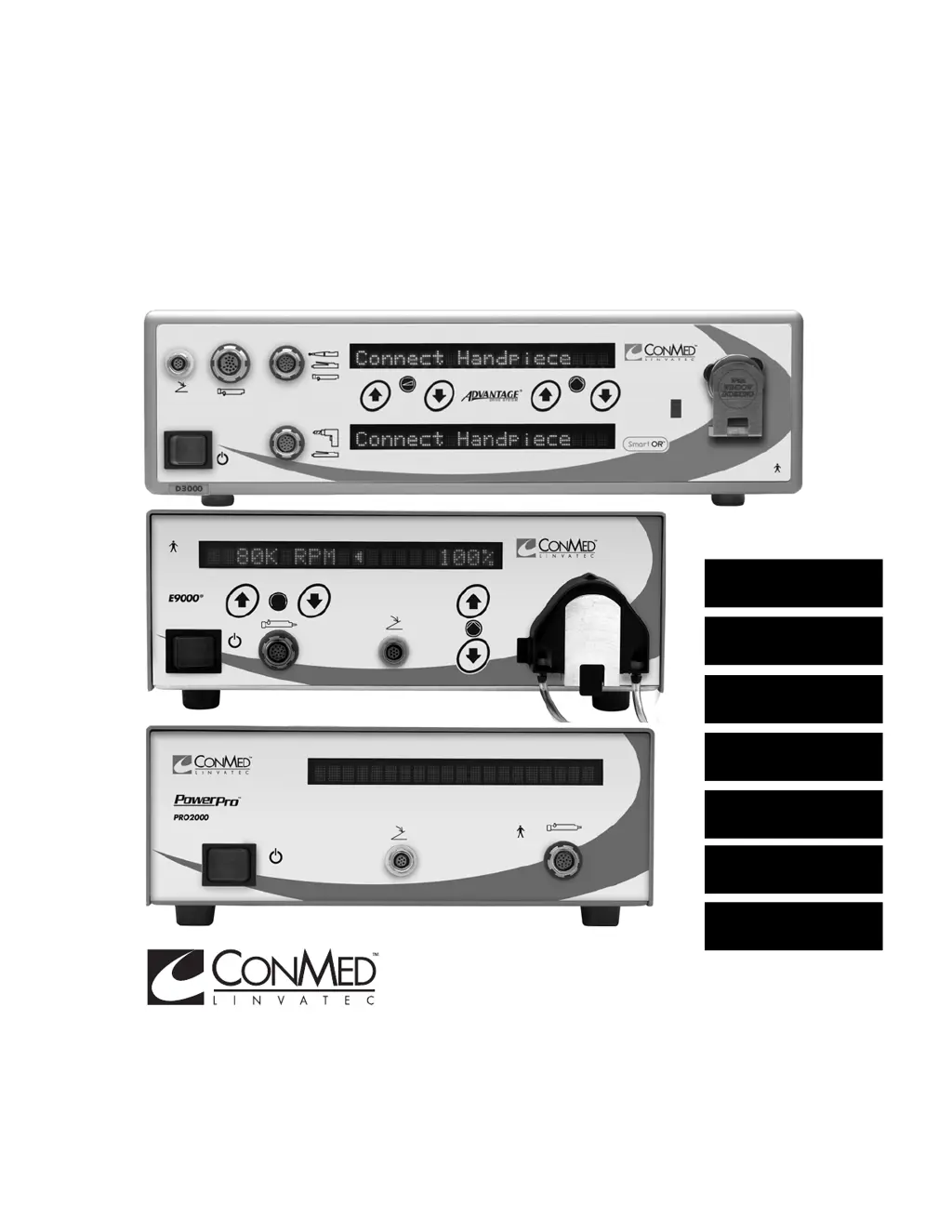
The Advantage
®
, E9000
®
and PowerPro
®
Systems Instruction Manual
CONTROLLER
OPERATION
A
E9000
®
HANDPIECES
B
MICROCHOICE
®
HANDPIECES
C
SHAVER
HANDPIECES
D
MINI-DRIVER™
HANDPIECES
E
MAINTENANCE
F
TECHNICAL
SPECIFICATIONS
G

Table of Contents

Questions and Answers

  • D
    danawilsonAug 9, 2025
    How to troubleshoot ConMed Medical Equipment controller that does not power on?
    • A
      amanda68Aug 9, 2025
      If your ConMed Medical Equipment controller doesn't power on, it might be due to a few reasons. First, ensure the power cord is properly plugged in. If it is, check the fuses; a blown fuse can prevent the device from powering on. Replace the fuses if necessary.
  • L
    Lindsey AlvaradoAug 16, 2025
    What to do if the ConMed Medical Equipment handpiece does not operate?
    • J
      John SimpsonAug 16, 2025
      If the handpiece on your ConMed Medical Equipment isn't working, there are several potential causes: * Check the handpiece cord to ensure it's securely connected to both the handpiece and the controller receptacle. * If applicable, verify the handpiece safety is in the correct operating position. * If you're using a footswitch, make sure its cord is securely connected to the controller receptacle. If these steps don't resolve the issue, the handpiece cord, button, or the handpiece itself may be faulty and require service or replacement.
  • S
    Scott KingAug 22, 2025
    What to do if ConMed Medical Equipment MicroChoice, Group 2 handpiece overheats?
    • J
      John HortonAug 22, 2025
      If a MicroChoice, Group 2 handpiece on your ConMed Medical Equipment is overheating, it could be due to moisture in the handpiece. Try resterilizing the handpiece according to the specified sterilization parameters and drying times. Also, worn bearings in the bur guard can cause overheating.
  • M
    Michael OneillAug 28, 2025
    Why is there leakage at the tubing handpiece cassette and handpiece interface in ConMed Medical Equipment?
    • L
      Lori HernandezAug 28, 2025
      If you're experiencing leakage at the tubing handpiece cassette and handpiece interface of your ConMed Medical Equipment, it may be because the handpiece cassette isn't completely or correctly attached to the handpiece. Remove the tubing handpiece cassette from the handpiece and reinstall it. If the leakage continues, try replacing it with a new tubing set.
  • M
    Mark WardSep 2, 2025
    Why is ConMed Medical Equipment CoolFlex High Speed Drill overheating?
    • S
      Sheryl HermanSep 3, 2025
      If the CoolFlex High Speed Drill in your ConMed Medical Equipment overheats, it might be because the tubing set isn't completely primed. Prime the tubing set by following the priming procedure.

Summary

1.0 Introduction

1.3 Warnings and Precautions

Crucial safety information, warnings, and precautions for the safe and effective use of the equipment.

2.0 System Installation and Operation

2.1 Installation and Setup

Guides on the initial setup and connection of the system components.

3.0 Handpiece Operation

3.1 High Speed Shaver (E9005) Operation

Instructions for inserting blades/burs, attaching tubing, and operating the E9005 High Speed Shaver.

3.2 CoolFlex High Speed Drill (E9010) Operation

Details operation, precautions, and testing for the CoolFlex High Speed Drill.

3.4 MicroChoice Drills

Covers various MicroChoice drills, their attachments, and operational procedures.

3.5 MicroChoice Saws

Covers the operation of MicroChoice reciprocating, sagittal, and oscillating saws.

3.6 MicroChoice Modular Handpiece (5020-027), Attachments and Accessories

Describes the MicroChoice Modular Handpiece and its attachments.

3.9 Group 3 Handpiece Operation

Covers general operation for Group 3 shaver handpieces.

4.0 Maintenance

4.1 Cleaning and Sterilizing

Provides comprehensive instructions for cleaning and sterilizing handpieces, controllers, and accessories.

4.2 Troubleshooting

Offers solutions for common symptoms and error messages encountered with the system.

5.0 Technical Specifications

6.0 Accessories

ConMed E9000 Specifications

General IconGeneral
BrandConMed
ModelE9000
CategoryMedical Equipment
LanguageEnglish

Related product manuals